
Copyright 2026 © swekartor. All Rights Reserved.



App Feature
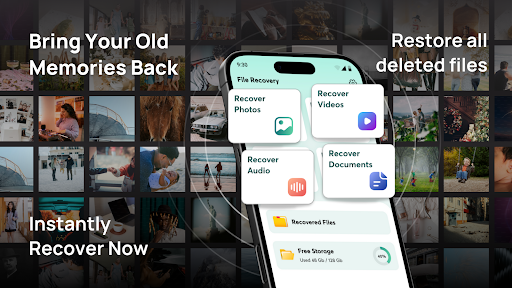
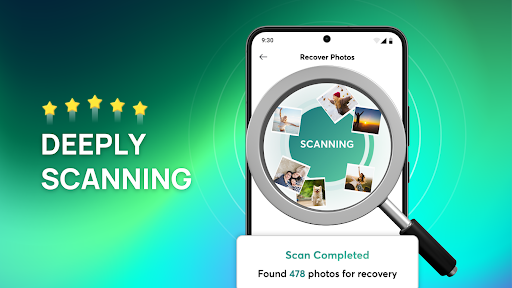
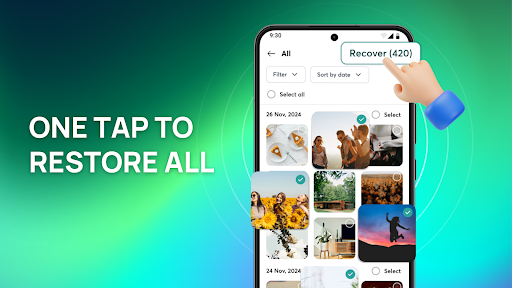
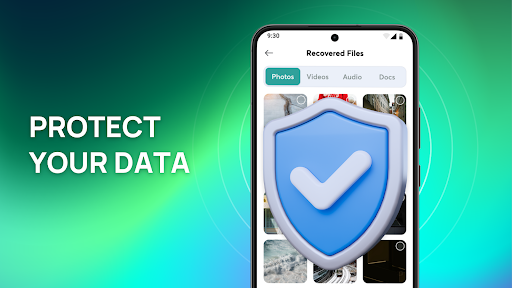
ReCove: Photo - File Recovery focuses on quickly scanning your device to recover deleted photos and other files, then lets you organize recovered items with built-in file management. It emphasizes privacy by working offline so your data never leaves the device.
Verdict
Verdict: A capable, privacy-conscious photo recovery tool that’s easy to use, though recovery success will vary by scenario.
Who is it for
Best for:
- Users who need fast, straightforward photo recovery on-device
- Privacy-focused users who prefer offline scanning
- People who want simple organization of recovered files
Not ideal for:
- Those expecting guaranteed recovery of long-deleted or overwritten files
- Power users needing deep forensic-level recovery features
- Users who require multi-device/cloud backup restoration
Real-world User Experience
Users like it:
The intuitive interface and quick scan process make recovering recently deleted photos simple; offline scanning reassures users about privacy; built-in organization features help keep recovered files tidy. The 4.2 rating suggests generally positive satisfaction.
Users complain about:
As with all recovery apps, success can be inconsistent for files deleted long ago or overwritten; deep scans may take longer and can return duplicates or irrelevant items. Some users may want more advanced recovery options than what’s offered.
Is it Worth Paying For?
The app is free. With no paid requirement indicated, it’s worth trying at no cost, especially for recent deletions. If optional premium features exist, evaluate them only after testing free recovery success on your device.
How it Compares to Alternatives
Compared to tools like DiskDigger or Dumpster, ReCove emphasizes a clean, beginner-friendly flow and offline privacy by default. It may be less feature-dense than advanced suites (e.g., desktop-grade or brand-specific recovery tools) but offers a strong balance of simplicity and effectiveness for on-device photo recovery.
Summary
ReCove delivers a straightforward, privacy-first approach to recovering deleted photos and files. Its quick scans, clear interface, and built-in organization make it approachable for most users, while offline processing keeps sensitive data local. Like all mobile recovery apps, outcomes depend on how recently the files were deleted and whether data has been overwritten, so expectations should be realistic. With a solid rating, over a million downloads, and a free price tag, it’s an easy recommendation to attempt first for on-device photo recovery before turning to more complex or desktop-based solutions.
Ratings
Trending APP












Alternative to this app










