
Copyright 2026 © swekartor. All Rights Reserved.


App Feature
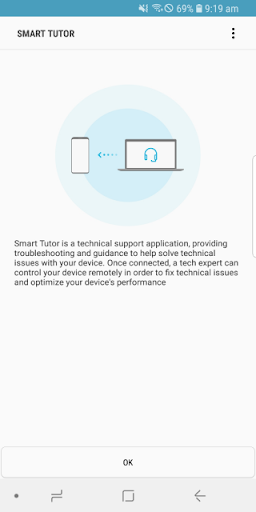
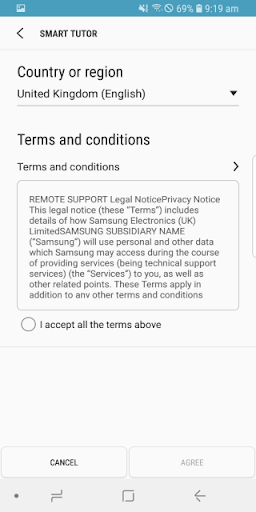
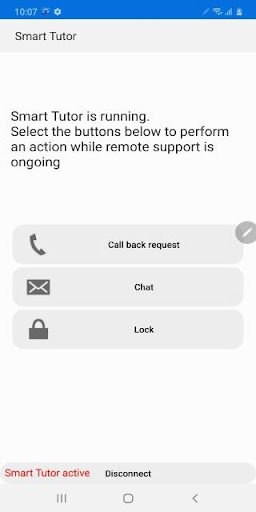
Smart Tutor for SAMSUNG Mobile is a free, official Samsung remote-support tool that securely connects your device to a Samsung technician for real-time screen sharing, guided troubleshooting, configuration help, and device diagnostics, without exposing personal apps or data.
Verdict
Verdict: An excellent, secure remote-support lifeline for Samsung devices, though limited beyond Samsung’s ecosystem and dependent on agent availability.
Who is it for
Best for:
- Samsung phone/tablet owners who want hands-on help setting up or fixing features
- Users uncomfortable troubleshooting alone who prefer guided, real-time support
- People needing quick diagnostics, updates guidance, or configuration fixes
Not ideal for:
- Non-Samsung or older unsupported Android devices
- Users seeking do-it-yourself tools without contacting support
- Those wary of any remote control, even with permissions and safeguards
Real-world User Experience
Users like it:
Fast, effective problem resolution with patient, knowledgeable agents; clear on-screen guidance as techs demonstrate steps; strong privacy controls requiring permissions per screen; useful for complex issues (connectivity, updates, feature quirks) and new-device setup.
Users complain about:
Occasional unresolved issues; language/accent barriers with some overseas support; concerns about leaving the app installed and potential space/security implications; reliance on calling support and having stable network connectivity.
Is it Worth Paying For?
It’s free with no ads or in-app purchases, so there’s nothing to pay—excellent value if you own a Samsung device.
How it Compares to Alternatives
Compared to general remote-support apps like TeamViewer QuickSupport or AnyDesk, Smart Tutor is tightly integrated with Samsung support, enabling agents who know One UI and Samsung services to fix issues faster. However, it’s Samsung-only and requires contacting Samsung support, while third-party tools can be used across brands and without vendor involvement. Carrier or Google support options are broader but typically less device-specific.
Summary
Smart Tutor for SAMSUNG Mobile is a purpose-built, secure remote-assistance app that lets Samsung technicians see and guide your screen in real time to diagnose, configure, and fix issues. Users report quick resolutions, patient walkthroughs, and strong permission-based privacy, making it especially helpful for complex problems and new-device setup. Downsides include occasional language barriers, the need to call support, and limited usefulness outside Samsung devices. For Samsung owners, it’s a high-value, no-cost safety net that turns frustrating troubleshooting into a straightforward, guided process.
Ratings
Trending APP












Alternative to this app










