
Copyright 2026 © swekartor. All Rights Reserved.


App Feature
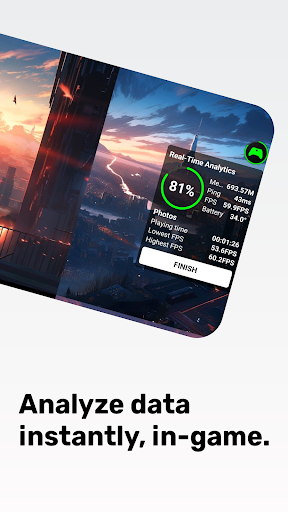
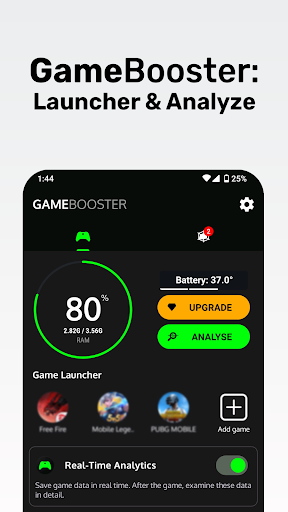
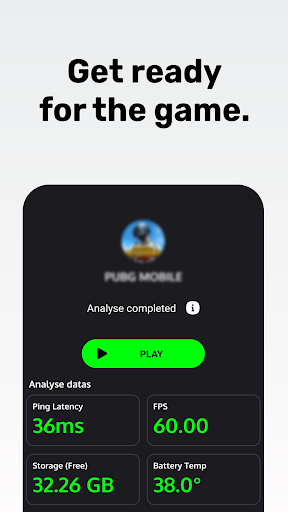
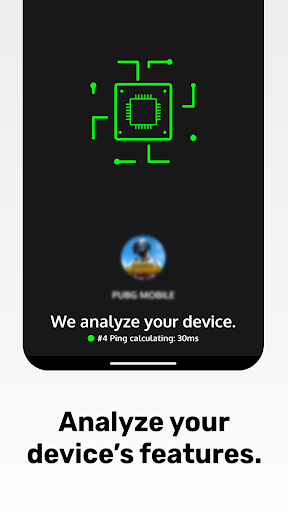
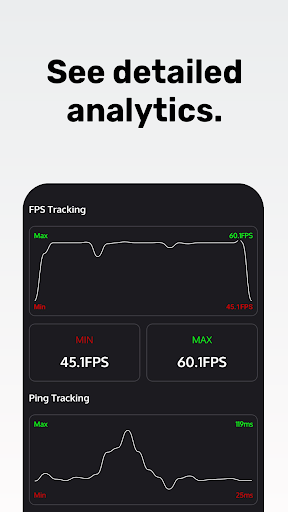
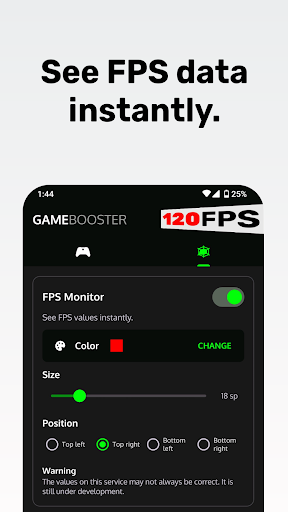
A free game launcher and performance companion that centralizes your games, overlays real‑time FPS and ping, and logs device metrics so you can spot stutter, thermal, and network issues. It adds a "Game Turbo" control panel, basic memory cleanup, and per‑game profiles, but explicitly does not promise true game acceleration.
Verdict
Verdict: A polished game launcher and diagnostics tool that’s great for visualizing FPS/ping and organizing titles, but not a magic bullet for performance on every device.
Who is it for
Best for:
- Players who want real‑time FPS/ping overlays and post‑session analytics
- Mobile gamers on mid/low‑end devices seeking smoother sessions via cleanup and focus modes
- Reviewers/testers who need quick, visual performance instrumentation
Not ideal for:
- Users expecting guaranteed FPS increases on high‑end phones
- Anyone sensitive to overlays that may add slight overhead or occasional lag
- Gamers needing deep GPU/driver‑level tweaks beyond Android permissions
Real-world User Experience
Users like it:
The FPS counter reads in‑game frames (not just display Hz), the ping monitor helps diagnose network spikes, and many report noticeably fewer lags/crashes in titles like Roblox, CoD Mobile, PUBG, and Free Fire. Users appreciate the simple game launcher, alphabetical app organization, and that performance graphs aid analysis.
Users complain about:
The Real‑Time Analytics overlay can introduce lag until closed, FPS readings may be slightly off during heavy drops, and some need to 'boost' before each session or even reboot once to see benefits. Confusion arises around FPS caps (e.g., reverting to 60fps) and expectations of true acceleration.
Is it Worth Paying For?
The app is free with ads and optional IAP. The free tier covers core value (launcher, FPS/ping overlays, basic cleanup). Paying makes sense if you want ad‑free use, persistent/advanced overlays, or expanded per‑game profiles; otherwise most users will be fine staying free.
How it Compares to Alternatives
Compared to generic boosters and GFX tools, this app emphasizes real‑time telemetry (FPS/ping) and an easy launcher over aggressive, device‑specific tweaks. It’s less granular than dedicated GFX/driver tuners but more informative than one‑tap RAM cleaners. Versus OEM tools (e.g., Samsung Game Plugins/Game Launcher, Android’s Game Dashboard), it’s a strong third‑party option if your device lacks built‑in overlays, though OEM integrations often have lower overhead.
Summary
Game Booster: Game Turbo focuses on organizing your games and surfacing useful, real‑time performance data—FPS, ping, and device metrics—so you can quickly identify why a session stutters or lags. While many users report smoother gameplay and fewer crashes after using its launcher and cleanup tools, the developer is clear it doesn’t truly ‘accelerate’ games at a system level. Expect a clean UI, reliable overlays, and practical analytics with the caveat that the Real‑Time Analytics panel can add overhead on some devices and FPS readings may fluctuate during drops. For most players, the free version is already valuable; consider upgrading only if you want an ad‑free experience and more profile controls. If you need deep GPU/graphics tweaking, pair it with a specialized GFX tool or your phone’s OEM game suite.
Ratings
Trending APP












Alternative to this app










