
Copyright 2026 © swekartor. All Rights Reserved.



App Feature
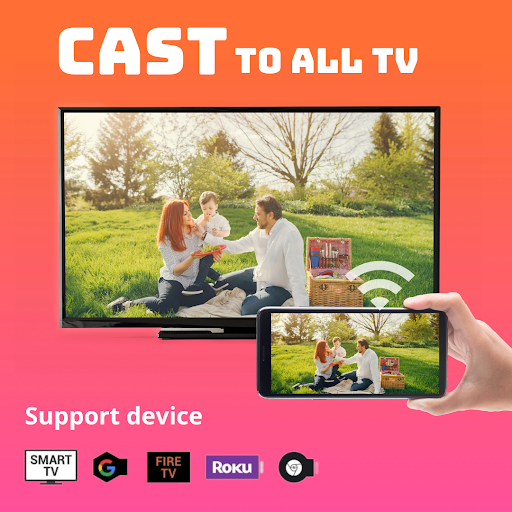
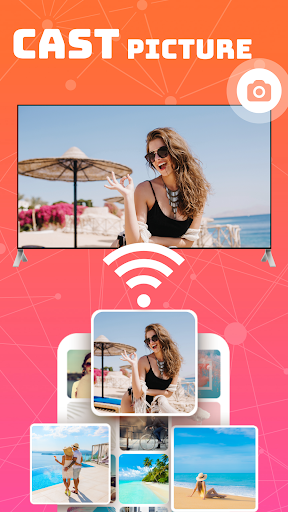
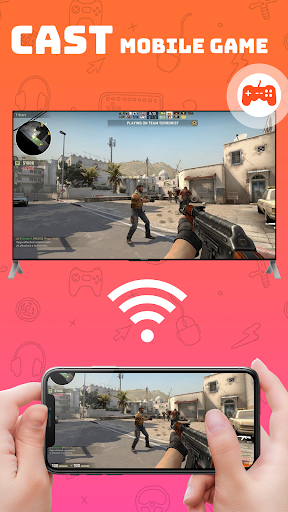
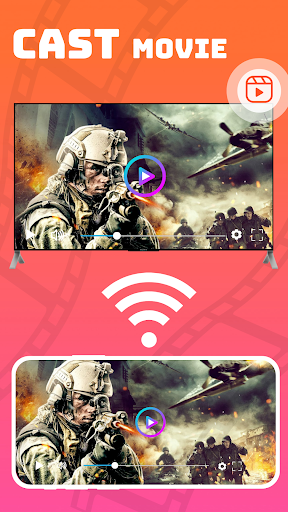
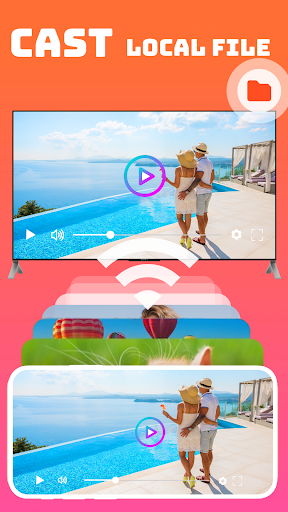
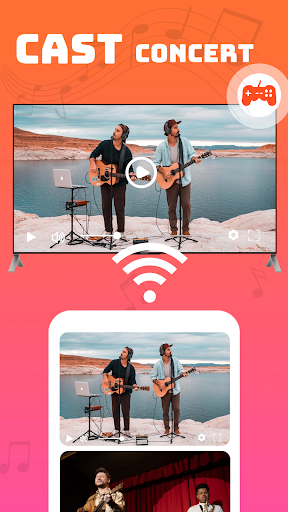
Smart TV Cast: Screen Share mirrors your Android screen to TVs and streaming devices over Wi‑Fi, enabling quick casting of videos, photos, games, and presentations with real‑time sharing and broad device compatibility (Chromecast, Roku, Fire TV, Xbox, DLNA, and many smart TVs).
Verdict
Verdict: A capable, easy-to-use screen mirroring app with broad device support, best if you want a simple, wireless way to get your phone on the big screen.
Who is it for
Best for:
- Users who want one app to cast to multiple TV brands and streaming sticks
- People prioritizing quick, wireless mirroring for media and presentations
- Households with mixed devices (Chromecast/Roku/Fire TV/DLNA)
Not ideal for:
- Users needing ultra-low-latency gaming or pro-grade casting stability
- Those with TVs that lack wireless display support or mismatched Wi‑Fi networks
- Anyone who prefers vendor-specific integrations (e.g., native Chromecast-only workflows)
Real-world User Experience
Users like it:
Straightforward setup, fast pairing on the same Wi‑Fi, and reliable mirroring for photos, videos, and casual apps; appreciates compatibility across many TVs and receivers.
Users complain about:
Occasional lag or quality drops on weak networks; potential compatibility hiccups across certain TV models; real-time gaming responsiveness may be limited compared to wired or native casting.
Is it Worth Paying For?
The app is free. With no paid plan noted, it offers solid value at no cost—good to try before considering any premium alternatives.
How it Compares to Alternatives
Compared with Google Home (excellent for Chromecast/Google TV) and Roku/Fire TV official apps (polished but device-specific), this app’s edge is multi-platform support in one place. Versus Miracast-only tools, it’s more flexible, though vendor apps can be slightly more stable on their own ecosystems.
Summary
Smart TV Cast: Screen Share aims to make mirroring your Android screen to the living room effortless. It connects over Wi‑Fi, mirrors in real time, and supports a wide range of devices from Chromecast and Roku to many smart TVs and DLNA receivers. Expect easy setup and smooth playback for photos, videos, and casual apps; performance depends on your network quality and specific TV compatibility. If you want a free, all-in-one mirroring tool—especially for households with mixed hardware—this is a practical pick. Power users who need ultra-low latency or deep ecosystem features may prefer vendor-native options.
Ratings
Trending APP












Alternative to this app










