
Copyright 2026 © swekartor. All Rights Reserved.



App Feature
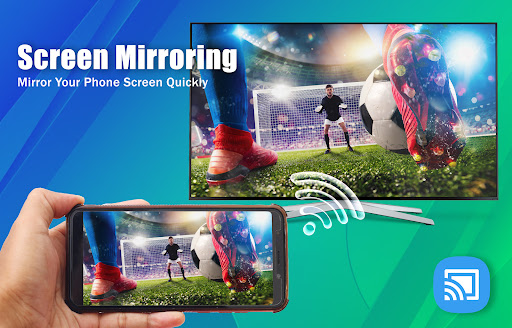
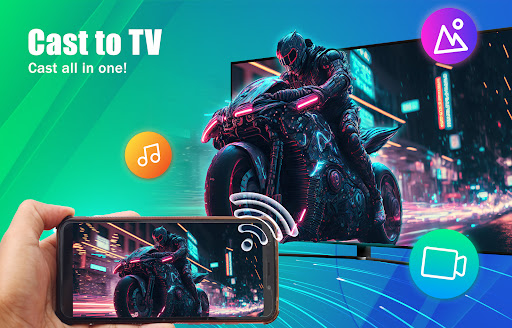
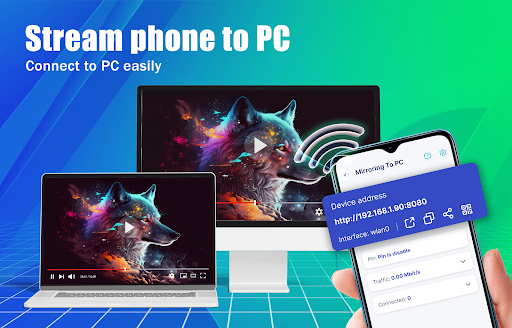
Screen Mirror: Cast to TV mirrors your Android phone or tablet to a TV or PC over the same Wi‑Fi, letting you cast videos, photos, audio, files, and even browse the web on a bigger screen with high‑quality, wireless streaming.
Verdict
Verdict: A reliable, easy screen mirroring app for everyday casting, though heavy sessions may strain your phone.
Who is it for
Best for:
- Users who want a simple, fast way to mirror to smart TVs
- People streaming videos, photos, or presentations without cables
- Anyone needing TV/PC casting with minimal setup
Not ideal for:
- Power users who require advanced controls or pro-level features
- Those sensitive to phone heat or battery drain during long mirroring
- Users wanting a no-ads experience
Real-world User Experience
Users like it:
Consistently works for mirror casting where similar apps fail; quick setup and solid picture quality make it dependable for movies and photos.
Users complain about:
Extended casting can heat up the phone and may require breaks; presence of ads (typical for free tools).
Is it Worth Paying For?
The app is free with ads and no in‑app purchases; for most users it delivers strong value at no cost, though ad‑averse users may prefer a paid, ad‑free alternative.
How it Compares to Alternatives
Compared to built‑in options (Google Home for Chromecast/Google TV or native Miracast on some TVs), this app prioritizes simplicity and broad device support in one place. It’s less feature‑rich than premium tools like ApowerMirror or AirServer (which offer USB modes, annotations, or latency controls), but is more straightforward than many ad-heavy casting apps that struggle with reliability. If your TV already supports Chromecast or Miracast well, native casting may be smoother; otherwise this app is a strong, accessible option.
Summary
Screen Mirror: Cast to TV focuses on effortless, high‑quality mirroring from Android to TVs and PCs. It supports a wide range of media (video, photos, audio, files, and web) and emphasizes quick, wireless setup on the same Wi‑Fi network. Reviews highlight reliable performance versus many competitors, with the main caveat being potential phone heat during longer sessions and the presence of ads. For everyday streaming and sharing without cables, it’s a capable, user‑friendly pick that delivers solid value for a free tool.
Ratings
Trending APP












Alternative to this app










