
Copyright 2026 © swekartor. All Rights Reserved.


App Feature
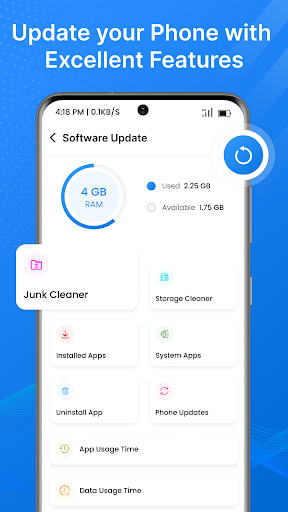
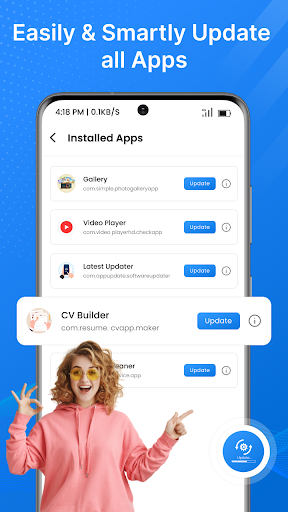
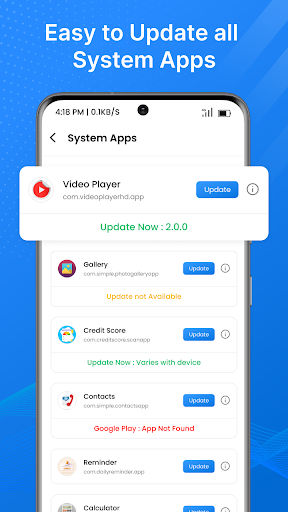
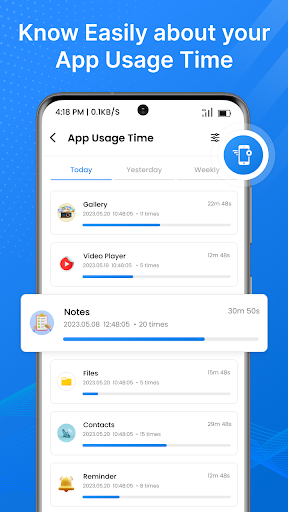
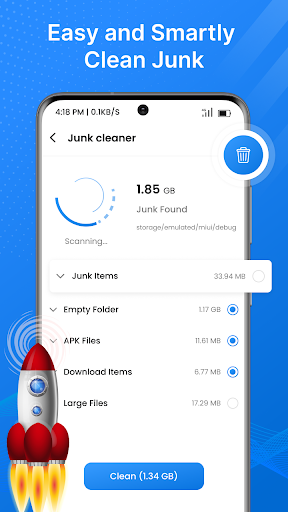
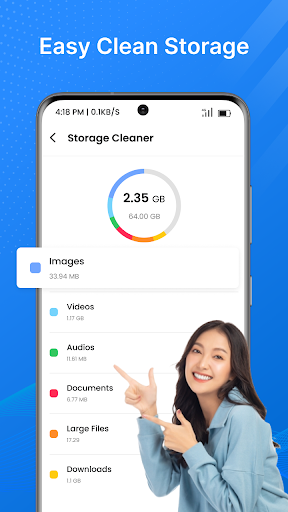
A free utility that scans your phone for outdated apps, surfaces changelogs, notifies you about available updates, and helps check for device firmware/system updates—all from a single, simple dashboard.
Verdict
Verdict: A handy updater hub for casual users, but limited by Android’s update rules and frequent ads.
Who is it for
Best for:
- Users who want a single place to see pending app and firmware updates
- People who appreciate simple, guided update prompts and summaries
- Privacy-conscious users who prefer not to dig through multiple menus
Not ideal for:
- Power users expecting true automatic, silent app updates
- Anyone who dislikes frequent ads or promotional prompts
- Users who already rely on Google Play’s built-in update flow
Real-world User Experience
Users like it:
Clean, easy-to-navigate interface; quick scans that clearly list outdated apps; helpful update details and history; convenient reminders that reduce manual checking.
Users complain about:
Contains ads that can feel intrusive; cannot truly auto-update apps due to Play Store restrictions; firmware checks may be inconsistent across devices; occasional mismatches between listed updates and what the Play Store shows.
Is it Worth Paying For?
The app is free and offers no in‑app purchases, so there’s nothing to buy. Value depends on your tolerance for ads—if you’re fine with occasional interruptions, it’s a useful, no-cost helper.
How it Compares to Alternatives
Compared to relying solely on Google Play’s update tab, this app centralizes updates with clearer summaries and firmware checks, but it can’t surpass Play Store’s actual updating capabilities. Alternatives like generic “Update Software” tools offer similar scans and notifications; differentiation here is a friendlier UI and consolidated app/firmware view, offset by ads and the same system limitations.
Summary
Software Update - App Updates provides a straightforward way to monitor outdated apps and check for firmware updates in one place. Its clear layout, update histories, and notifications make staying current easier, especially if you don’t habitually check the Play Store. However, like all third-party updaters, it cannot install updates silently and is dependent on the Play Store for the final step. Expect ads and occasional discrepancies in what’s listed versus available. If you want a simple dashboard for updates and can live with ads, it’s a practical, lightweight companion to the Play Store.
Ratings
Trending APP












Alternative to this app










