
Copyright 2026 © swekartor. All Rights Reserved.


App Feature
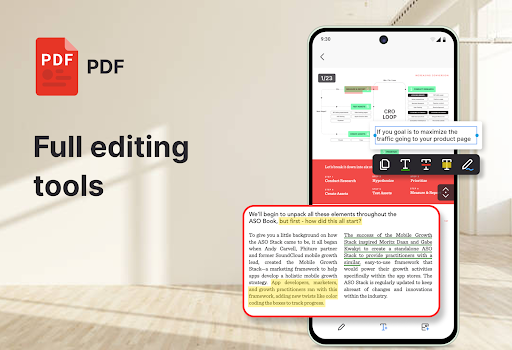
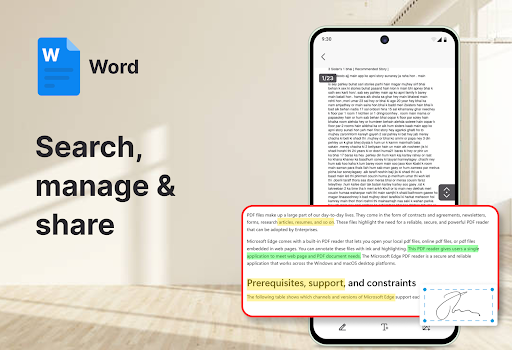
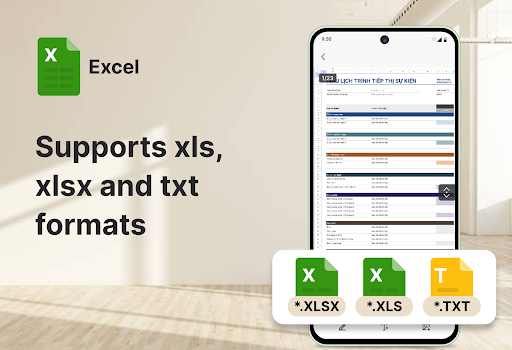
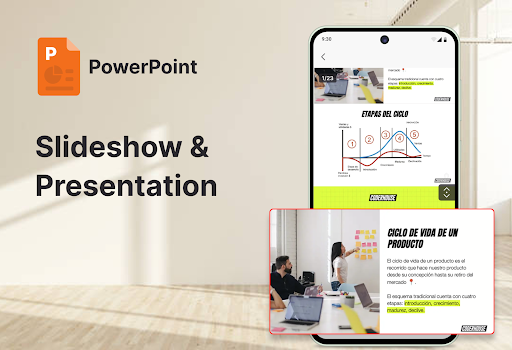
All Document Reader: Word, PDF is an all-in-one document viewer that opens and manages common office formats—PDF, Word (DOC/DOCX), Excel (XLS/XLSX/CSV), and PowerPoint (PPT/PPTX). It focuses on quick viewing, smooth scrolling, basic PDF markup (highlighting, notes, free drawing), full-screen/night modes, printing/sharing, and simple organization with search.
Verdict
Verdict: A clean, lightweight multi-format viewer that’s great for reading and organizing, but not a full editor for complex office work.
Who is it for
Best for:
- Students and professionals who need a fast, unified reader for PDFs, Word, Excel, and PPT
- Users who value a simple UI with search and basic PDF annotations
Not ideal for:
- People who need full document creation/editing for Word/Excel/PowerPoint
- Anyone who dislikes ads or needs advanced PDF tools like form filling and OCR workflows beyond basics
Real-world User Experience
Users like it:
Overall 4.3 rating suggests smooth, reliable file opening across formats, a straightforward interface, and convenient features like search, night mode, and basic PDF annotations.
Users complain about:
Contains ads and IAPs; some users may encounter limitations with advanced editing or complex document features, and occasional slowdowns with large or media-heavy files.
Is it Worth Paying For?
The app is free with ads and offers in-app purchases. Paying is likely worthwhile if you want to remove ads and rely on PDF annotation/printing/sharing frequently. If you only need occasional viewing, the free tier should suffice.
How it Compares to Alternatives
Compared to Adobe Acrobat, it’s lighter and covers more file types, but Acrobat remains stronger for advanced PDF workflows. Versus Microsoft Office, it’s faster to open files and doesn’t push account sign-in, but lacks robust editing. Against WPS Office, it’s simpler with fewer suite features and potentially fewer upsells. Google Drive/Docs viewers excel for cloud collaboration, while this app is better as a local, all-format reader.
Summary
All Document Reader: Word, PDF consolidates everyday document viewing into one tidy app, handling PDFs, Word, Excel, and PowerPoint with quick rendering, search, simple organization, and helpful reading modes. Its PDF markup tools are handy for light annotation, but it doesn’t replace full office editors. With a strong user rating, it’s a practical choice for students and professionals who primarily read rather than author documents. Ads and optional IAPs are the main trade-offs; if you need an ad-free experience or rely on annotations often, the upgrade can be worthwhile. For an efficient, no-frills, multi-format reader on mobile, it’s an easy recommendation.
Ratings
Trending APP












Alternative to this app










