
Copyright 2026 © swekartor. All Rights Reserved.



App Feature
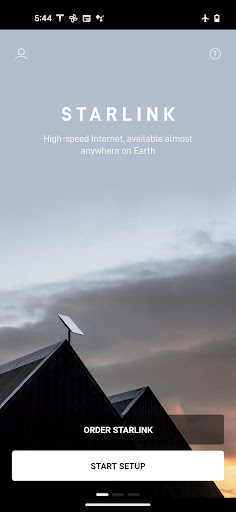
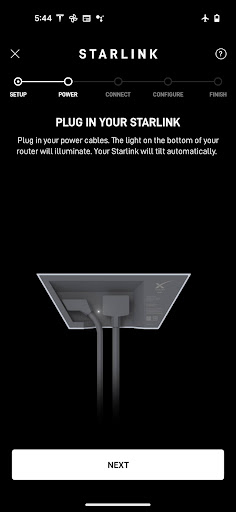
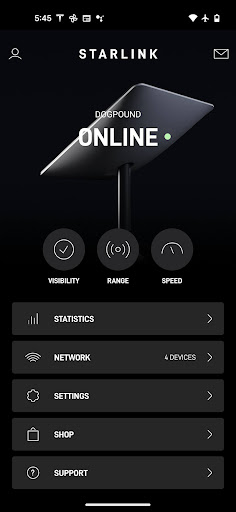
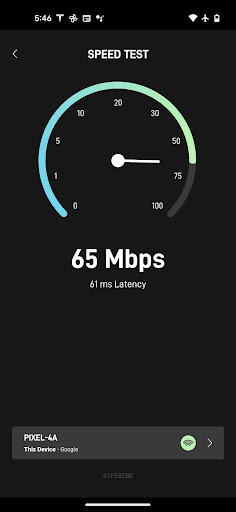
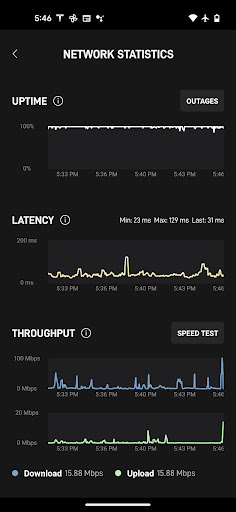
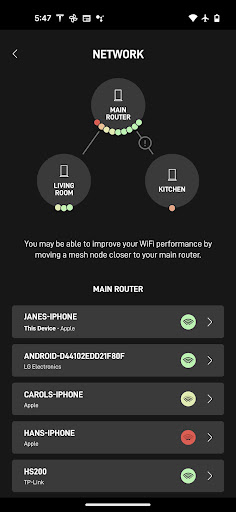
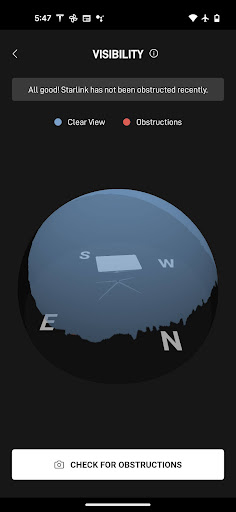
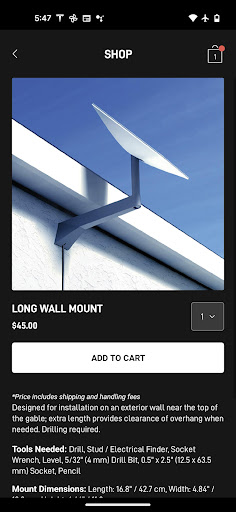
Starlink is the official companion app for setting up, monitoring, and troubleshooting Starlink satellite internet. It helps locate the best install spot, run obstruction checks via your phone’s camera, set up hardware, view real-time connectivity statistics and connected devices, receive outage alerts, and contact support.
Verdict
Verdict: An essential, well-built companion for Starlink customers that simplifies setup and delivers clear, actionable network insights.
Who is it for
Best for:
- Starlink subscribers needing quick setup, visibility, and basic network controls
- Rural/remote users who depend on stable broadband and want self-serve diagnostics
- Households managing multiple devices with interest in live performance stats
Not ideal for:
- Non-Starlink users (the app is service-specific)
- Power users expecting deep router customization or enterprise-grade controls
- People who require live phone support within the app experience
Real-world User Experience
Users like it:
Consistently praised for straightforward setup, reliable performance monitoring, and clear visibility into speeds, latency, and device connections. Many users in rural areas report transformative service quality (200–300 Mbps down, ~20–40 Mbps up) with solid multi-device streaming and gaming. Obstruction checking and post-setup visibility tools are helpful, and recent support interactions (e.g., RMA/replacement) can be quick and effective.
Users complain about:
Occasional app or policy changes can limit statistics when using third‑party routers (though sometimes quickly fixed). Some users struggle to reach live phone support and want clearer guidance pre-setup. A few report intermittent slowdowns or weather-related variability, and obstruction scans can require fine‑tuning and patience for accurate placement.
Is it Worth Paying For?
The app is free with no ads or IAP. You pay for the Starlink service and hardware; based on reviews, most users find the monthly cost (often ~$120–$140) justified by speed and reliability in areas lacking fiber or quality cable/DSL.
How it Compares to Alternatives
Compared with other ISP apps (e.g., cable or mobile home internet), Starlink’s app is focused, clean, and purpose-built for satellite setup and diagnostics, with a standout obstruction/visibility workflow. Versus legacy satellite providers (HughesNet/Viasat), users report far better speeds and latency; against fiber, fiber still wins on stability/latency where available. Compared to T‑Mobile/Verizon home internet apps, Starlink’s installation guidance and satellite-specific metrics are more specialized, while advanced router controls may be more limited than some third‑party solutions.
Summary
Starlink’s official app delivers exactly what subscribers need: quick installation, obstruction and placement guidance, real-time network stats, device visibility, alerts, and streamlined support access. Reviews highlight dramatic improvements for rural users, strong multi-device performance, and a generally smooth setup experience. While occasional hiccups occur—especially when mixing third‑party routers or seeking live phone support—the app’s clarity and utility earn high marks. If you rely on Starlink, this app is a must-have companion that makes managing your connection simple and effective, particularly where traditional broadband falls short.
Ratings
Trending APP












Alternative to this app










