
Copyright 2026 © swekartor. All Rights Reserved.


App Feature
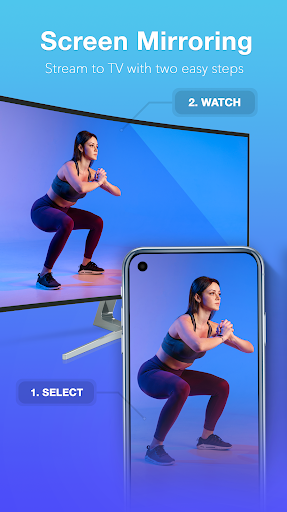
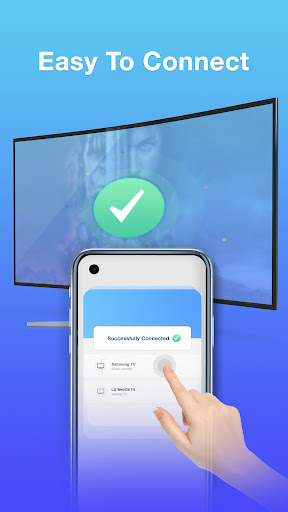
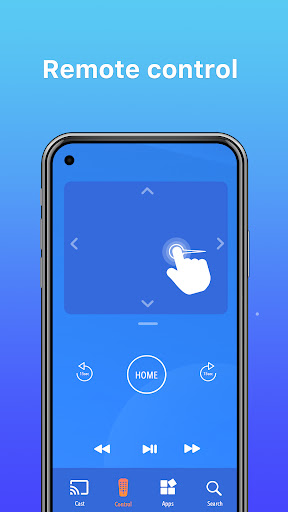
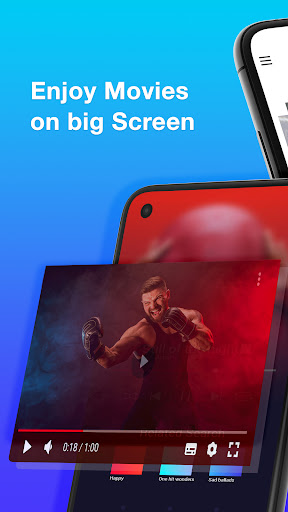
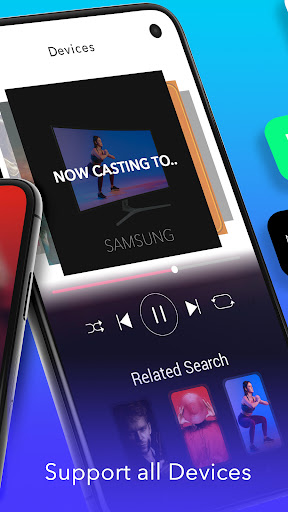
Screen Mirroring - TV Miracast mirrors your Android phone or tablet to Smart TVs and streaming devices (Chromecast, Fire TV, Roku, LG, Samsung, Sony, etc.). It offers quick setup, high‑quality video/audio casting, integrated shortcuts (YouTube, photos, videos, browser, audio, Google Drive), optional remote‑style controls, and support for media formats (videos, photos, audio, PDFs) and gaming—provided the phone and TV share the same Wi‑Fi and VPN is off.
Verdict
Verdict: A reliable, easy screen‑mirroring app for everyday casting, though compatibility and stability will vary by network and device.
Who is it for
Best for:
- Users who want fast, no‑frills phone‑to‑TV mirroring for videos, photos, and casual gaming
- Households with mixed TV ecosystems (Chromecast, Roku, Smart TVs) needing broad compatibility
- Presenters or travelers who need ad‑hoc casting without extra hardware setup
Not ideal for:
- Users who require guaranteed zero‑lag, pro‑grade latency for competitive gaming
- Anyone on restricted networks or using a VPN, or with older/non‑supported TVs
- Users who dislike ads or prefer fully native, brand‑specific casting apps
Real-world User Experience
Users like it:
Smooth setup and dependable mirroring across popular TVs and dongles; works well with Chromecast and ScreenBeam; minimal lag for videos and casual use; full‑screen portrait/landscape mirroring across apps (e.g., Netflix, YouTube, Chrome); comparatively fewer, less intrusive ads; enables large‑screen gaming and simple casting from built‑in shortcuts.
Users complain about:
Occasional disconnections for some setups; outcomes vary by TV model/network; general frustrations with cross‑brand casting ecosystems; ad presence (especially on launch), and potential issues if VPN is enabled or devices aren’t on the same Wi‑Fi.
Is it Worth Paying For?
The app is free with ads and offers in‑app purchases. For most users, the free tier is sufficient. If a paid option removes ads or unlocks reliability perks, it can be worth it for frequent casters who value a cleaner experience; otherwise, try free first.
How it Compares to Alternatives
Compared with native options (Google Home/Chromecast built‑in, Samsung Smart View, LG Screen Share, Roku app), this app’s advantage is one interface that targets many brands and formats, plus handy shortcuts and a web browser. Native apps can be more stable on their own ecosystems but are less flexible across devices. Versus other third‑party mirroring apps, users report simpler setup, better stability, and fewer ads, though—as with all Miracast/casting tools—results depend heavily on network quality and device support.
Summary
Screen Mirroring - TV Miracast is a broadly compatible, easy‑to‑use casting tool that brings phone content—videos, photos, apps, and casual games—to the TV with minimal friction. Users praise its straightforward setup, solid performance with devices like Chromecast and Smart TVs, and practical extras such as integrated media shortcuts and remote‑style controls. While ads exist and some users encounter disconnects or variability by network/TV model (especially if a VPN is active or Wi‑Fi differs), the overall experience is positive for everyday streaming and big‑screen sharing. If you need a universal mirroring solution without committing to one brand’s ecosystem, this is a strong, free starting point with optional upgrades.
Ratings
Trending APP












Alternative to this app










