
Copyright 2026 © swekartor. All Rights Reserved.


App Feature
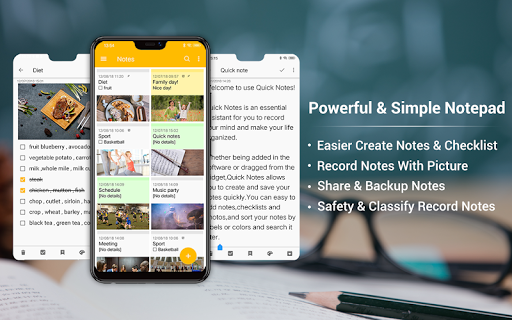
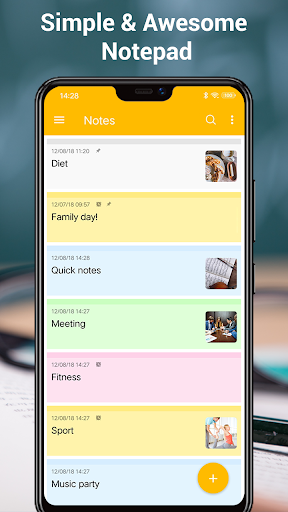
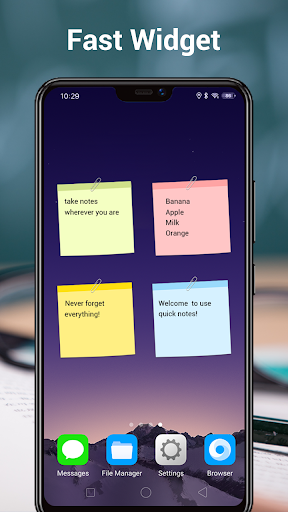
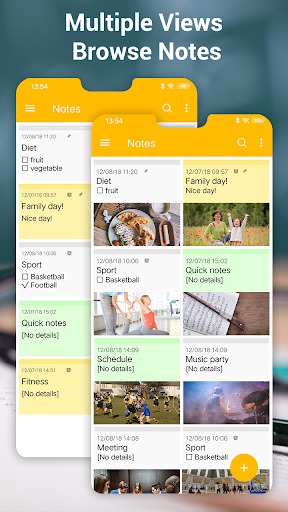
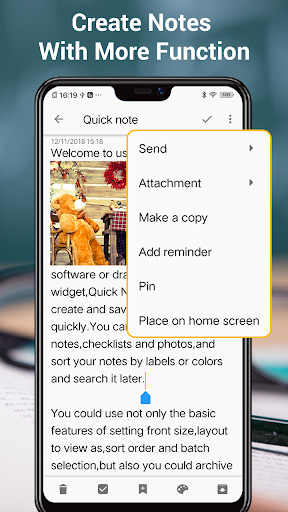
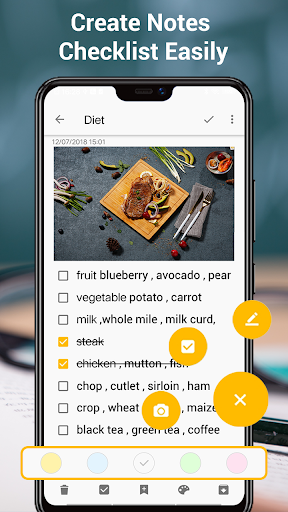
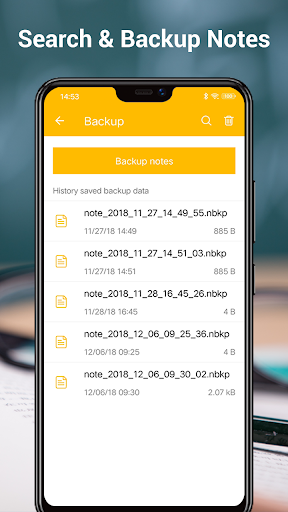
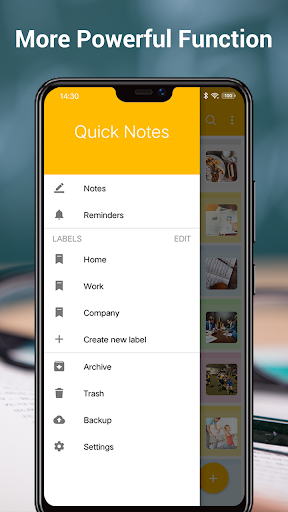
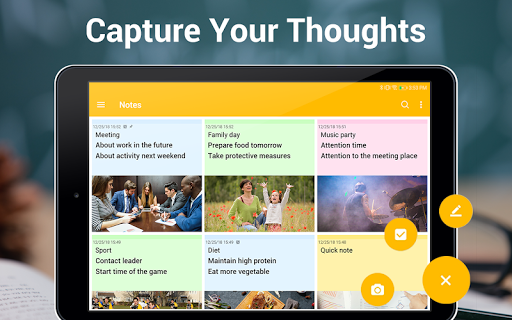
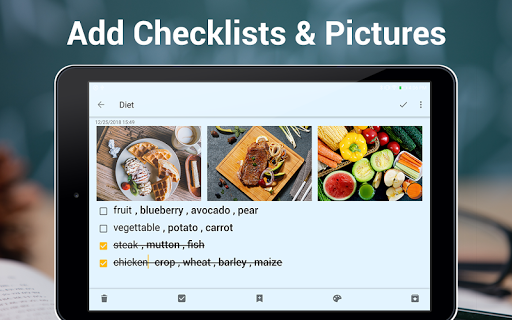
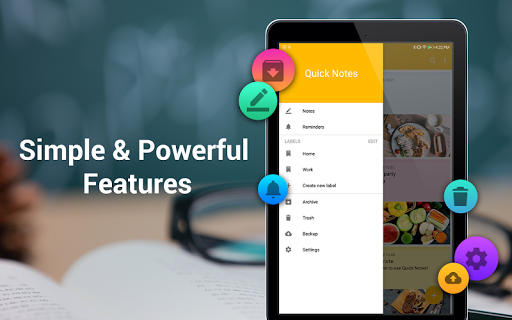
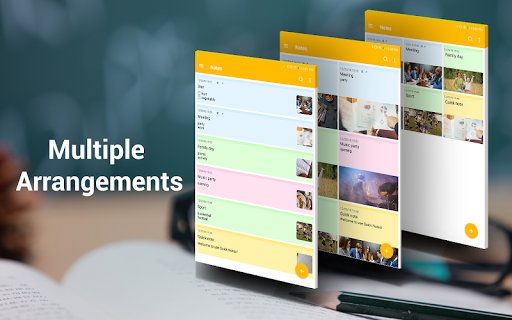
A lightweight, colorful notepad for quickly creating notes, checklists, and reminders. It supports folders for organization, sticky note widgets, font-size tweaks, color backgrounds, auto-save, sharing, local backup/import, and syncing—most notably via Google Tasks—for cross-device access.
Verdict
Verdict: A fast, no-frills notes and checklist app with handy widgets and Google Tasks sync, best for simple organization over power-user features.
Who is it for
Best for:
- Users who want quick notes, checklists, and reminders with a home-screen widget
- People who prefer simple organization via folders and colors over complex formatting
- Anyone who benefits from basic cloud sync through Google Tasks
Not ideal for:
- Power users needing rich text, deep collaboration, or advanced search/OCR
- Those who rely on heavy multimedia notes or complex formatting/markdown workflows
- Users who want enterprise-grade organization and cross-platform desktop apps
Real-world User Experience
Users like it:
Clean, simple interface that’s easy to use; reliable widgets; straightforward checklists and reminders; color-coded organization; long-term stability (users report using it for years); quick capture without markdown overhead.
Users complain about:
Occasional editor quirks like cursor jumping to top/bottom when editing and pasting; a previous checkbox bug (noted as fixed by a user); ads present in the free version.
Is it Worth Paying For?
The core app is free with ads and optional IAP. For most users, the free tier covers everyday note-taking well. Paying (likely for ad removal or extra features) is worthwhile if you use it daily and want an uninterrupted experience or additional convenience, but it’s not mandatory to access the essentials.
How it Compares to Alternatives
Compared to Google Keep, Notes offers folder-based organization and a traditional notepad feel, while Keep excels at collaboration, OCR, and web/desktop access. Versus Evernote or OneNote, Notes is far lighter and faster but lacks advanced formatting, document scanning, and deep cross-platform tooling. Against Simplenote or other markdown-first apps, Notes favors plain text and checklists over markdown power, which many casual users find simpler.
Summary
Notes focuses on speed and simplicity: take notes, make checklists, set reminders, color-code, and organize into folders, all with a handy home-screen widget and Google Tasks sync. Its clean design and auto-save make everyday capture effortless, and long-time users praise its reliability. While it doesn’t compete with heavyweights on advanced features, collaboration, or rich formatting, it nails the basics for millions of users. If you want a light, no-nonsense note app with widgets and simple sync, this is an excellent choice; if you need complex workflows or desktop-grade tools, look to more robust alternatives.
Ratings
Trending APP












Alternative to this app










