
Copyright 2026 © swekartor. All Rights Reserved.


App Feature
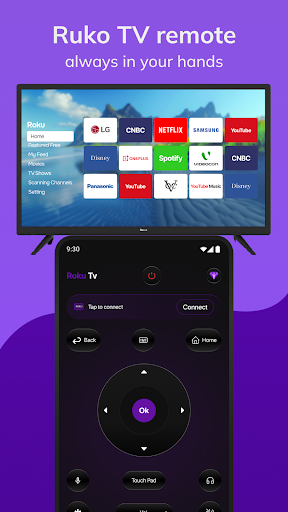
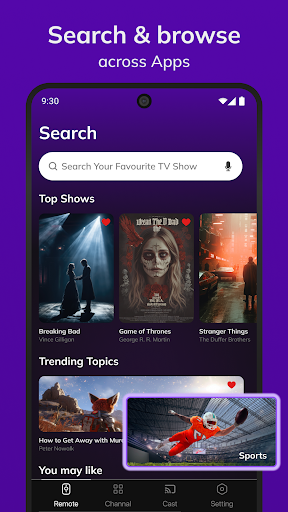
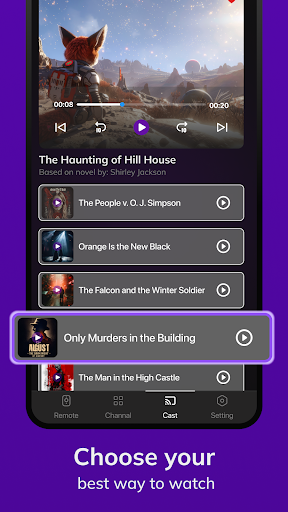
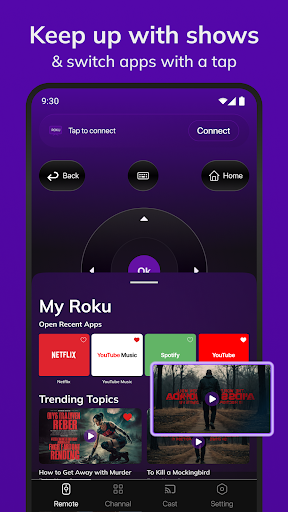
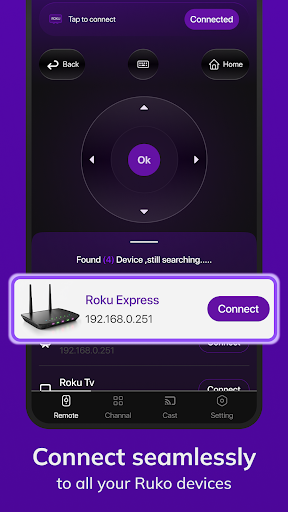
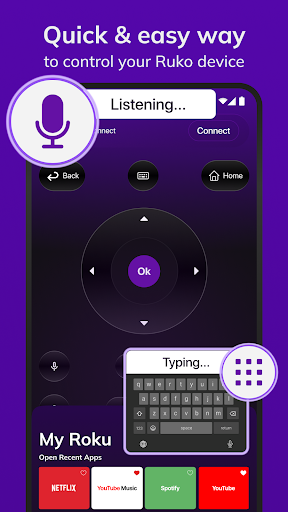
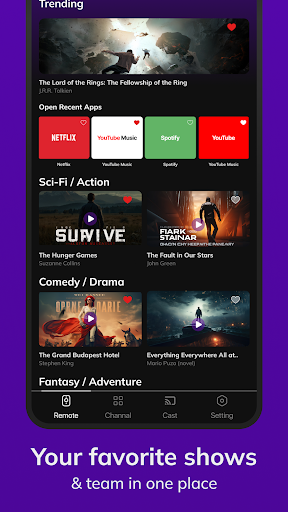
Roku Tv Remote Control turns your Android device into a universal remote for Roku TVs and streaming players. It offers simple navigation (D‑pad, playback, home/back, volume), voice and keyboard input for faster searches, auto-discovery/pairing over the same Wi‑Fi, optional IR control (if your phone supports it), and quick access to channels with favorites and store browsing/install.
Verdict
A handy Roku remote replacement with useful extras, but frequent ads and occasional connectivity hiccups hold it back.
Who is it for
Best for:
- Roku TV/streaming device owners who misplace remotes and want quick Wi‑Fi pairing
- Users who value on‑phone voice/keyboard input and channel shortcuts
Not ideal for:
- Anyone wanting an ad‑free, official experience with minimal upsells
- Homes with complex networks or older TVs where Wi‑Fi/IR compatibility is inconsistent
Real-world User Experience
Users like it:
Fast setup on the same Wi‑Fi, responsive basic controls, convenient keyboard/voice search, and the ability to jump into channels without the physical remote.
Users complain about:
Ads and premium prompts can feel intrusive; some users report intermittent pairing or lag, power-on limitations over Wi‑Fi, and spotty IR support depending on the phone/TV model.
Is it Worth Paying For?
The free tier covers core remote functions but includes ads. Paying to remove ads may be worthwhile if you use it daily and value uninterrupted control, though budget-minded users can stick with free. Compare the paid value against the official Roku app, which is ad-free and free.
How it Compares to Alternatives
Compared to Roku’s official mobile app, this offers similar core controls plus touted IR support and channel store browsing within one place, but it’s hampered by ads and more variable reliability. Versus other third‑party remotes, it’s feature-rich (voice, keyboard, favorites) yet shares the common downsides of aggressive monetization and mixed device compatibility.
Summary
Roku Tv Remote Control is a capable stand‑in for a lost or inconvenient physical Roku remote, bundling straightforward navigation with voice, keyboard input, and channel favorites. Auto-discovery makes pairing simple, and IR support can help on phones with blasters. However, ads and upsells interrupt the flow, and some users encounter pairing delays or model‑specific quirks—especially for power control over Wi‑Fi. If you can tolerate ads, the free version gets the job done; otherwise, consider paying to remove ads or trying the official Roku app for a cleaner, more consistent experience.
Ratings
Trending APP












Alternative to this app










