
Copyright 2026 © swekartor. All Rights Reserved.



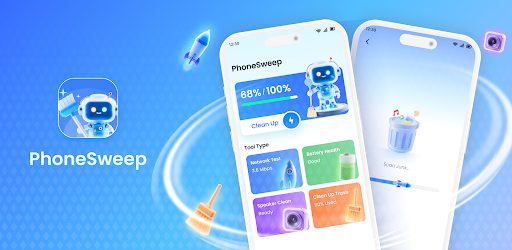
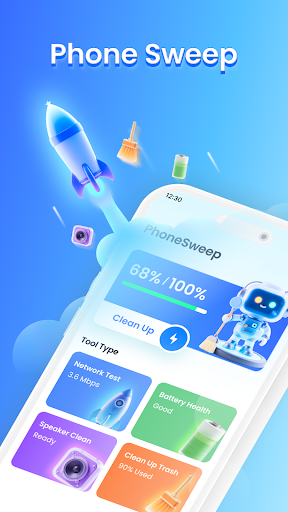
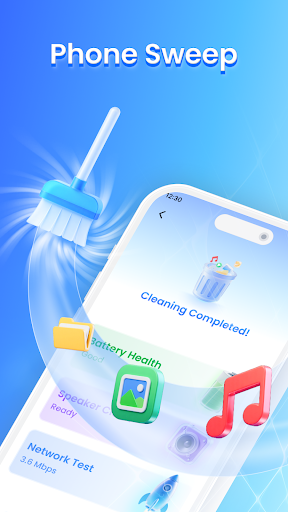
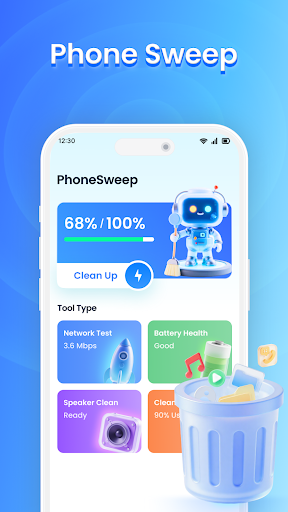
App Feature
PhoneSweep - Cleanup Tool targets storage clutter and performance slowdowns by scanning for junk files, caches, and residual data, while offering simple tools to optimize memory and manage background processes through an easy, beginner-friendly interface.
Verdict
Verdict: A capable, easy-to-use cleaner for freeing space and smoothing performance, though results and polish are mid‑tier.
Who is it for
Best for:
- Users needing quick storage cleanup without technical steps
- Budget‑conscious users who want a free, lightweight optimizer
- Older or lower‑end phones that benefit from basic memory boosts
Not ideal for:
- Power users wanting deep system tools and granular automation
- Anyone expecting dramatic, lasting speed gains from cleaners
- Privacy‑focused users wary of broad device access and cleaners in general
Real-world User Experience
Users like it:
Straightforward interface and clear categories make it easy to identify junk and reclaim space; lightweight tools can reduce clutter and momentarily improve responsiveness, aligning with its 3.8 rating and 100K+ installs.
Users complain about:
Effectiveness varies by device—some see modest gains only; performance boosts may be temporary; typical cleaner caveats such as potential notification interruption when killing background apps and skepticism about long‑term impact.
Is it Worth Paying For?
The app is free and no in‑app purchases are indicated, so it’s worth trying at no cost if you need a basic cleanup and memory boost.
How it Compares to Alternatives
Compared with Files by Google, PhoneSweep adds simple performance optimizations but lacks Google's trusted design and smart suggestions. Versus CCleaner, it’s simpler but offers fewer diagnostics and scheduling options. Against SD Maid, it’s more beginner‑friendly but less powerful for deep residual cleanup and automation. Overall, it prioritizes ease over depth.
Summary
PhoneSweep - Cleanup Tool delivers a straightforward way to clear junk files and apply basic performance tweaks through an accessible interface. Its strengths are simplicity and quick storage wins, making it a reasonable pick for casual users or older devices. However, like many cleaners, improvements can be modest and short‑lived, and it doesn’t match the depth of premium or expert‑oriented alternatives. With a solid-but-not-stellar rating and broad install base, it’s a practical, no‑cost option to try before moving to more advanced tools.
Ratings
Trending APP












Alternative to this app










