
Copyright 2026 © swekartor. All Rights Reserved.



App Feature
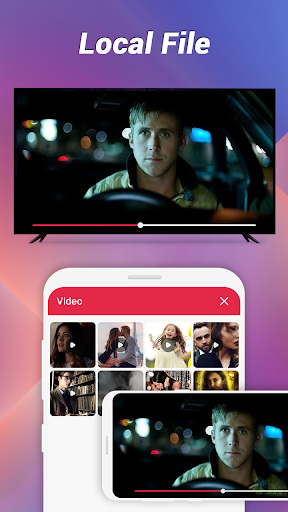
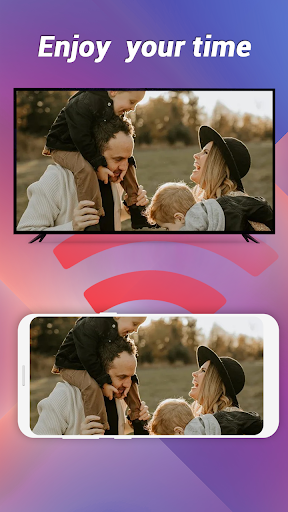
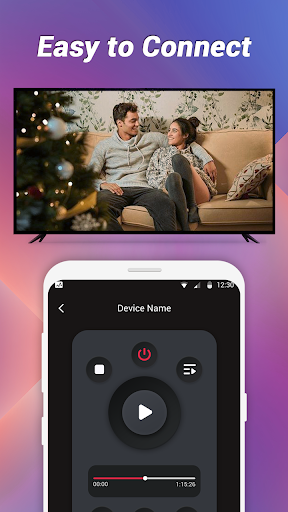
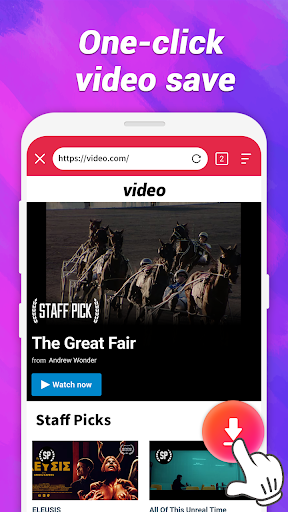
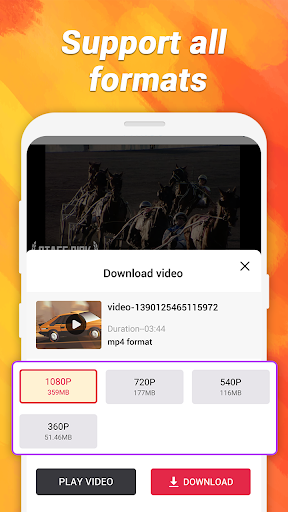
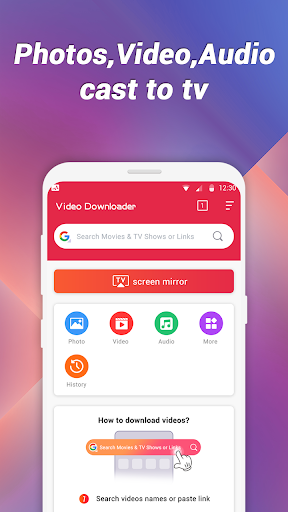
Screen Mirroring & Download HD offers quick phone-to-TV screen mirroring and built‑in high‑definition video downloads, wrapped in a simple, beginner‑friendly interface.
Verdict
Verdict: A capable all‑in‑one mirroring and downloader for casual use, but reliability and polish may fall short for demanding users.
Who is it for
Best for:
- Users who want a simple way to mirror photos, videos, or presentations to a TV
- Casual users who occasionally download videos for offline viewing
- People who prefer straightforward interfaces over complex setups
Not ideal for:
- Power users who need rock‑solid casting with advanced protocol support
- Anyone expecting universal compatibility across all TVs, sticks, and apps
- Users who dislike ads or potential connection hiccups
Real-world User Experience
Users like it:
The straightforward setup, quick mirroring flow, and clean UI that makes finding mirroring and download options easy.
Users complain about:
Mixed reliability (occasional connection or compatibility issues), ad interruptions, and inconsistent download success depending on the source.
Is it Worth Paying For?
The app is free (no paid plan noted). With no upfront cost, it’s reasonable to try, keeping in mind potential ads and mixed performance.
How it Compares to Alternatives
Compared to dedicated casting tools like Google Home/Chromecast, AirScreen, or ApowerMirror, this app trades some stability and advanced features for simplicity and an integrated downloader. Versus pure downloaders, it offers mirroring too, but downloads may be limited by site policies and device constraints. Overall, it’s a convenient bundle, while specialized apps often provide better protocol support, latency, and reliability.
Summary
Screen Mirroring & Download HD aims to simplify two common tasks—casting your phone’s screen and saving videos for offline use—inside a single, easy interface. It’s best for casual users who want a quick, mostly hassle‑free way to show content on a larger display and occasionally download videos. The 3.4 rating suggests a mixed experience: many appreciate the straightforward design and convenience, while others run into compatibility quirks, variable connection stability, and ad pressure. If you need professional‑grade mirroring or broad device protocol coverage, dedicated casting apps will likely perform better. But as a free, lightweight option that combines mirroring with basic download capabilities, it’s worth a try for everyday, non‑critical use.
Ratings
Trending APP












Alternative to this app










