
Copyright 2026 © swekartor. All Rights Reserved.


App Feature
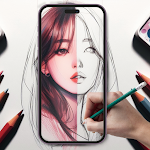
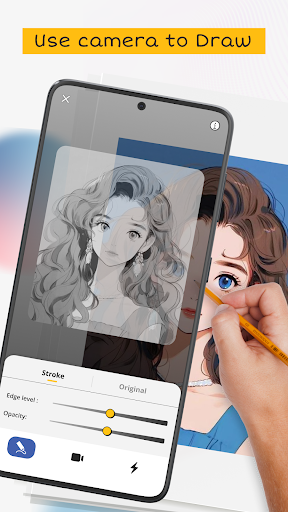
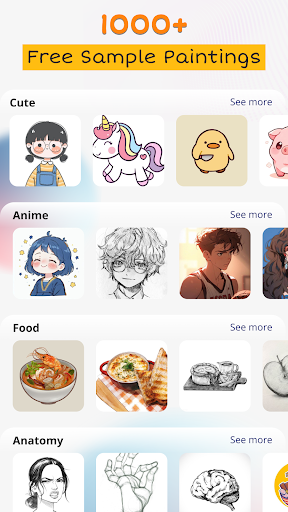
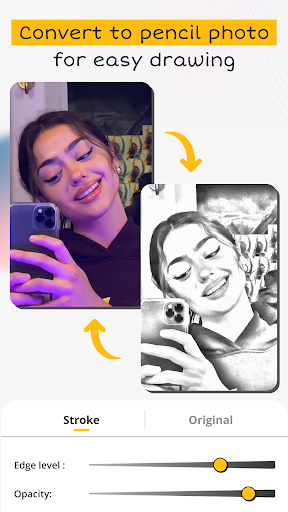
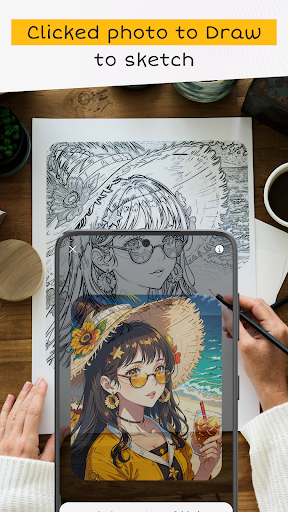
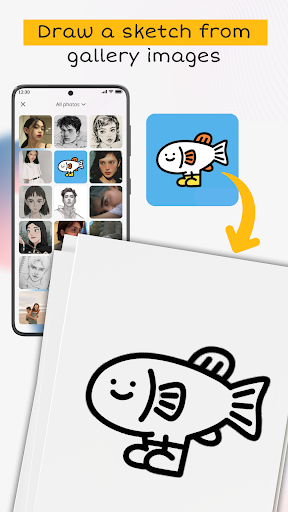
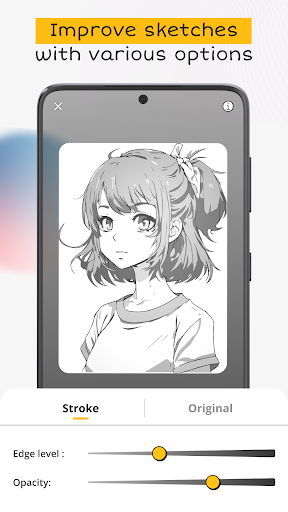
AR Drawing: Paint & Sketch uses your phone’s camera to overlay images onto real-world surfaces so you can trace and color them on paper. It includes an AI sketch converter for your own photos, a large built-in template library across genres, opacity/position controls for alignment, and optional time‑lapse recording to capture your process. Basic tools are beginner‑friendly, with sharing options and a straightforward interface.
Verdict
Verdict: A highly effective AR tracing app for learning and practice, held back mainly by frequent ads.
Who is it for
Best for:
- Beginners learning to draw by tracing with guidance
- Hobbyists who want to convert photos to sketches and practice
- Anime/manga and fan-art creators seeking quick, accurate outlines
Not ideal for:
- Artists needing full-featured digital painting suites or layers
- Users who are very averse to ads or constant network connectivity
- People without a steady phone stand/tripod for stable tracing
Real-world User Experience
Users like it:
It reliably works for tracing on paper, dramatically boosts confidence and accuracy for beginners, supports importing personal images from the gallery, offers many free templates, clear pencil visibility through the camera, and time‑lapse is a nice bonus. Many report impressive results, especially for anime/manga and complex subjects.
Users complain about:
Frequent ads interrupt flow and can reposition the image, sometimes forcing users to readjust or restart. Some mention limited screen usage area and the need to prop the phone on a stable surface to avoid misalignment.
Is it Worth Paying For?
The core AR tracing and many templates are free but ad‑supported. If an IAP removes ads and/or unlocks more templates, it’s likely worth it for frequent users to avoid interruptions during longer sessions. Casual users can stay on the free tier and mitigate ads by working offline.
How it Compares to Alternatives
Compared to tracing staples like Da Vinci Eye, SketchAR, or Trace Table, AR Drawing: Paint & Sketch stands out for a generous free experience, simple setup, and a large template gallery plus AI photo‑to‑sketch conversion. Da Vinci Eye often offers steadier pro tools for alignment and fewer disruptions (paid), while SketchAR leans into guided lessons and gamification. AR Drawing is the most accessible for quick, effective tracing but is more ad‑heavy unless you pay.
Summary
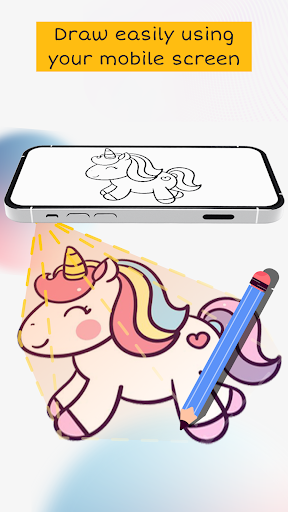
AR Drawing: Paint & Sketch turns your phone into a practical AR projector for tracing, letting you place an image on paper, lower opacity, and follow lines with surprising accuracy. Between its big template library, ability to import and convert your own photos, and time‑lapse capture, it’s an excellent learning and practice tool that genuinely helps beginners produce results fast. The main trade‑off is ad interruptions that can disrupt alignment; a stable setup (tripod or makeshift stand) and offline use help. If you draw often, consider paying to remove ads; otherwise, the free tier is strong and capable for everyday practice.
Ratings
Trending APP












Alternative to this app










