
Copyright 2026 © swekartor. All Rights Reserved.




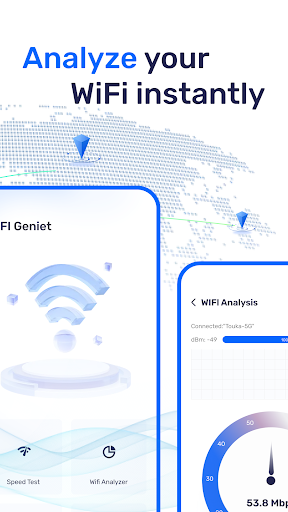
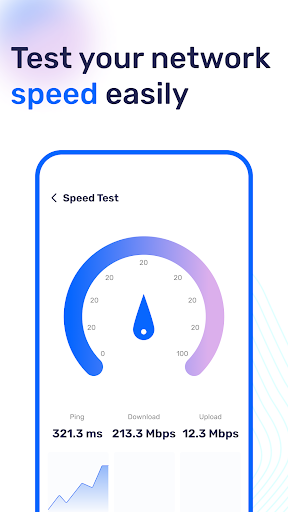
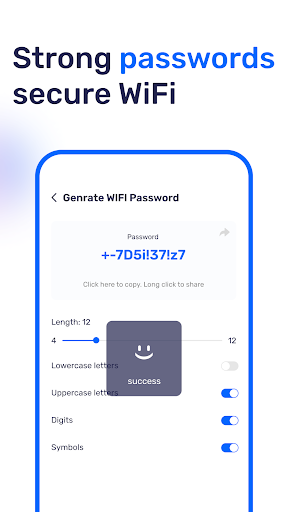

App Feature
WIFI Geniet is a free utility that analyzes your Wi‑Fi network for signal strength and channel interference, lets you view saved Wi‑Fi passwords on your device, and runs upload/download speed tests to verify network performance and troubleshoot connectivity.
Verdict
Verdict: A capable, all‑in‑one Wi‑Fi toolkit for everyday users who want quick insights and basic troubleshooting without fuss.
Who is it for
Best for:
- Home users optimizing router placement and channel selection
- Anyone who occasionally forgets saved Wi‑Fi passwords
- Users wanting a quick, built‑in speed test to verify ISP performance
Not ideal for:
- Network pros needing enterprise‑grade surveying, heatmaps, or exportable reports
- Users on newer Android versions expecting guaranteed password access (permissions/OS limits apply)
- Privacy purists wary of utilities that request broad network/storage permissions
Real-world User Experience
Users like it:
Straightforward Wi‑Fi analysis with clear signal and channel insights, the convenience of viewing saved passwords on the device, and quick speed tests to confirm real‑world bandwidth.
Users complain about:
Password visibility can be restricted by Android security policies or required permissions, potential ads or prompts common in free utilities, and occasional device‑specific compatibility limits.
Is it Worth Paying For?
The app is free with no paid plan mentioned. Given its core feature set (analysis, password viewing, speed tests) at no cost, it’s worth trying; if ads appear, they’re a reasonable trade‑off for most users.
How it Compares to Alternatives
Compared with single‑purpose tools like Speedtest by Ookla (best‑in‑class testing) or dedicated analyzers like WiFiman and WiFi Analyzer (deeper channel visualization), WIFI Geniet balances multiple essentials in one place. It’s not as advanced as NetSpot‑style survey tools, but it offers more breadth than a standalone speed test and is simpler than pro analyzers for routine home use.
Summary
WIFI Geniet brings three practical functions—Wi‑Fi analysis, saved‑password viewing, and speed tests—into a simple package with a strong user rating and broad adoption. Its analysis helps you understand signal quality and channel congestion, the password tool can recover stored credentials (subject to Android permissions), and the speed test validates whether your connection meets expectations. It won’t replace professional site‑survey software or the precision of best‑in‑class speed testers, but as a free, everyday toolkit for quick diagnostics and optimization, it hits a sweet spot for most home users.
Ratings
Trending APP












Alternative to this app










