
Copyright 2026 © swekartor. All Rights Reserved.










App Feature
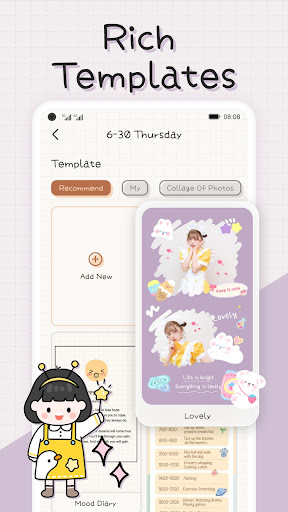
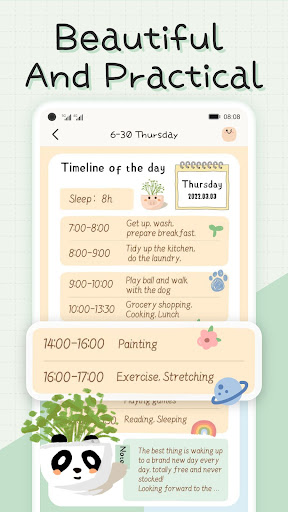
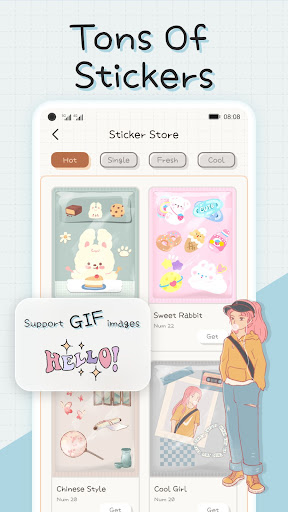
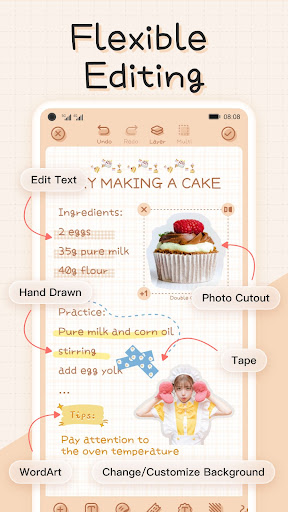
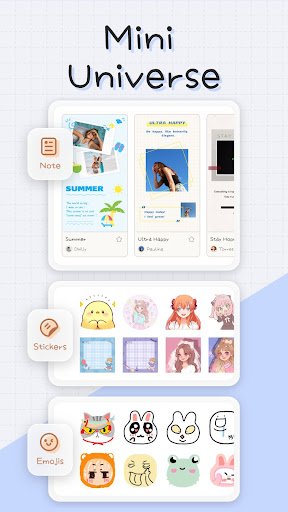
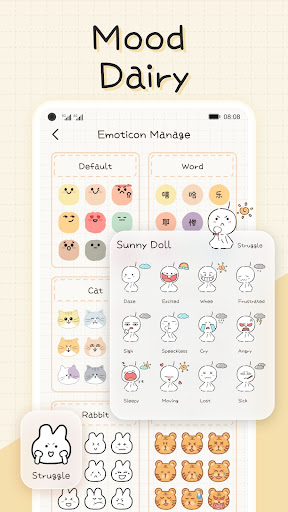
Mininote is a free mood diary and scrapbook‑style note app focused on cute, highly customizable journaling. Core features include mood logging via a calendar view, password protection, rich note editing with templates, stickers, custom shapes, background colors, DIY sticker creation (cutouts/background remover), optional music, and social logins. It emphasizes aesthetics and creativity over heavy analytics.
Verdict
Verdict: A delightful, highly customizable mood journal for creative note‑takers, but less ideal if you need robust backup, cross‑device sync, or advanced analytics without paying.
Who is it for
Best for:
- Users who want a cute, scrapbook‑style journal with rich stickers, templates, and layouts
- People who value minimal, non-intrusive ads and generous free features
- Casual mood trackers who prefer visual diaries over charts and metrics
Not ideal for:
- Users who require free cloud backup, export, or seamless multi‑device sync
- Data-oriented users seeking detailed mood analytics, reports, or integrations
- Teams or heavy productivity users needing collaboration and structured workflows
Real-world User Experience
Users like it:
The community praises its adorable design, powerful page customization (stickers, fonts, shapes, DIY stickers/background remover), optional ad model, password protection, and motivating calendar diary view. Many call the free tier generous, with ads appearing only when chosen to unlock content, and note good performance even on older phones.
Users complain about:
The top complaint is backup/sync being tied to VIP; users worry about losing notes when switching devices or uninstalling. Some mention a learning curve at first, occasional minor bugs, and that certain content packs or features require ads or VIP.
Is it Worth Paying For?
Yes, if you need cloud backup/sync across devices or want expanded assets with fewer interruptions. The free tier is unusually generous and ad-light, so most casual users can stay free; VIP mainly adds convenience (sync/restore) and more content. If your notes are important, paying for backup peace of mind is reasonable.
How it Compares to Alternatives
Compared to Daylio or other mood trackers, Mininote emphasizes creative, scrapbook-like journaling rather than charts and insights. Versus Journey/Diarium/Diaro, it offers cuter, richer page design but lacks robust export, cross‑platform desktop clients, and detailed analytics. Compared to standard note apps (Google Keep, Notion), it’s more aesthetic and diary‑focused, but less collaborative and less structured for productivity.
Summary
Mininote blends a mood diary with a highly aesthetic, sticker‑rich scrapbook editor. It shines for users who want to personalize pages, track moods on a calendar, and keep journals behind a password without being bombarded by ads. The trade-offs: backup/sync and some conveniences live behind VIP, and analytics or export options are limited. If you prioritize creative expression and cute design, Mininote is an easy recommendation on the free tier; opt for VIP if you need reliable multi‑device continuity or want to support ongoing development.
Ratings
Trending APP












Alternative to this app










