
Copyright 2026 © swekartor. All Rights Reserved.


App Feature
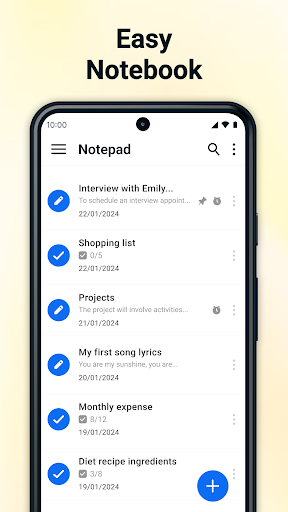
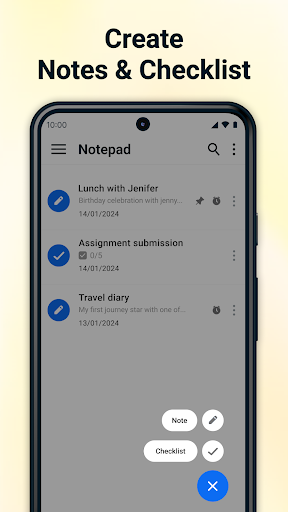
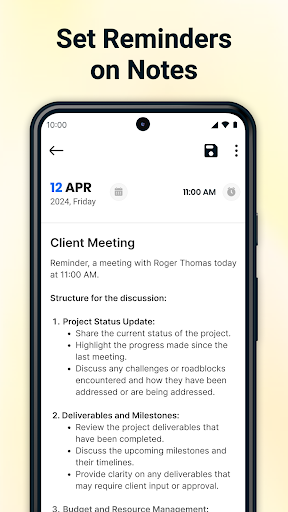
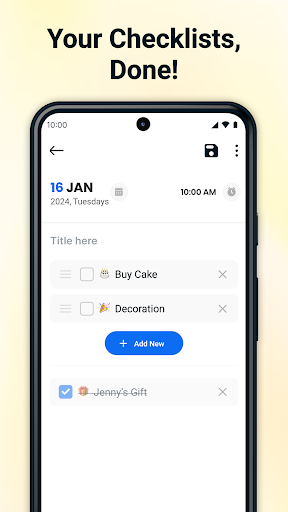
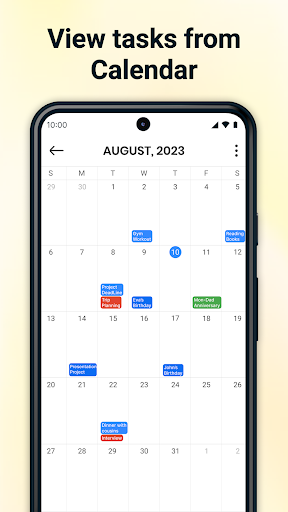
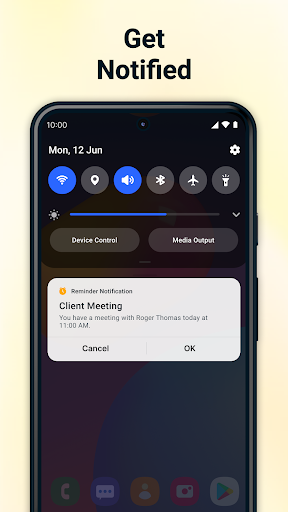
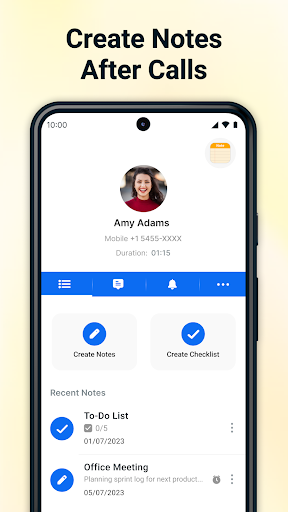
Lightweight note-taking and checklist app with auto-save, pinned notes, reminders, trash recovery, PDF export, calendar integration, and an after-call menu for quickly creating notes. Stores notes locally with a simple, distraction-free interface.
Verdict
Verdict: A fast, no-frills notes and checklist app ideal for simple, private, on-device organization, but not for those needing cloud sync or rich formatting.
Who is it for
Best for:
- Users who want a simple, fast notes and to-do app
- People who prefer local-only storage without account sign-in
- Shoppers and task makers needing quick checklists and reminders
Not ideal for:
- Users needing cloud sync, collaboration, or multi-device access
- Anyone wanting rich formatting, handwriting, or media-heavy notes
- Those who dislike after-call overlays or any in-app ads
Real-world User Experience
Users like it:
Simplicity and speed; easy checklists and quick jotting; reliable auto-save; straightforward layout that’s senior-friendly; minimal or unobtrusive ads for many; helpful organization with pinned notes, reminders, and date/time ordering; boosts daily productivity (grocery lists, to-dos, journaling).
Users complain about:
Some report pop-ups/after-call overlays as annoying; mixed feedback on ads (a few perceive interruptions); one request for automatic date/time stamping (though others say it’s present), indicating inconsistency or discoverability issues.
Is it Worth Paying For?
Free with ads and no in-app purchases; there’s nothing to buy. Value is high if you want a basic, ad-supported notepad without advanced features.
How it Compares to Alternatives
Compared to Google Keep and Microsoft OneNote, it’s lighter, faster, and entirely local but lacks cloud sync, sharing, collaboration, and rich formatting. Versus ColorNote or Simple Notepad, it’s similar in simplicity while adding extras like after-call note-taking, PDF export, reminders, and calendar integration. Privacy-minded users may prefer its local-only approach; power users may miss cross-device sync.
Summary
Notepad - Notes and Notebook delivers a clean, fast way to capture notes and tasks with auto-save, checklists, reminders, and calendar integration. The after-call menu is handy for context-based note-taking, while local-only storage appeals to users who want a simple, private notebook without accounts. Reviews consistently praise its ease of use and reliability, though some users find the after-call pop-ups intrusive and ad experiences vary. If you need effortless, on-device note-taking for grocery lists, to-dos, and quick thoughts, it’s a strong pick. If your workflow relies on sync, collaboration, or advanced formatting, alternatives like Google Keep or OneNote are better fits.
Ratings
Trending APP












Alternative to this app










