
Copyright 2026 © swekartor. All Rights Reserved.


App Feature
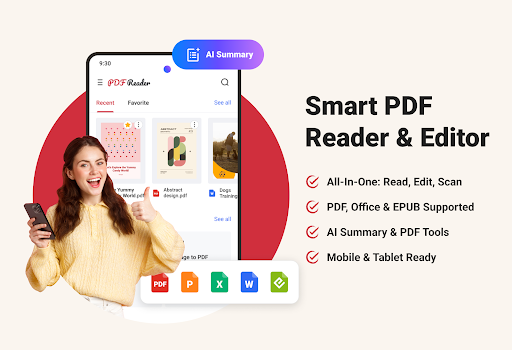
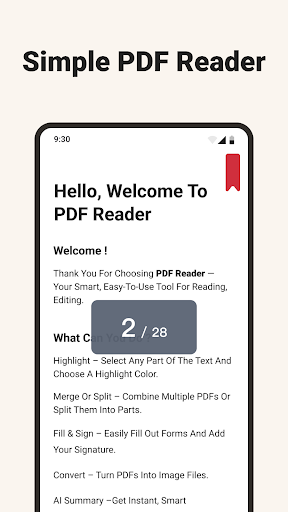
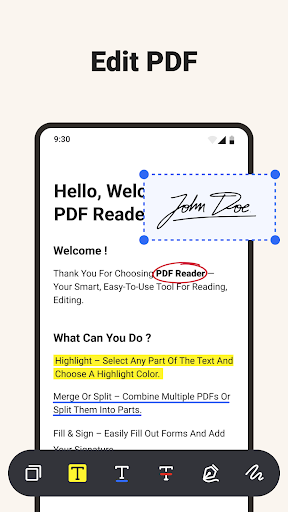
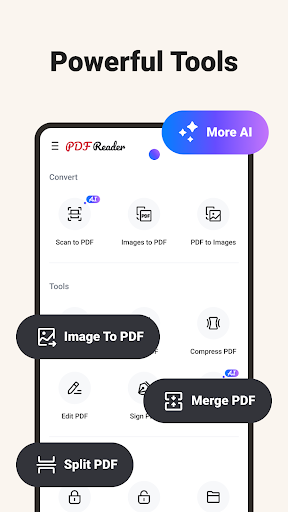
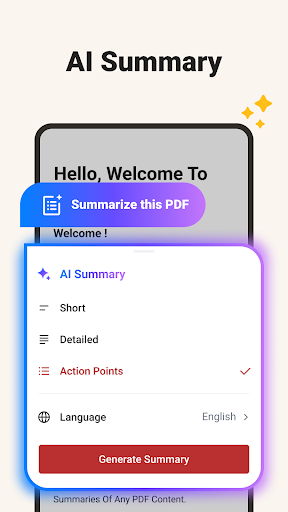
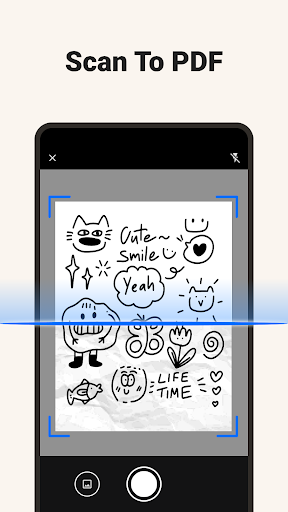
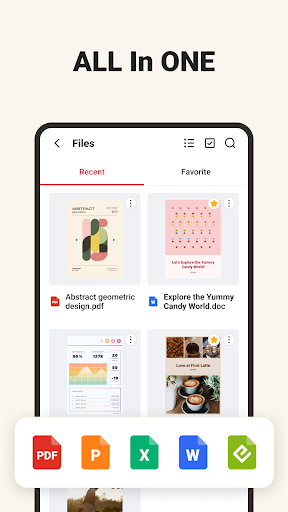
A mobile PDF suite that reads, annotates, edits, scans, converts, and manages documents. It supports PDFs plus Word/Excel/PowerPoint/EPUB, offers markup and signatures, scan-to-PDF, merge/split/compress/encrypt, page-to-JPG and image extraction, AI-powered summaries, and cloud-integrated file organization in a clean, mobile-optimized interface.
Verdict
Verdict: A capable all‑in‑one PDF toolkit for everyday mobile workflows, with ads and some paywalled tools to consider.
Who is it for
Best for:
- Students and professionals who need quick annotations, signatures, and scanning on the go
- Users who want AI summaries and multi-format viewing in one app
- Anyone managing PDFs across devices with basic cloud integration
Not ideal for:
- Power users needing enterprise-grade collaboration, e-signing workflows, or deep PDF editing
- Those who dislike ads or free-tier limitations and upsells
- Users who routinely handle massive PDFs and require desktop-level performance
Real-world User Experience
Users like it:
Overall rating trends (around 4.3) suggest praise for the clean interface, breadth of tools (reading, annotating, converting, scanning), and smooth performance on phones and tablets. Multi-format support and convenient file management are commonly appreciated.
Users complain about:
Critical feedback typically centers on ads, paywalls for advanced tools, and occasional hiccups with heavy files or conversions. Some users may find cloud features or AI summaries limited without upgrading.
Is it Worth Paying For?
The free tier covers reading, basic annotations, scanning, and organization, but advanced utilities (e.g., extensive conversions, compression, some AI summary options, or limits removal) likely sit behind IAP. If you frequently convert/merge/compress or rely on AI summaries, the upgrade can be good value; otherwise, the free version suffices, with the trade-off of ads.
How it Compares to Alternatives
Compared to Adobe Acrobat Reader, it offers broader built-in conversions and AI summaries but lacks Adobe’s ecosystem depth and enterprise signing tools. Versus Xodo, it is competitive on annotations and scanning, while Xodo often shines at collaboration and cloud sync. Against Foxit, performance and UI are comparable for everyday tasks, but Foxit may edge out on speed and advanced PDF editing on paid tiers. WPS Office is stronger for full office editing, while this app focuses more squarely on PDF tools and AI summarization.
Summary
PDF Reader – Reader & Editor combines a clean interface with a well-rounded toolset—reading, annotating, signing, scanning, converting, and compressing—plus cloud integration and AI summaries. It feels designed for quick, mobile-first workflows: opening large files, marking them up, scanning receipts or handouts, and producing shareable outputs like JPGs from pages or extracted images. The presence of ads and optional IAP is the main trade-off, and some advanced features likely require payment. For students, professionals, and anyone needing a dependable, all-in-one PDF utility on Android, it delivers strong everyday value and convenience, even if heavy-duty, enterprise-grade needs still point to established alternatives.
Ratings
Trending APP












Alternative to this app










