
Copyright 2026 © swekartor. All Rights Reserved.



App Feature
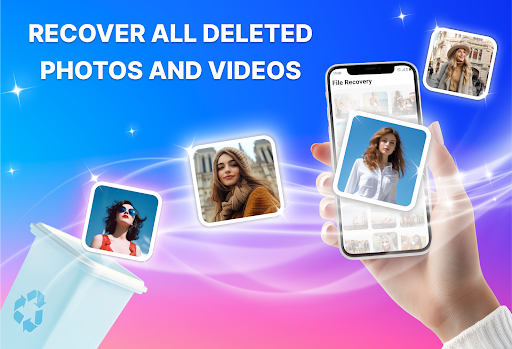
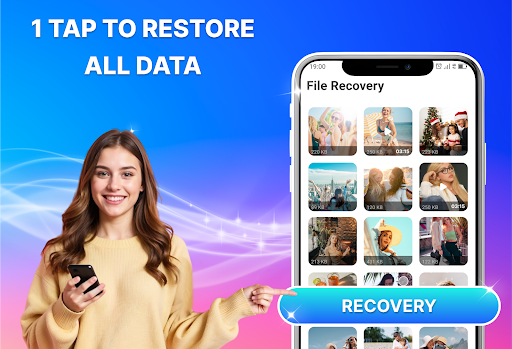
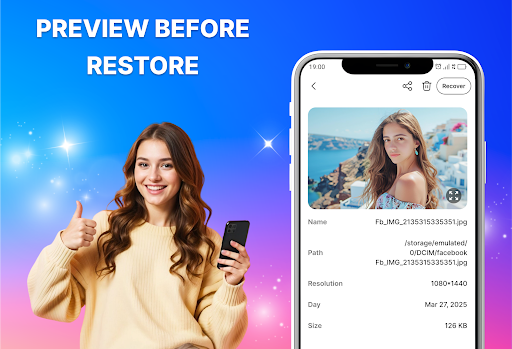
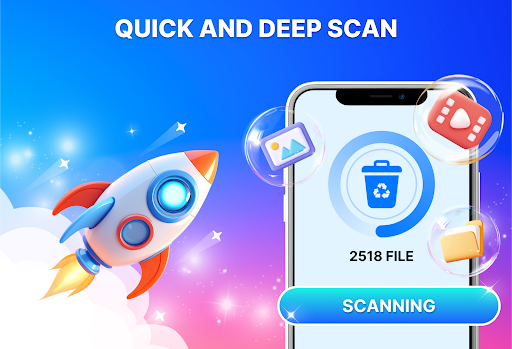
A free data-recovery utility focused on restoring deleted photos, videos, and documents from internal storage and SD cards. It offers fast and deep scan modes, preview-before-restore, selective recovery, and a simple, non-destructive workflow aimed at maximizing recovery chances while minimizing time and storage use.
Verdict
A capable, beginner-friendly photo/file recovery tool, best for quick restores, but results may vary on older or heavily overwritten data.
Who is it for
Best for:
- Users who accidentally deleted recent photos or videos and need a quick restore
- People who want a simple, preview-and-select recovery flow without technical steps
- Anyone scanning both internal storage and SD cards for common file types
Not ideal for:
- Power users needing forensic-grade recovery or filesystem-level control
- Those expecting guaranteed recovery of long-ago or overwritten files
- Users who prefer completely ad-free experiences
Real-world User Experience
Users like it:
Reviewers highlight easy setup and a straightforward interface, with several reports of successfully recovering meaningful photos and handling saves/deletes cleanly.
Users complain about:
The displayed reviews are positive; however, the middling 3.6 rating suggests some users likely encounter mixed results (e.g., inconsistent deep-scan outcomes, ads, or not finding older files), which is common for mobile recovery apps.
Is it Worth Paying For?
The app is free with ads and offers in‑app purchases. Given the variable nature of data recovery, try the free scan and preview first; only consider paying if the app clearly locates the files you need or a paid tier removes friction (e.g., ads/limits) that matter to you.
How it Compares to Alternatives
Compared to other Android recovery tools (e.g., DiskDigger, Dumpster-style recycle-bin apps, or desktop suites like EaseUS), this app prioritizes simplicity and an all-in-one scan across photos, videos, and documents. It’s more approachable than desktop-grade tools but likely less powerful for deeply corrupted or long-overwritten data. Versus recycle-bin apps, it can still find files not previously protected, but success rates naturally depend on how much the device has been used since deletion.
Summary
Photo Recovery, All Restore aims to make mobile file restoration painless with fast and deep scans, preview-and-select recovery, and broad format support across internal and SD storage. Users praise its ease of use and report successful retrieval of important images, aligning with its design as a quick, non-destructive solution. As with all mobile recovery apps, results vary—especially for older or overwritten data—and the presence of ads and potential IAPs may affect the experience. Start with a free scan to verify it finds your files; if it does, it’s a practical, beginner-friendly choice for restoring recently deleted photos, videos, and documents.
Ratings
Trending APP












Alternative to this app










