
Copyright 2026 © swekartor. All Rights Reserved.



App Feature
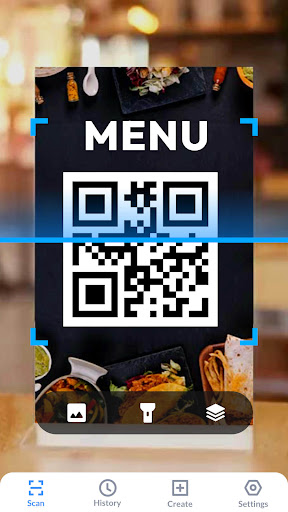
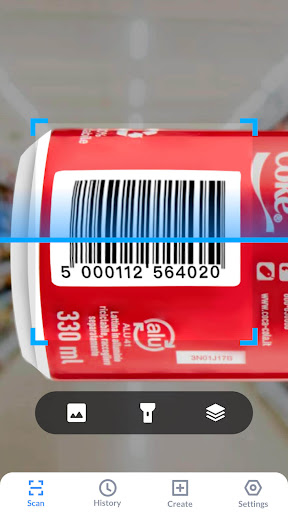
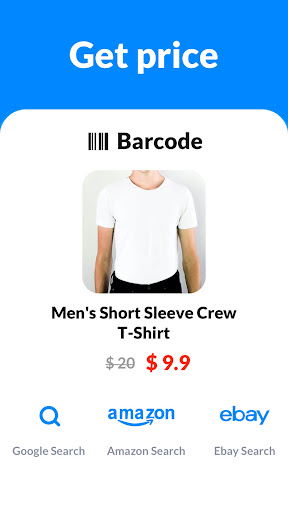
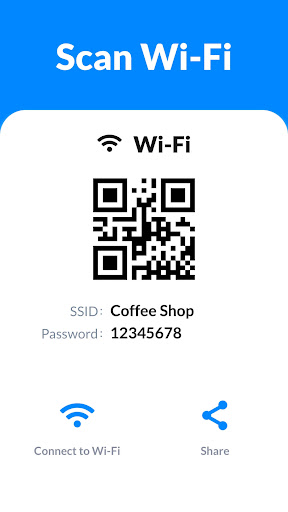
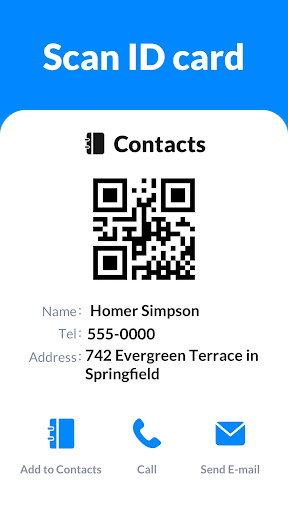
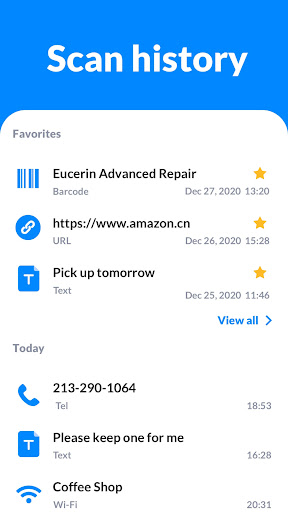
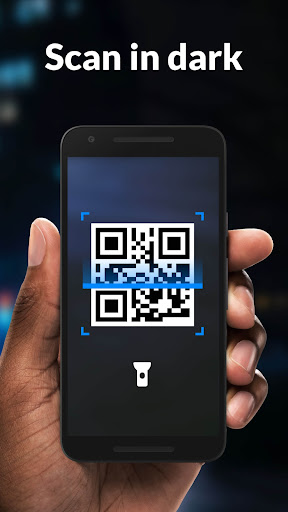
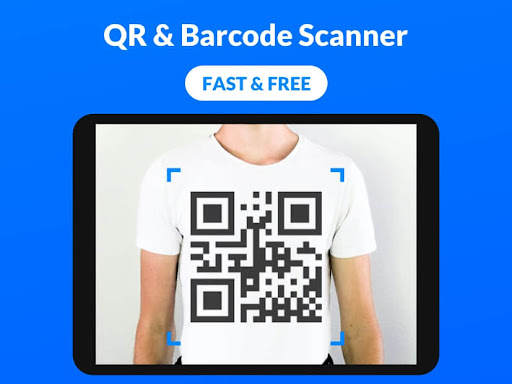
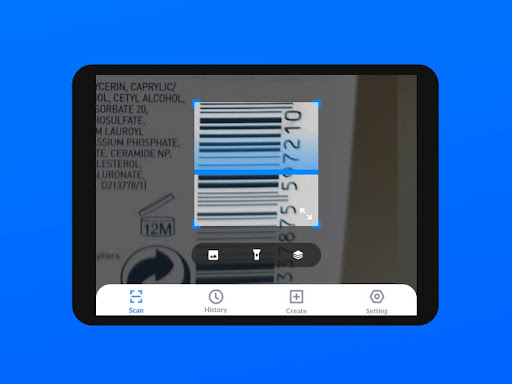
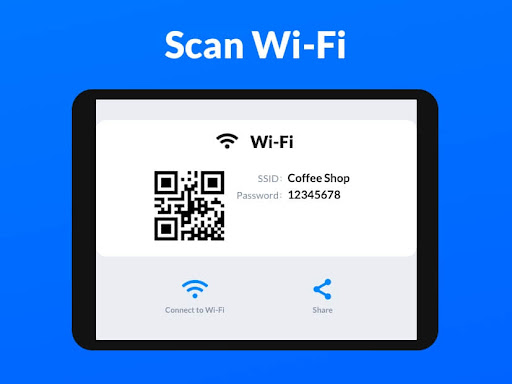
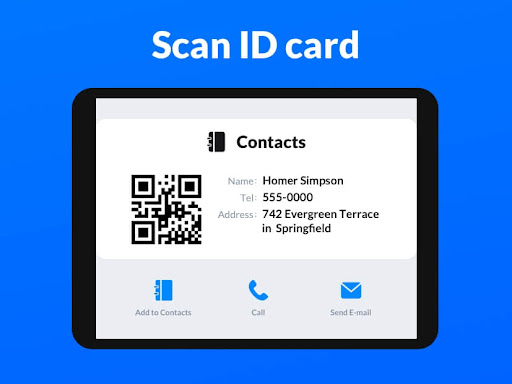
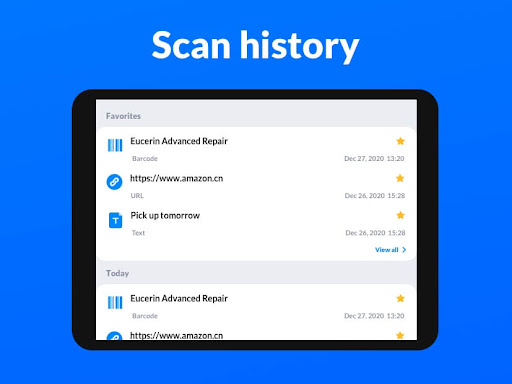
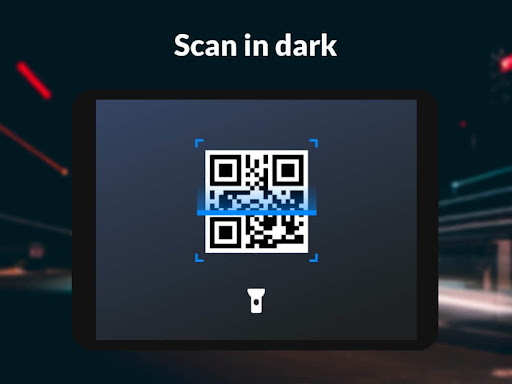
Lightweight, free QR and barcode utility that scans all common formats at high speed, works offline, supports batch and gallery scanning, keeps history, offers flashlight/dark mode, and includes a built‑in QR code generator and price scanner for product lookups.
Verdict
Verdict: A fast, lightweight QR/barcode scanner with handy extras, but frequent ads and aggressive auto-scan may frustrate some users.
Who is it for
Best for:
- Users who want a quick, reliable scanner that works offline on most Android devices
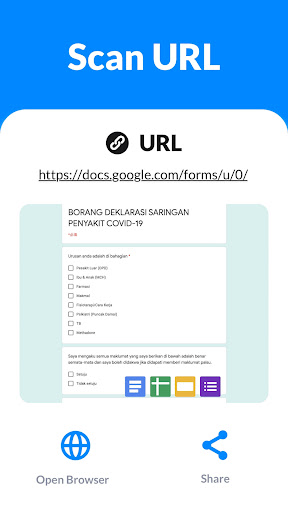
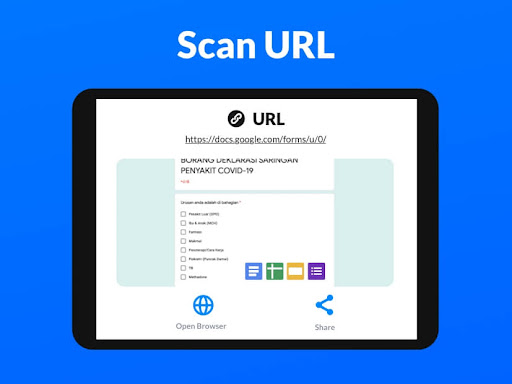
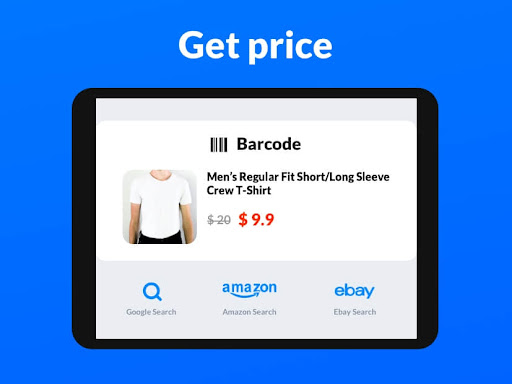
- Shoppers needing price/product lookups and coupon/URL scans
- Anyone who also wants a simple QR generator and gallery scanning
Not ideal for:
- Ad-averse users who prefer an ad-free or built-in camera scanner
- Power users needing advanced inventory/workflow features or cloud sync
- People who dislike auto-capture behavior and want more manual control
Real-world User Experience
Users like it:
Consistently fast and accurate scans—even from slightly blurry or angled codes—plus instant recognition, small app size, reliable first‑try results, and the ability to scan codes from screenshots/gallery when others fail; helpful for price lookups and works on devices without Google Lens.
Users complain about:
Frequent/interruptive ads (including a confusing launch ad that can mislead to another app), occasional over‑eager auto-capture that triggers before framing a code, and general annoyance with advertising required to use some features for free.
Is it Worth Paying For?
The app is free with ads and offers IAP (likely ad removal). If you scan frequently or find the ads confusing/interruptive, paying to remove ads is good value; casual users can comfortably stick with the free tier.
How it Compares to Alternatives
Compared to built-in camera or Google Lens, this is lighter, faster to launch, and better at batch/gallery scans but less integrated and more ad-heavy. Versus security-focused scanners (e.g., Kaspersky QR), it’s simpler with fewer safety checks. Against document scanners (Adobe Scan/Microsoft Lens), it’s purpose-built for codes rather than documents. Versus popular QR apps like Gamma Play’s, it stands out for speed, gallery reliability, and a bundled generator, but ads feel more intrusive.
Summary
QR Code Scanner & Scanner App delivers a speedy, lightweight scanning experience that reliably reads a wide range of QR and barcodes—even from screenshots and imperfect shots—while also packing conveniences like batch scanning, history, a QR generator, flashlight, and price lookups. It runs offline and claims minimal permissions, making it an easy pick for simple everyday scans or in-store price checks. The main trade-offs are frequent ads and an aggressive auto-capture that some find too quick. If you scan often, consider the paid option to remove ads; otherwise, the free version is a capable, no-fuss tool that works on almost any Android device.
Ratings
Trending APP












Alternative to this app










