
Copyright 2026 © swekartor. All Rights Reserved.



App Feature
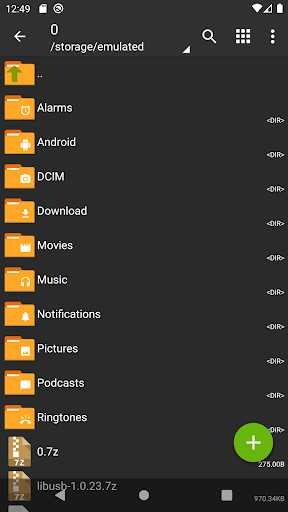
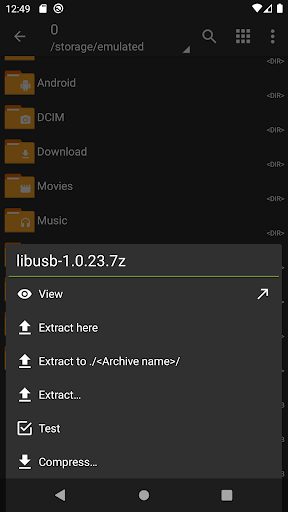
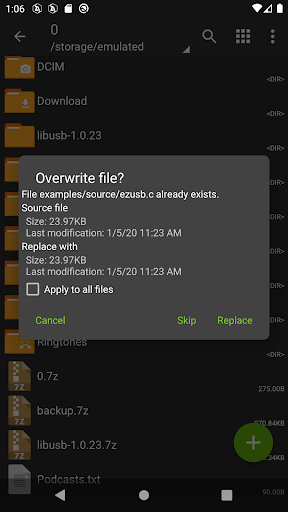
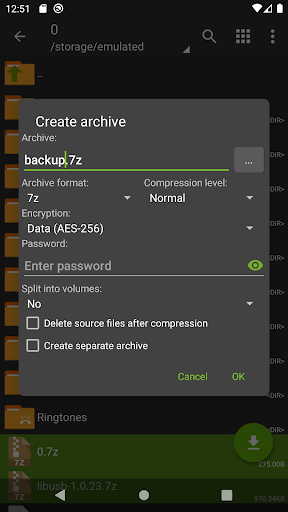
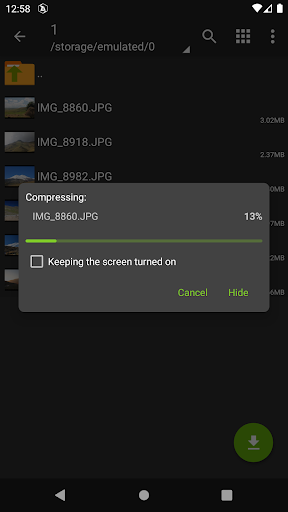
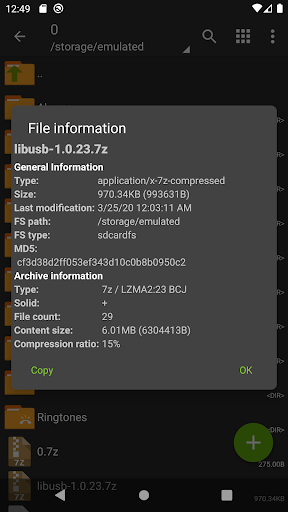
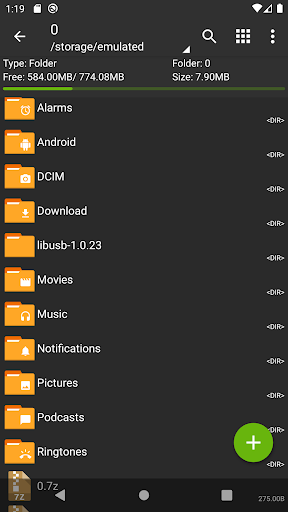
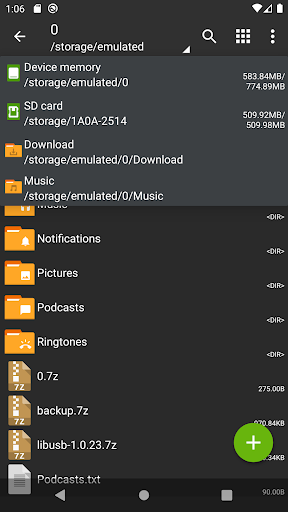
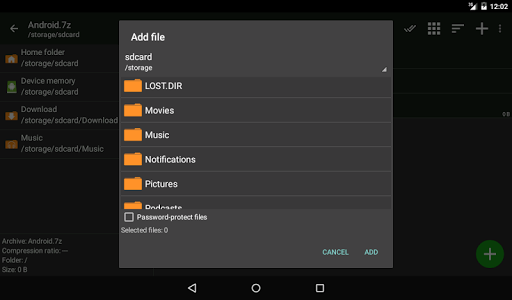
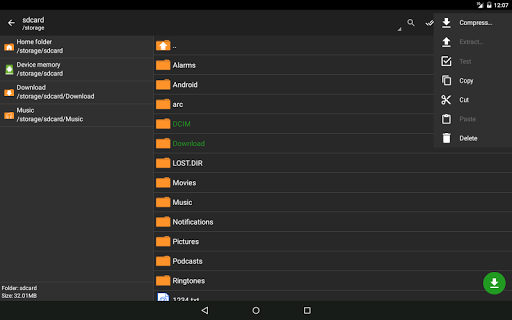
ZArchiver is an offline archive manager and lightweight file explorer that creates, opens, edits, and partially extracts a vast range of formats (7z, zip, rar/rar5, tar, zst, etc.), supports password-protected and multi-part archives, lets you add/remove files within archives, and can install APK/OBB from backups—powered by multithreading and UTF-8/UTF-16 filename support.
Verdict
Verdict: A fast, ad-free archive utility that excels at local compression tasks, though it has a few UX quirks and Android restrictions to navigate.
Who is it for
Best for:
- Users who frequently compress/decompress diverse archive formats offline
- Power users (including rooted devices) needing advanced options like partial extraction and in-archive editing
- Anyone seeking a free, ad-free, lightweight file/archiving tool
Not ideal for:
- People needing cloud integration or cross-device sync
- Users wanting polished, touch-optimized gestures and modern file manager conveniences
- Chromebook users expecting Linux/Crostini file access or deep system-level browsing on newer Android versions
Real-world User Experience
Users like it:
Consistently praised for being fast, reliable, ad-free, and small; handles many archive formats better than stock file managers; preserves file timestamps on zip; helpful extras like basic text/image viewing; long-term maintenance and stability; effective for ROMs/mods and general file tasks; root access support on capable devices.
Users complain about:
Occasional UX friction (sensitive taps on folders initiating archive actions, multi-select workflow, missing rename in search results); Android 13+ data-folder restrictions limit access; some device/ROM quirks with move operations duplicating files; slow video thumbnail generation; limited external storage combos (USB+SD) on some setups; cannot manage Linux/Crostini on Chromebooks.
Is it Worth Paying For?
The app is free, ad-free, and offers its full core functionality without in-app purchases—excellent value with no payment required.
How it Compares to Alternatives
Compared to RAR by RARLAB or 7Zipper, ZArchiver supports a broader format set and works fully offline without ads. Versus full file managers like Solid Explorer or MiXplorer, it’s lighter and better at niche archiving tasks but lacks advanced UI polish, plugins, and cloud storage. It’s more capable than Files by Google for compression/decompression and partial extraction, though it doesn’t integrate cloud or modern Android SAF flows as seamlessly.
Summary
ZArchiver is a veteran, no-nonsense archive manager that focuses on doing compression and extraction exceptionally well. It supports an extensive list of formats, password protection, multi-part archives, partial extraction, and in-archive editing—all without ads or internet permissions. Users highlight its speed, reliability, and small footprint, noting that it often outperforms stock managers for ZIP/RAR/7Z tasks. Drawbacks include some interface quirks, Android storage restrictions (especially post-Android 13), and occasional storage/thumbnail issues depending on device or ROM. If you want a fast, trustworthy, offline archiving tool with advanced options, ZArchiver is an easy recommendation.
Ratings
Trending APP












Alternative to this app










