
Copyright 2026 © swekartor. All Rights Reserved.



App Feature
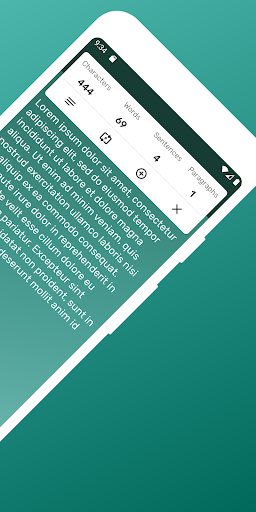
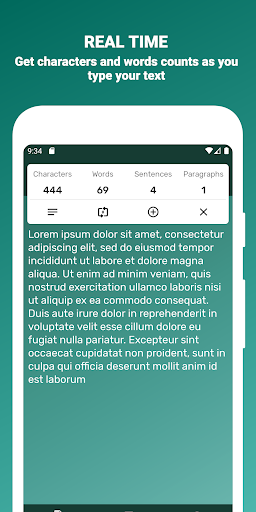
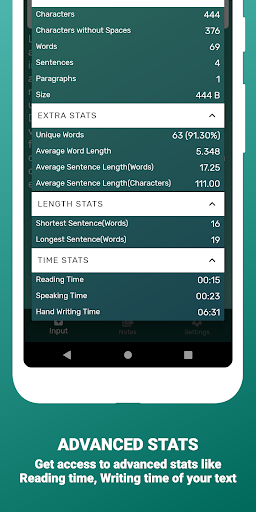
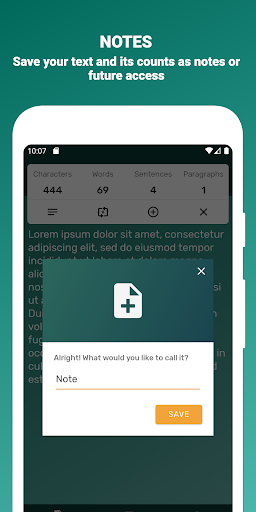
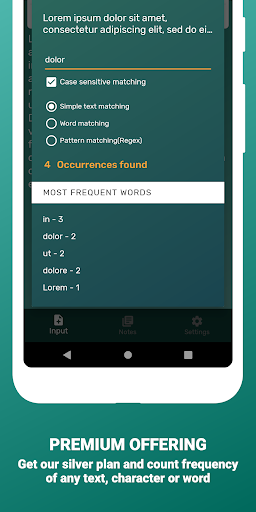
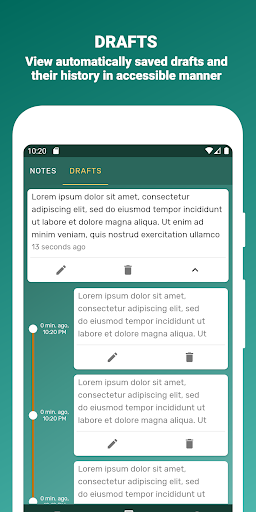
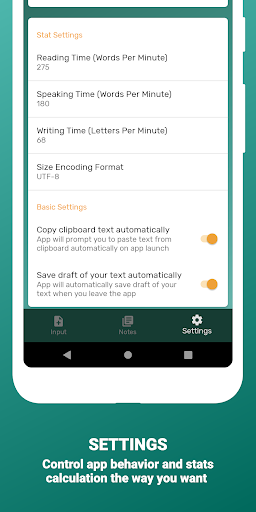
A free, lightweight text utility that counts words, characters, sentences, paragraphs, and text size in real time, with optional advanced stats (reading/speaking/writing time, unique words, averages, shortest/longest sentences), autosaved drafts, folders, manual backup/restore, and the ability to save and edit notes. Premium adds automatic cloud backups (Google Drive/Dropbox), frequency analysis, PDF export, and extra themes.
Verdict
Verdict: A capable, no-frills word and text counter with useful stats, best for writers who want quick insights without a full editor.
Who is it for
Best for:
- Students, bloggers, and social media writers who need accurate real-time counts
- Writers who value quick readability/time stats and basic note organization
- Multilingual users needing counts across several supported languages
Not ideal for:
- Users seeking a full-featured writing app with rich editing or collaboration
- Those who dislike ads or features gated behind a premium plan
- Teams needing cross-device sync without a paid backup plan
Real-world User Experience
Users like it:
Fast, accurate counting as you type; clear interface; handy advanced stats; autosaved drafts and simple note/folder organization; useful for staying under platform limits.
Users complain about:
Presence of ads in the free version; some advanced capabilities (automatic cloud backup, frequency counter, PDF export) require the premium plan; occasional friction when relying on manual export/restore instead of automatic sync.
Is it Worth Paying For?
If you frequently manage many notes, need automatic cloud backups, want frequency analysis, or must export polished PDFs, the premium upgrade adds real value. For casual counting and basic stats, the free version is sufficient, and ads are the main trade-off.
How it Compares to Alternatives
Compared with basic web counters, it offers stronger on-device features (draft autosave, folders, advanced time/uniqueness stats) and offline utility. Against other Android counters, its premium auto-backup and frequency analysis stand out, though competitors with full editors or cloud sync may suit heavy drafting. It focuses on counting and stats rather than rich composition tools.
Summary
Word Counter - Count Words, Se delivers a focused, accurate, and fast way to track word, character, sentence, and paragraph counts with thoughtful extras like time estimates, unique-word stats, autosaved drafts, and folder organization. It keeps the interface simple and responsive while offering manual backup/restore for peace of mind, and a paid tier for automatic cloud backups, frequency analysis, PDF export, and themes. If you mainly need reliable counts and quick insights to stay within limits or gauge reading time, the free version is more than capable. Power users who manage lots of notes or need deeper analysis and frictionless backup will find the premium features worth considering.
Ratings
Trending APP












Alternative to this app










