
Copyright 2026 © swekartor. All Rights Reserved.



Information about Funimate Video Editor & Maker
App Feature
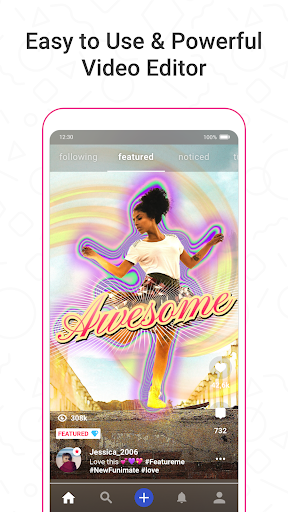
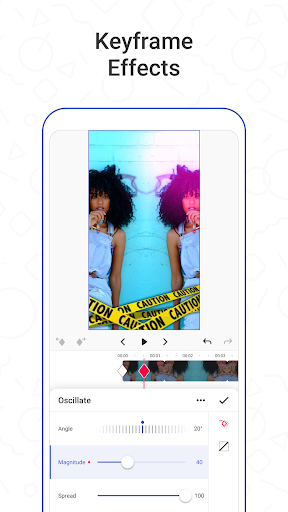
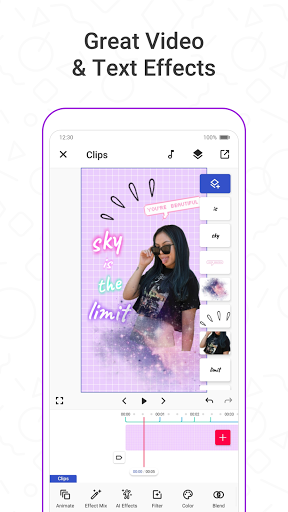
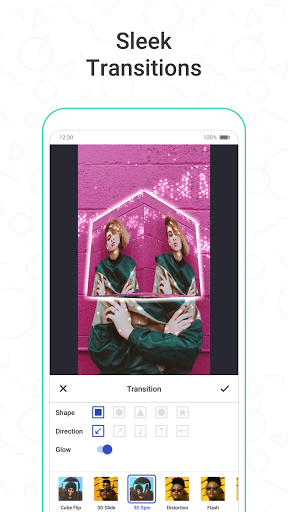
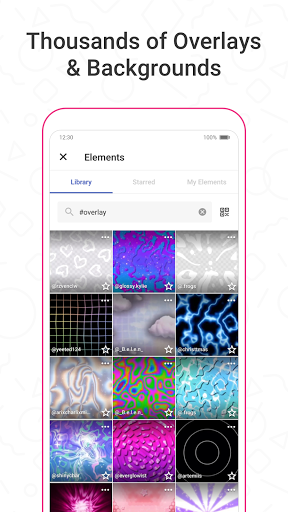
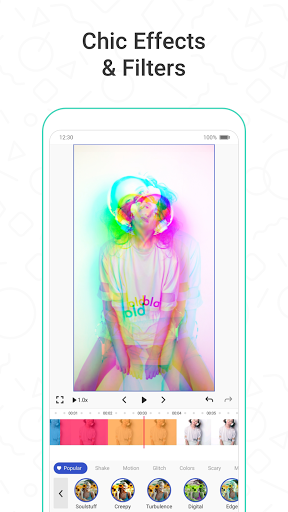
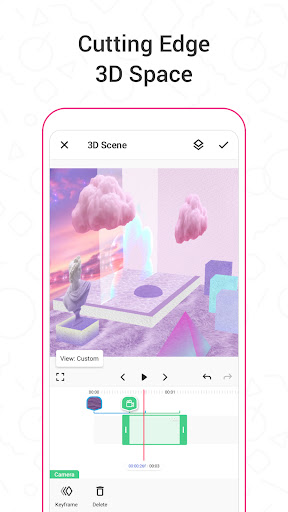
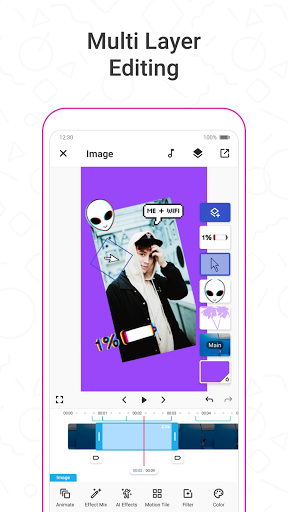
Funimate Video Editor & Maker is a mobile-focused video editor for quick, stylized edits. It combines drag-and-drop trimming/merging with keyframes, transitions, overlays, stickers, text, filters, AI background/mask effects, and an AI Studio for generating characters/images. A built‑in community, element library, and autosave/drafts make it easy to learn, remix, and share to TikTok/Instagram/Snapchat.
Verdict
Verdict: A powerful, community-driven mobile editor great for stylish social edits, but ads, Pro gating, and occasional lag hold it back.
Who is it for
Best for:
- Creators making fan edits, dance/lip-sync, anime/game edits with flashy effects
- Beginners learning keyframes and transitions via templates and community tutorials
- Mobile-first editors who want quick social-ready results with AI effects
Not ideal for:
- Professionals needing desktop-grade control, precise color workflows, or multi-track timelines
- Users who dislike ads, watermarks, or features gated behind a paid plan
Real-world User Experience
Users like it:
Easy to learn with strong transitions/effects, keyframes, and a large element library; autosaves drafts and supports custom music; community features, tutorials, and daily free Pro effect unlocks help beginners grow into advanced edits; exports can be smooth and results resemble Video Star-style edits.
Users complain about:
Frequent ads (including before export), many desirable effects behind Pro paywall, occasional lag and freezes during export, and some Android/iOS feature gaps (e.g., fewer graphing/shake options, delayed feature rollouts); a few users report text-editing glitches on certain devices and difficulty exporting without Pro.
Is it Worth Paying For?
If you edit often and rely on premium transitions/effects, Pro can be worth it for removing friction and expanding capabilities. Casual users can still produce solid edits with free effects, daily free Pro unlocks, and community elements—but expect ads and some gating. If you only need basic cuts and light styling, free is sufficient; if you want consistent access to advanced effects and smoother exporting, the subscription adds clear value.
How it Compares to Alternatives
Compared to CapCut and VN, Funimate leans harder into stylized transitions, AI/background effects, and a creative community; CapCut offers broader utility, templates, and tighter TikTok integration, while VN/InShot suit straightforward editing with fewer flashy effects. Versus Alight Motion, Funimate is easier for beginners and faster to stylize, but Alight Motion offers deeper motion graphics control. Video Star’s ecosystem remains iOS-centric; Funimate provides a strong cross-platform alternative, though Android users note slower feature parity.
Summary
Funimate excels at fast, eye-catching social edits with a friendly learning curve, rich transitions/effects, keyframes, and a vibrant community—now boosted by AI Studio for quick visual generation. It’s especially good for fan edits and short-form trends, and autosave plus community tutorials lower the barrier for newcomers. Trade‑offs include ads, a sizeable Pro paywall for premium effects, occasional lag/freezes, and some Android/iOS parity issues. If you mainly want polished, stylized edits on your phone, it’s one of the best options; power users needing desktop-level precision may outgrow it, but most creators will find a lot to like—free or Pro.
Ratings
Trending APP












Alternative to this app









