
Copyright 2026 © swekartor. All Rights Reserved.



Information about Google Authenticator
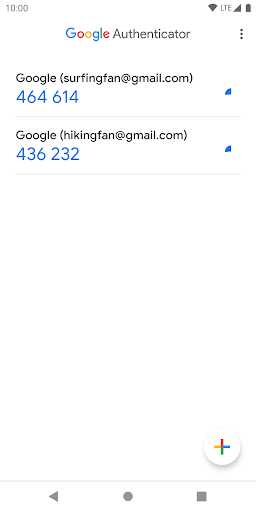
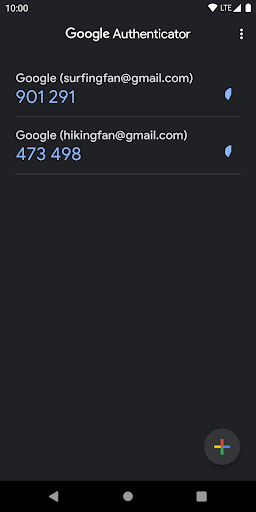
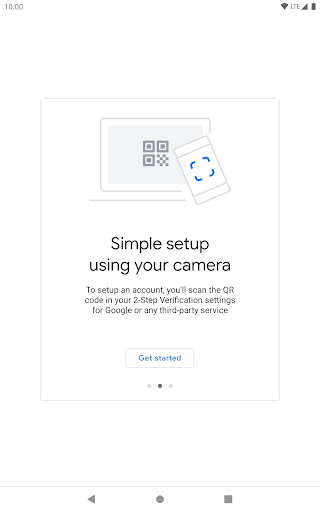
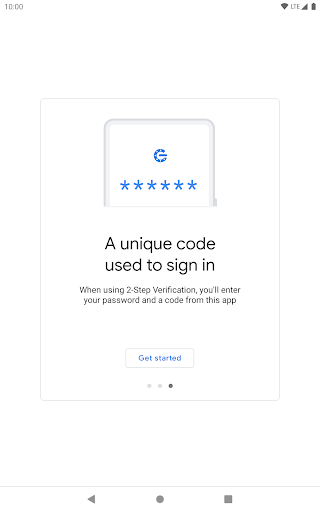
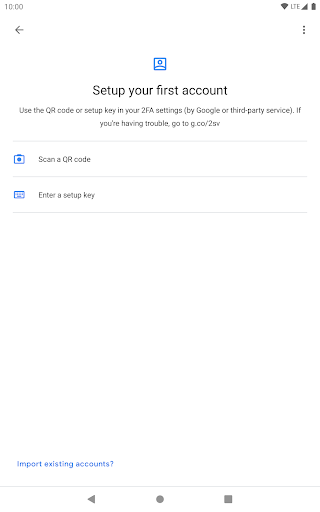
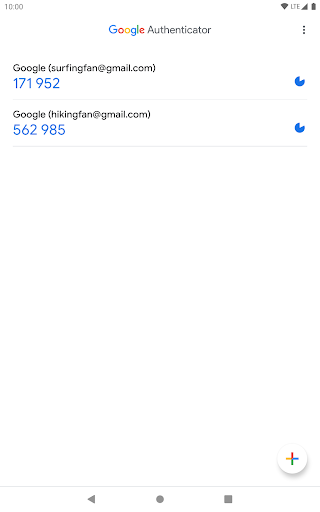
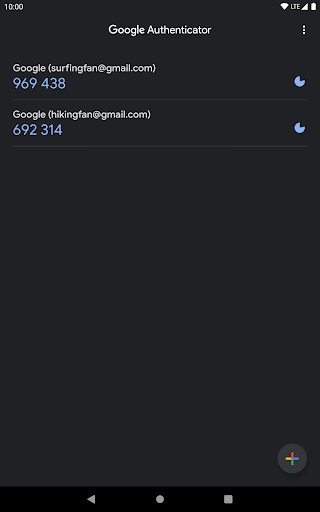
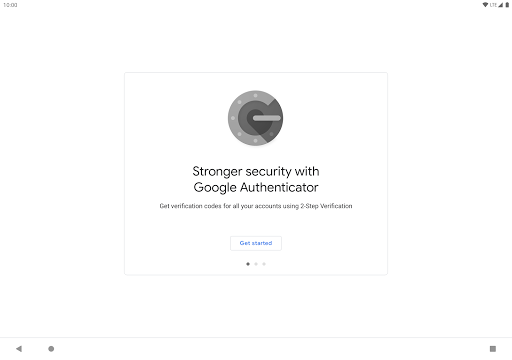
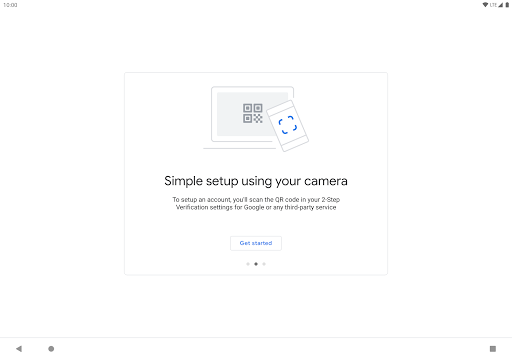
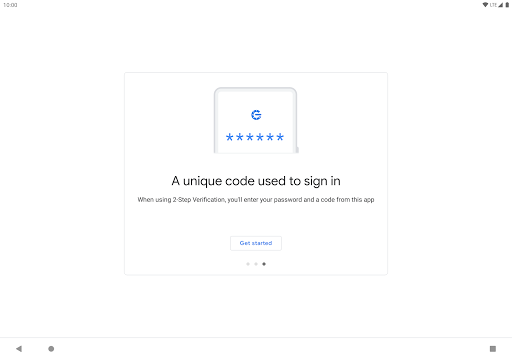
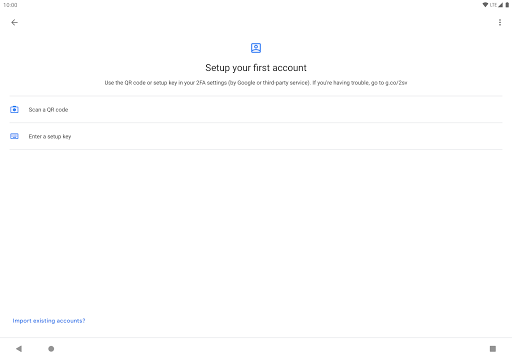
App Feature
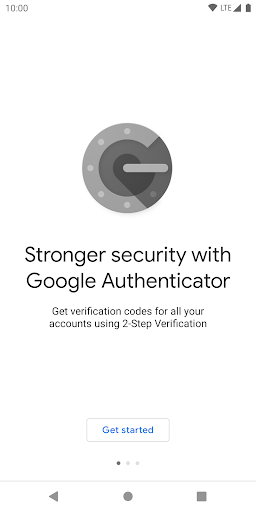
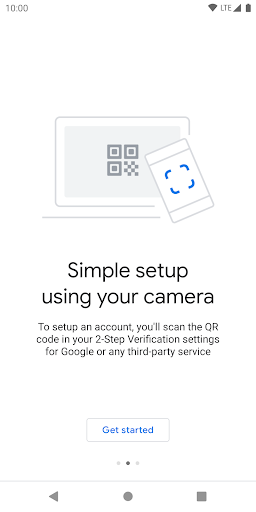
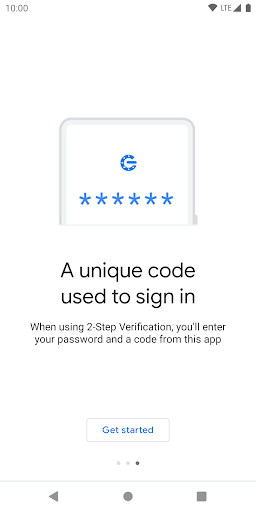
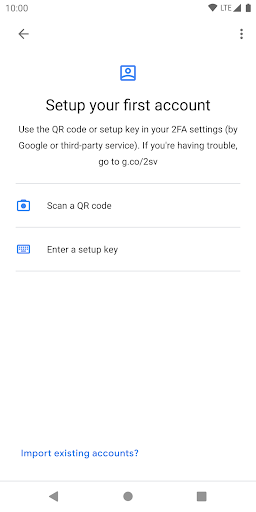
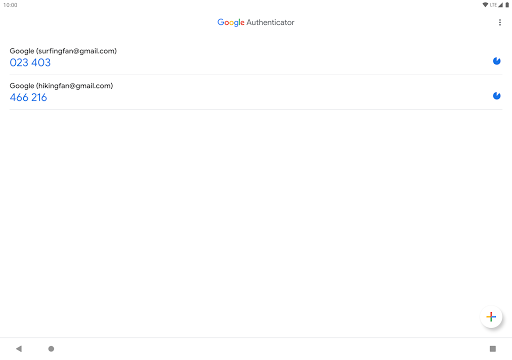
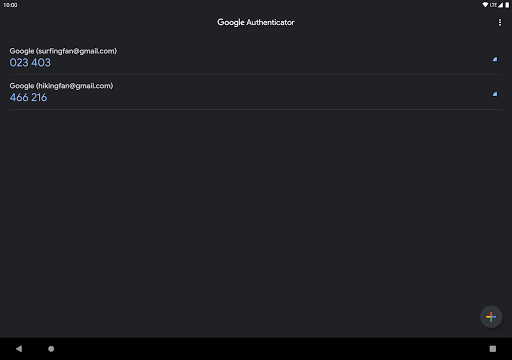
A free two-factor authenticator that generates time- and counter-based one-time codes (TOTP/HOTP) for Google and third‑party accounts, works offline, supports quick QR setup and account transfer, and optionally syncs codes to your Google Account across devices.
Verdict
Verdict: A dependable, minimalist 2FA app with convenient Google sync, but limited organization and recovery controls compared to feature‑rich rivals.
Who is it for
Best for:
- People already in the Google ecosystem who want simple, reliable TOTP
- Users needing offline code generation and easy QR setup/transfer
- Anyone prioritizing a clean, fuss‑free authenticator without ads or IAP
Not ideal for:
- Users who want robust backup/recovery options beyond Google sync or local export
- Security purists seeking app lock/master password or end‑to‑end encrypted backups
- Power users needing folders, tags, or advanced organization features
Real-world User Experience
Users like it:
Consistently reliable across devices and Android versions; quick QR setup; now supports cloud sync to a Google Account and one‑tap copy on Android; simple interface; can export/import and rearrange entries; works offline and supports many non‑Google services.
Users complain about:
Historically weak backup/recovery if a phone is lost or reset; no built‑in app lock/master password; limited organization (no folders/tags); export UX quirks (no select‑all toggle); occasional sync/offline status hiccups; re‑initializing 2FA per site after device changes can be tedious.
Is it Worth Paying For?
Free with no ads or in‑app purchases; there’s nothing to buy, and the free feature set is sufficient for most users.
How it Compares to Alternatives
Compared to Authy, Google Authenticator is simpler but lacks Authy’s multi‑device, phone‑number‑based recovery and richer backups; Google’s new account sync narrows the gap but may be less flexible and not end‑to‑end encrypted. Microsoft Authenticator offers app lock, cloud backup, and autofill integration, making it more feature‑complete for Microsoft users. Password managers like 1Password/Bitwarden integrate 2FA with vault sync and E2E encryption but centralize secrets. Open‑source options (Aegis, andOTP) provide local encrypted backups, app lock, and better organization, appealing to privacy‑focused and power users. Google Authenticator wins on ubiquity, speed, and zero bloat; competitors win on backup, security controls, and organization.
Summary
Google Authenticator delivers a fast, reliable 2FA experience with offline TOTP/HOTP codes, broad third‑party support, and an uncluttered UI. Recent additions like Google Account sync and one‑tap copy improve convenience, while QR‑based setup and export/import make device moves manageable. However, the app still lacks a native lock/master password, granular organization (folders/tags), and robust, user‑controlled encrypted backups, which can make recovery painful if a device is lost. For most users—especially those in the Google ecosystem—it’s a straightforward, trustworthy choice. Power users or those prioritizing advanced backup, app lock, or E2E security may prefer Authy, Microsoft Authenticator, or open‑source alternatives with stronger organization and backup features.
Ratings
Trending APP









Alternative to this app























