
Copyright 2026 © swekartor. All Rights Reserved.


Information about Wear OS by Google Smartwatch
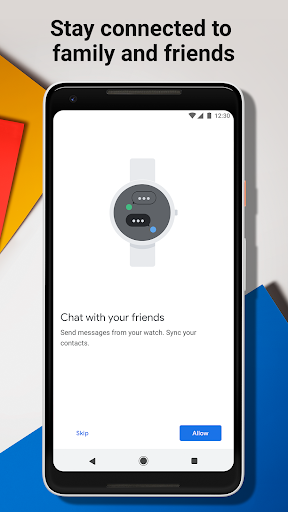
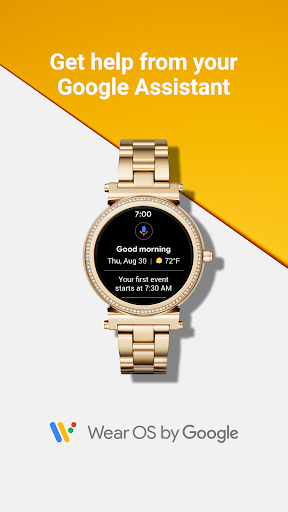
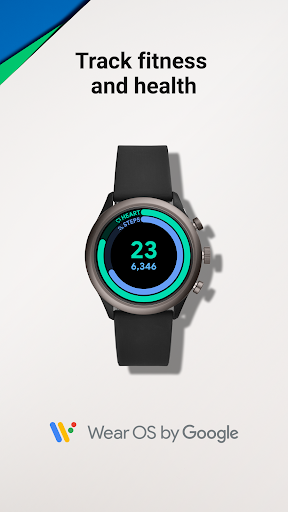
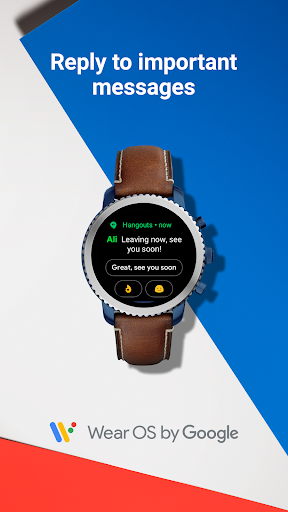
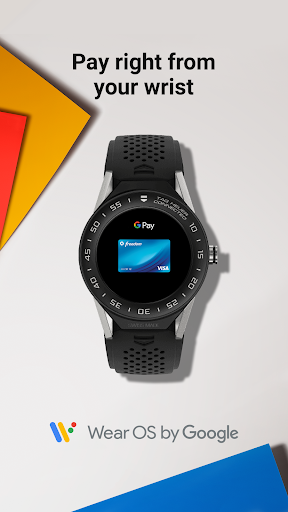
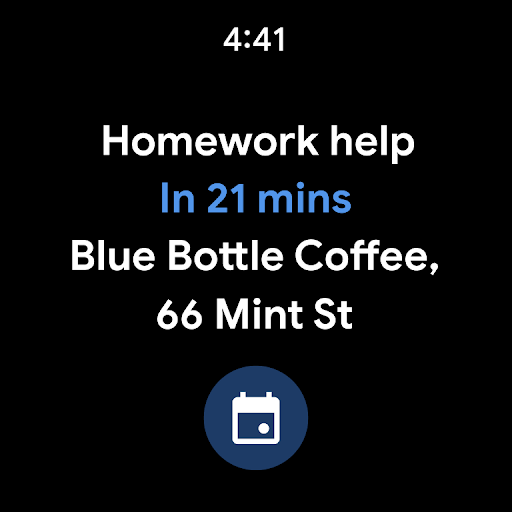
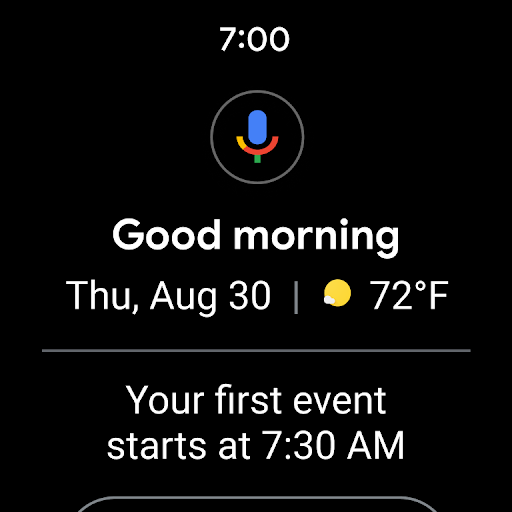
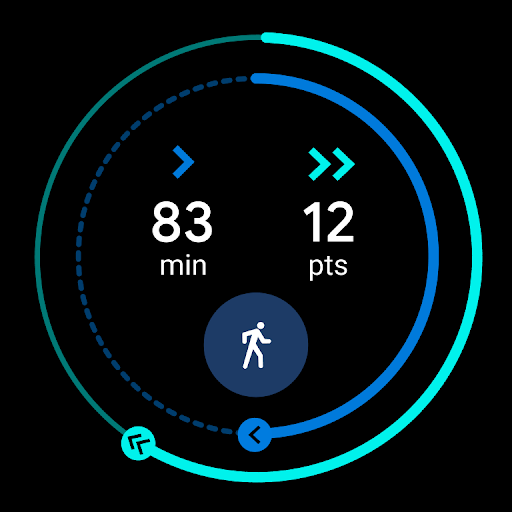
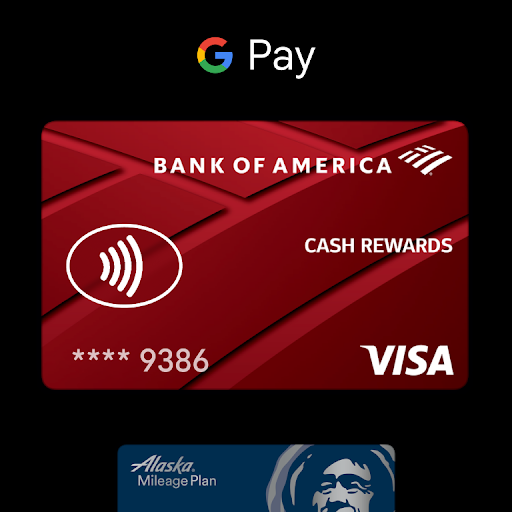
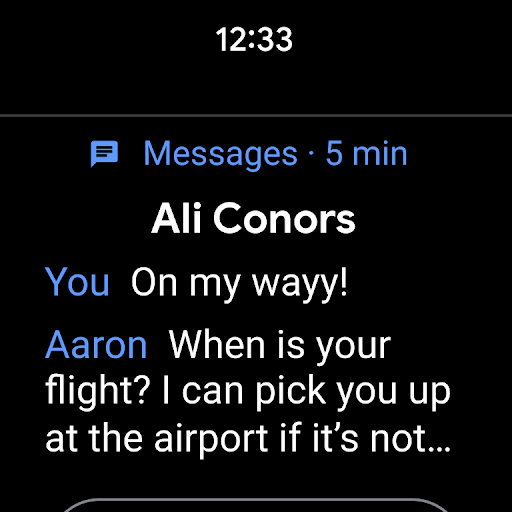
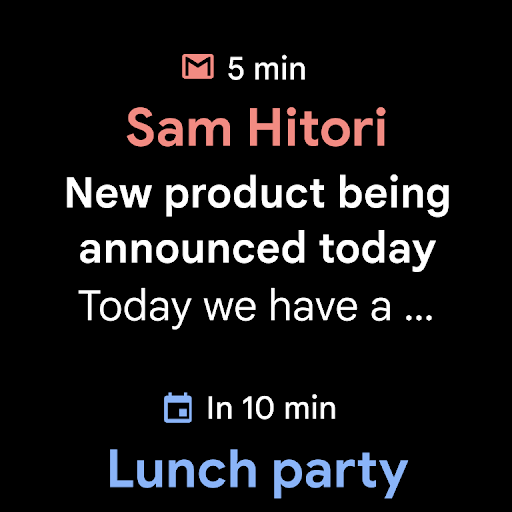
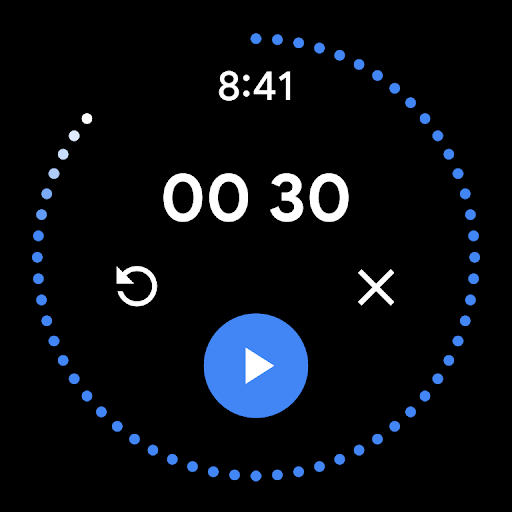
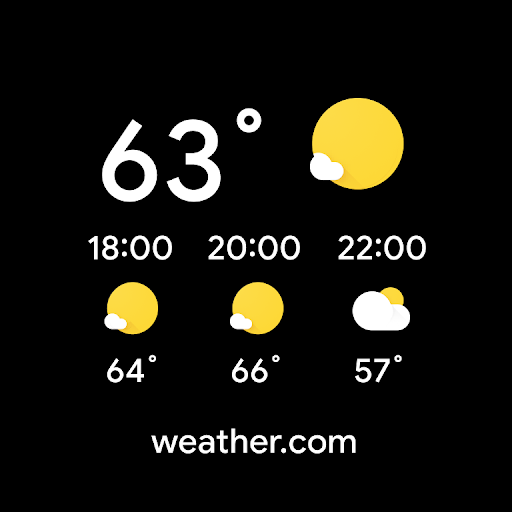
App Feature
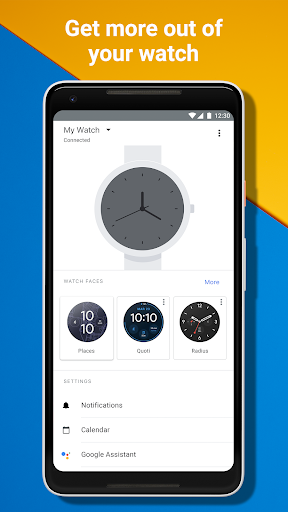
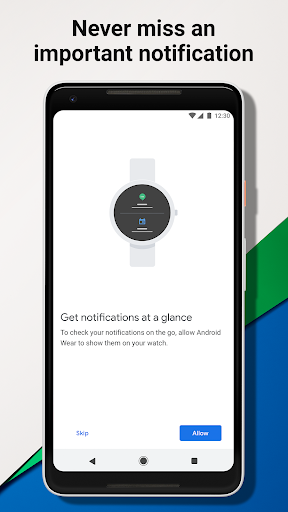
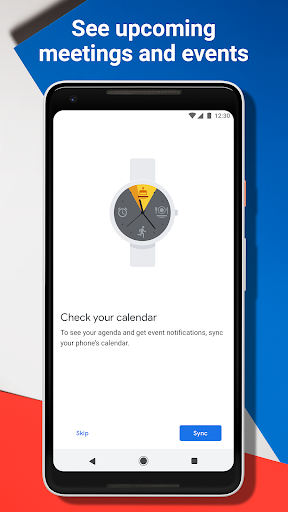
Wear OS by Google Smartwatch is a companion app that syncs your Wear OS watch with your phone to deliver glanceable notifications, Google Assistant help, fitness and health tracking, music controls, and customizable watch faces and apps.
Verdict
Verdict: A capable companion for glanceable smarts and basics, but reliability can vary by device and setup.
Who is it for
Best for:
- Android users who want quick, efficient notifications on the wrist
- People who value Google Assistant and simple fitness tracking
- Users who like customizing watch faces and lightweight app access
Not ideal for:
- Power users needing advanced training metrics and deep health insights
- Anyone expecting flawless connectivity across all phone/watch combos
- iPhone users or regions without full Google Assistant support
Real-world User Experience
Users like it:
Fast, efficient handling of calls, messages, and app alerts; focus on quick 5‑second interactions; ability to choose which calendar syncs; can improve battery life and stability after proper setup or reset.
Users complain about:
Occasional setup or sync hiccups that may require a factory reset of the watch/phone to resolve; experience quality can vary by device combination.
Is it Worth Paying For?
The app is free with no ads or in‑app purchases, so there’s nothing to pay for—good value if your watch supports Wear OS.
How it Compares to Alternatives
Compared to Samsung Galaxy Wearable (best for Galaxy Watches) and Fitbit/Garmin companion apps (stronger in advanced fitness and long‑term metrics), Wear OS offers broader app/watch‑face customization and Google Assistant integration but can feel less consistent due to varied third‑party hardware. Apple Watch (with iPhone) delivers tighter integration but isn’t an Android option.
Summary
Wear OS by Google Smartwatch reliably covers the essentials—notifications, Assistant, music control, and baseline fitness—while letting you tailor the look and feel with extensive watch faces and apps. Users praise its focus on quick, efficient wrist interactions and the flexibility to pick which data (like calendars) syncs. However, stability and connectivity can depend on your specific watch and phone pairing, and some users report needing a reset to clear issues. If you have a compatible Wear OS watch and want a straightforward, customizable companion for everyday smarts and basic health tracking, this is an easy, no‑cost pick, with the caveat that advanced athletes and those seeking rock‑solid, uniform reliability across all devices may prefer brand‑specific ecosystems.
Ratings
Trending APP









Alternative to this app






















