
Copyright 2026 © swekartor. All Rights Reserved.



Information about GoPro Quik: Video Editor
App Feature
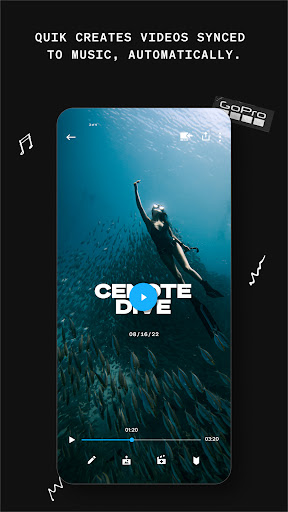
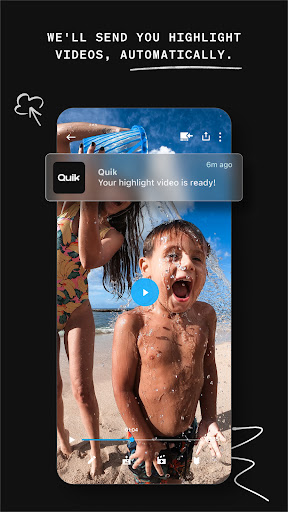
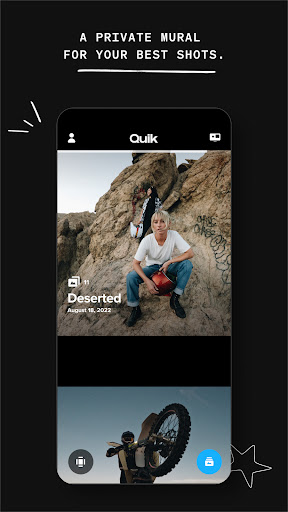
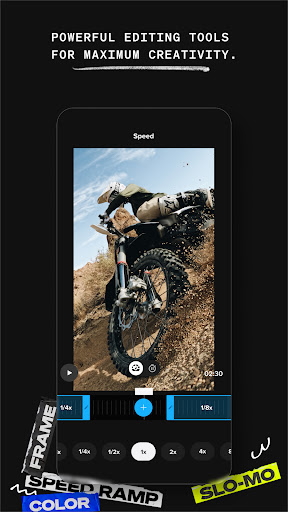
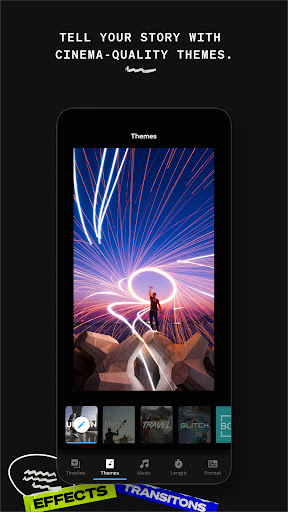
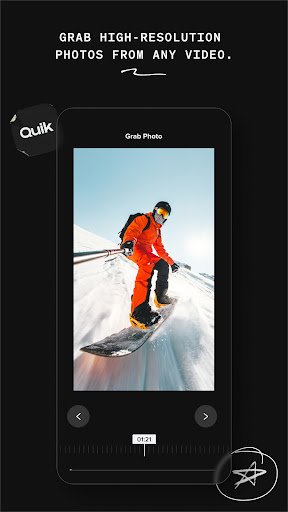
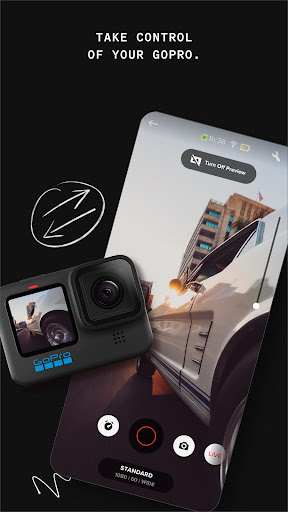
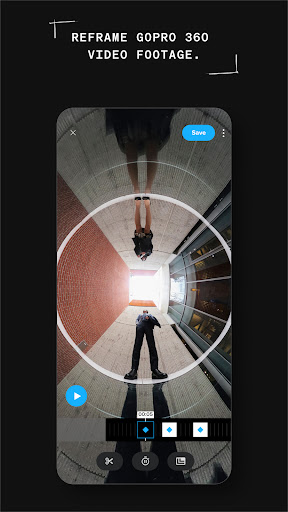
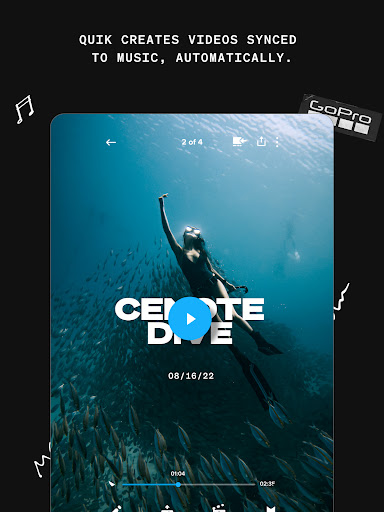
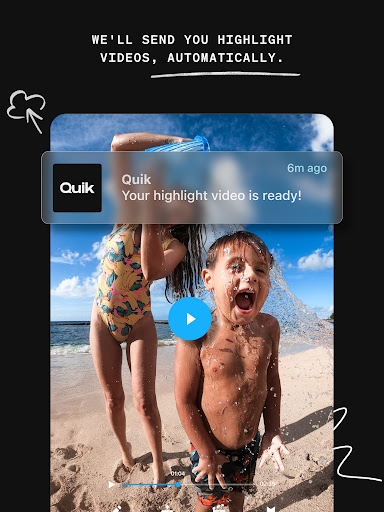
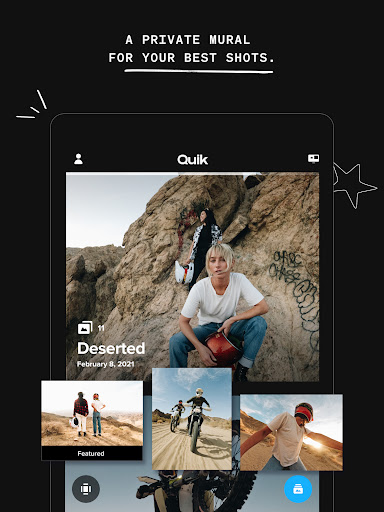
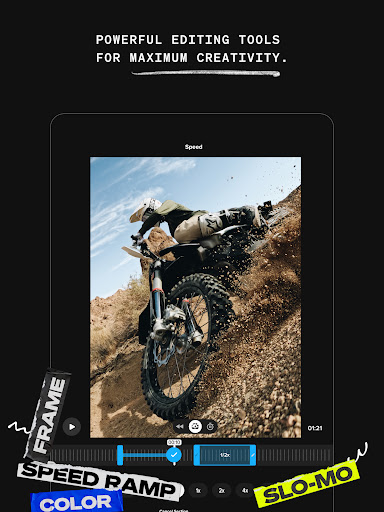
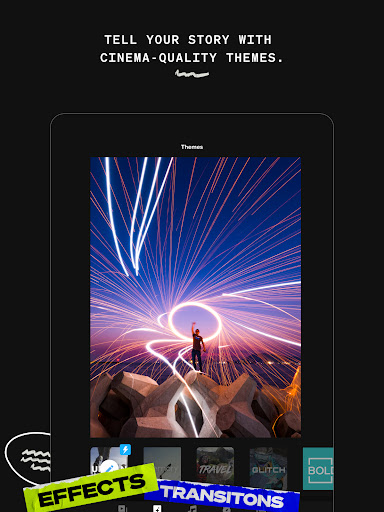
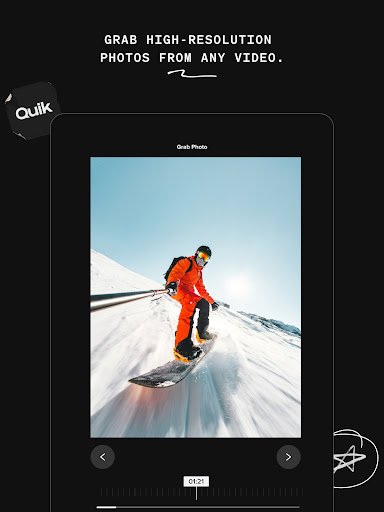
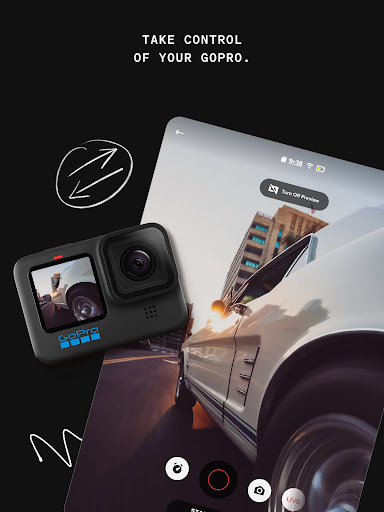
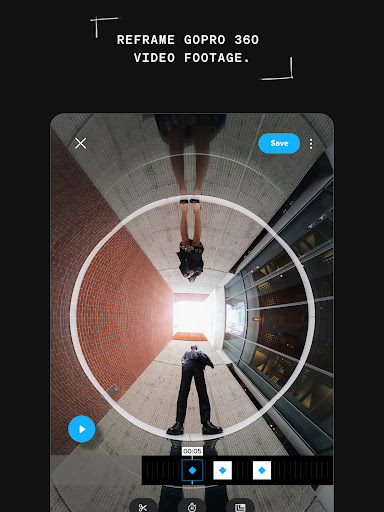
GoPro Quik is a mobile video editor that auto-creates highlight reels from your clips, syncs edits to music, and offers quick tools like trimming, speed control, filters/themes, text overlays, frame grabs, aspect adjustments, and 360° Reframe. It tightly integrates with GoPro cameras for fast transfers, auto upload, cross‑device cloud sync, and unlimited full‑quality backups for GoPro footage with a subscription.
Verdict
Verdict: A polished, GoPro‑centric editor that excels at fast, music‑synced highlights and cloud workflow, but can feel limited or sluggish for heavier manual editing.
Who is it for
Best for:
- GoPro owners who want seamless auto uploads, cloud backup, and quick highlights
- Creators who prefer automatic, music‑synced edits with minimal manual work
- Users needing reliable frame grabs, themes, and one‑tap social sharing
Not ideal for:
- Editors who need deep timeline control, multi‑track workflows, or granular color grading
- Users unwilling to subscribe for cloud storage and premium tools
- Those editing large, complex projects primarily from non‑GoPro sources
Real-world User Experience
Users like it:
Automatic highlight creation that smartly picks moments and syncs transitions to music; overall ease of assembling clips and photos; recent updates improving stability and restoring smooth performance for some users.
Users complain about:
Occasional sluggishness and long delays when rearranging or trimming many clips; some versions felt less intuitive after changes to the UI/flow; intermittent bugs that sometimes require clearing cache or reinstalling.
Is it Worth Paying For?
Yes for GoPro owners: the Premium/Premium+ plans unlock unlimited full‑quality cloud storage for GoPro footage (plus 100GB–500GB for other cameras), auto uploads, and advanced tools—good value if you rely on cloud backup and fast sharing. If you don’t use a GoPro or seldom need cloud, the free tools may suffice and competitors may offer more advanced editing without a subscription.
How it Compares to Alternatives
Compared to CapCut, InShot, or KineMaster, Quik is less about deep, multi‑track editing and more about fast, music‑synced highlight automation and GoPro workflow. Adobe Premiere Rush and PowerDirector offer more granular control but lack Quik’s GoPro detection/transfer and unlimited GoPro cloud backup. For 360° content, Quik’s Reframe is convenient, though dedicated desktop tools still offer finer control.
Summary
GoPro Quik streamlines turning action footage into slick, shareable highlight videos. Its strengths are smart auto‑editing, beat‑synced transitions, tight GoPro integration, cloud backup/sync, and helpful quick tools like frame grab, filters, themes, and 360° Reframe. The trade‑offs are occasional sluggishness on heavy edits and a UX that some users find less intuitive after updates. If you’re a GoPro user who values automatic highlight reels, effortless backup, and fast sharing, Quik delivers strong value—especially with the subscription’s unlimited GoPro cloud storage. Power users seeking deep timeline precision may prefer more advanced editors, but for quick, polished results, Quik lives up to its name.
Ratings
Trending APP












Alternative to this app









