Copyright 2026 © swekartor. All Rights Reserved.



Information about Edits: Video Editor
App Feature
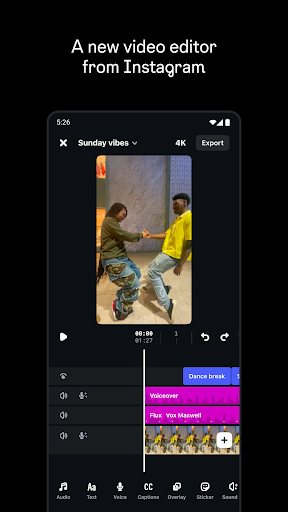
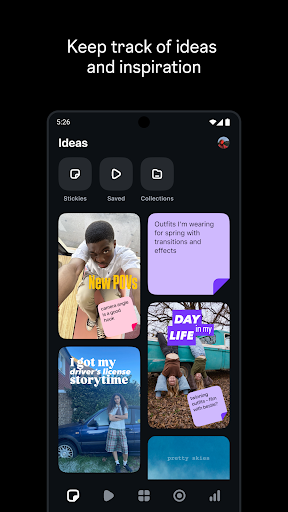
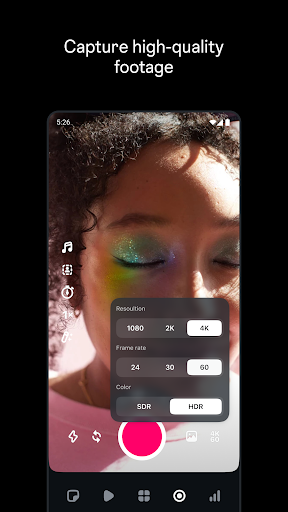
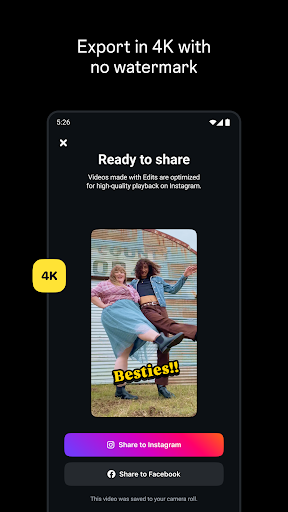
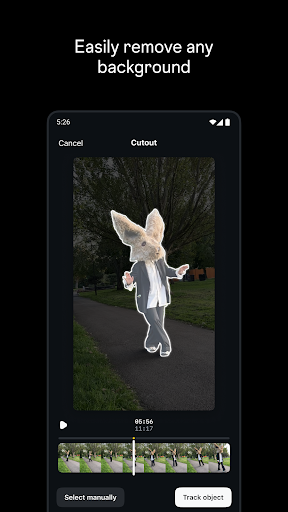
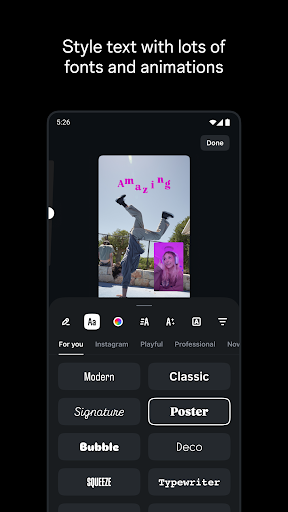
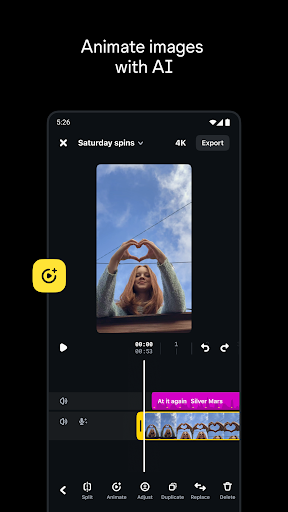
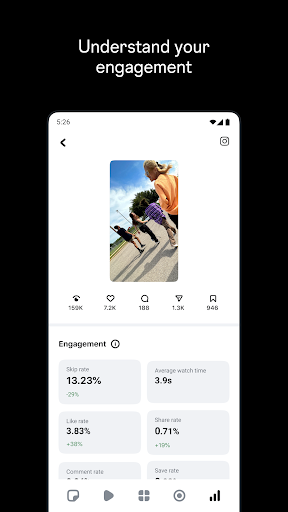
A free, no‑watermark mobile video editor from Instagram focused on fast reel creation. It offers frame‑accurate editing, 4K/HDR export, AI image animation, green screen/cutout/overlays, filters, stickers and fonts, audio enhancement and auto‑captions, with tight Instagram integration for trending audio, drafts, and live insights.
Verdict
Verdict: A polished, creator‑friendly editor for Instagram reels, but less ideal if you need advanced audio workflows or broader language/format support.
Who is it for
Best for:
- Instagram creators wanting seamless creation-to-posting and insights
- Mobile editors needing quick, precise cuts and 4K export with no watermark
- Beginners who want an intuitive, ad‑free editor that just works
Not ideal for:
- Long‑form or landscape video editors targeting YouTube or >10‑minute projects
- Users needing robust multilingual caption control or custom audio import
- Those requiring pro desktop‑level effects or complex audio mixing
Real-world User Experience
Users like it:
Clean UI, very intuitive timeline with frame accuracy; fast, reliable posting to Instagram; accurate and quick auto‑captions with customizable styles; no ads or fees; strong effects library; saves time versus desktop; 4K/HDR export and no watermark; seamless access to trending audio and reel insights.
Users complain about:
Occasional crashes with cutout; caption language limitations and mixing (e.g., Hindi/Urdu); overlay media picker sometimes shows wrong folder; missing full‑screen preview; no clip preview during import; lacks standalone audio import and sometimes loses background music on export; capped recording length and weaker support for landscape/long‑form editing.
Is it Worth Paying For?
It’s free with no ads or IAP, offering 4K exports, captions, effects, and Instagram integration at no cost—excellent value with zero paywall.
How it Compares to Alternatives
Compared to CapCut and InShot, Edits trades breadth (e.g., audio import, cross‑platform formats, templates) for unmatched Instagram integration, cleaner workflow to Reels, and no watermark. It’s simpler than Adobe Premiere Rush but faster for reel‑centric work. If you need multi‑platform, advanced audio, or long‑form editing, CapCut/Rush may fit better; for Instagram‑first creators, Edits is the most seamless choice.
Summary
Edits: Video Editor focuses on what Instagram creators do most: capture, cut with precision, add captions/effects, and publish—fast. It delivers a smooth, ad‑free experience with 4K/HDR export, AI animation, cutout/green screen, audio enhancement, and deep Instagram hooks like trending audio and live insights. While users praise its speed, simplicity, and reliability, some report cutout crashes, quirks in the media picker, limited caption language control, missing audio import, and constraints for landscape or >10‑minute projects. If your priority is making high‑quality Reels quickly and posting without friction, it’s a standout; for complex audio workflows, multilingual captioning, or long‑form, alternatives may be better.
Ratings
Trending APP












Alternative to this app