Copyright 2026 © swekartor. All Rights Reserved.



Information about Intune Company Portal
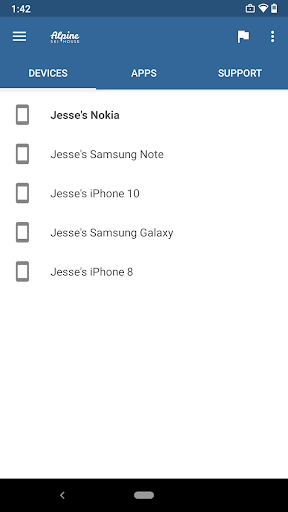
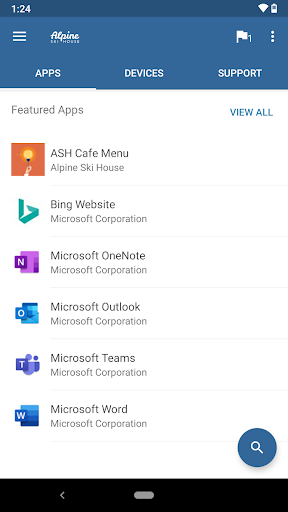
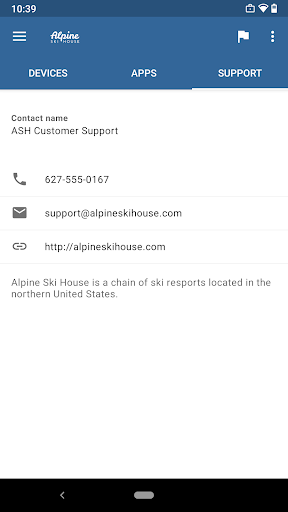
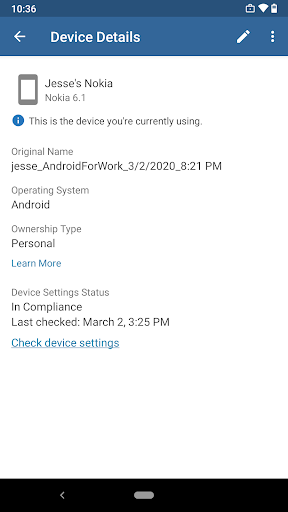
App Feature
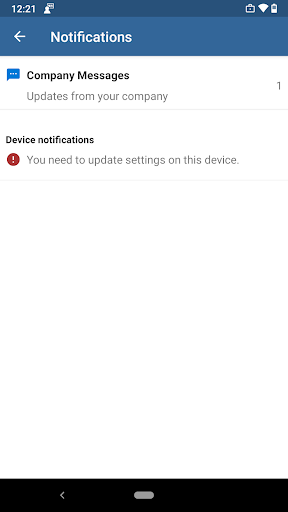
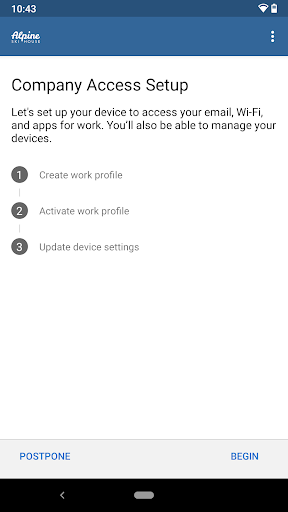
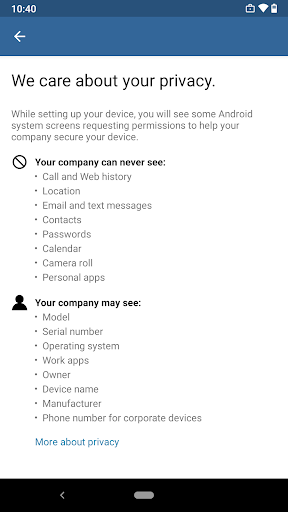
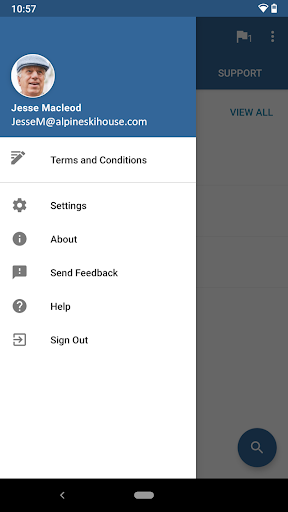
Microsoft Intune Company Portal is an enterprise device-management and access app that enrolls Android devices into an organization’s Intune environment, enforces security policies, and provides a hub to install work apps, access corporate resources, view device compliance, and contact IT.
Verdict
Verdict: Essential for Microsoft 365/Intune-managed organizations, but frustrating if your company’s setup or device compatibility isn’t solid.
Who is it for
Best for:
- Employees in organizations using Microsoft Intune and Microsoft 365 apps (Outlook, Teams, SharePoint).
- IT-administered devices needing policy enforcement, app deployment, and remote management.
Not ideal for:
- Personal users seeking a general productivity app without corporate enrollment.
- Companies without a well-configured Intune tenant or users on devices with limited Work Profile support.
Real-world User Experience
Users like it:
When set up correctly by IT, it reliably enrolls devices, secures data, and streamlines access to Microsoft work apps. Users and admins praise its tight integration with Outlook/Teams/SharePoint, centralized app catalog, and the ability to manage multiple devices. Some report that clearing app data/reinstalling resolves occasional performance or sign-in loops.
Users complain about:
Frequent pain points tie to IT misconfiguration or device limitations: work profile creation failures (especially on certain OEMs), recurring sign-in prompts, battery drain, and confusion during re-enrollment. Troubleshooting often requires IT intervention, and some features may be restricted by region or company policy.
Is it Worth Paying For?
The app is free with no in-app purchases; value depends entirely on your organization’s Intune subscription and configuration. There’s no direct cost to end users.
How it Compares to Alternatives
Compared to Workspace ONE (VMware) and IBM MaaS360, Intune Company Portal offers the strongest native integration with Microsoft 365 apps, Conditional Access, and Azure AD. It can feel more seamless for companies standardized on Microsoft. However, like peers, it inherits Android Work Profile/OEM quirks and can be as complex as the IT policies behind it. Google’s Android Device Policy is lighter but less feature-rich for app catalog and M365 integration.
Summary
Intune Company Portal is a purpose-built companion for organizations managing Android devices through Microsoft Intune. It enrolls devices, applies security policies, and provides a central place to install sanctioned apps and access company resources. Real-world satisfaction hinges on the quality of your company’s Intune setup and device compatibility: when those are right, it generally works smoothly and stays out of the way; when they’re not, users may face enrollment errors, sign-in loops, or battery drain that require IT assistance. For Microsoft-centric environments, it’s the correct choice and effectively mandatory; for others, alternative MDM portals may fit better. Since it’s free to end users, its value is tied to your organization’s Intune subscription and administration.
Ratings
Trending APP












Alternative to this app