Copyright 2026 © swekartor. All Rights Reserved.



Information about Xbox Family Settings
App Feature
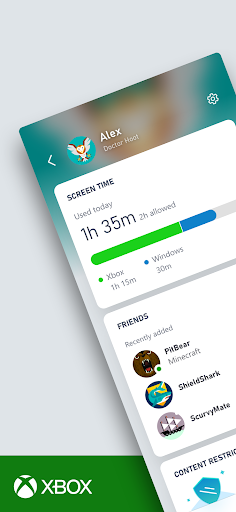
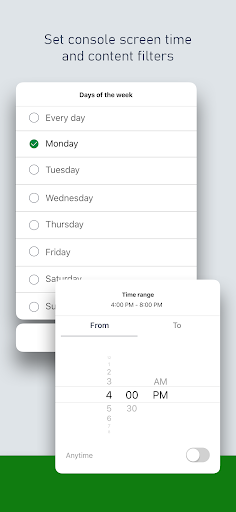
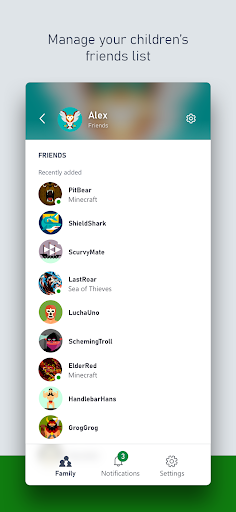
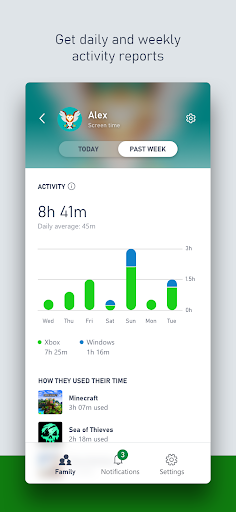
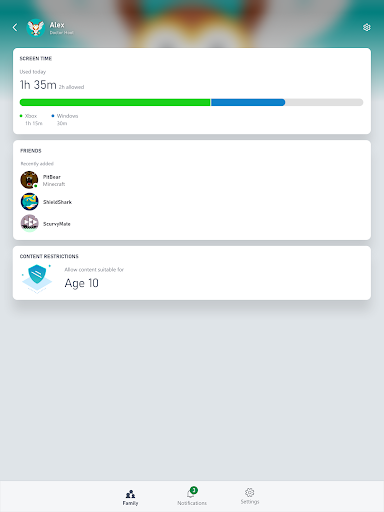
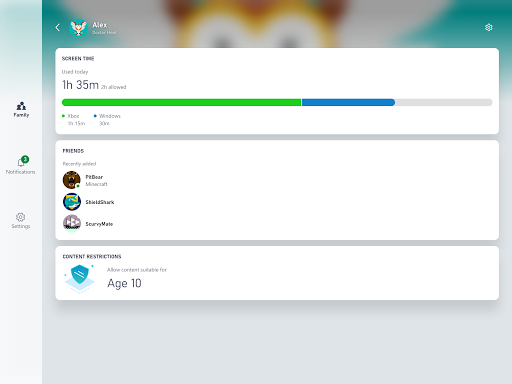
Xbox Family Settings centralizes parental controls for Xbox consoles, letting parents set screen time limits, manage content and multiplayer permissions, approve friend requests, and receive real‑time activity notifications for child accounts.
Verdict
Verdict: A capable, free parental control companion for Xbox households, but setup and reliability quirks may frustrate some families.
Who is it for
Best for:
- Parents invested in the Xbox ecosystem who want mobile control
- Households managing multiple child accounts with time/content limits
- Families that value real-time alerts for friend requests and activity
Not ideal for:
- Users seeking cross‑platform/device controls beyond Xbox
- Parents who want highly granular app-by-app controls or deep analytics
- Anyone unwilling to navigate Microsoft account/family setup requirements
Real-world User Experience
Users like it:
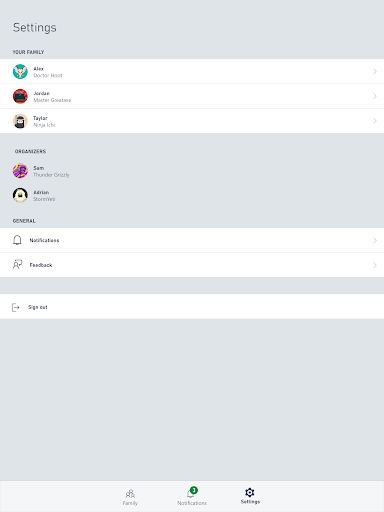
Quick access to screen time settings, content restrictions, and approvals from a phone; clear real-time notifications for friend requests and activity; convenient overview of multiple child profiles under one family account.
Users complain about:
Onboarding and family account linking can be confusing; occasional sync delays or reliability issues when applying settings; limited functionality outside Xbox consoles; some friction when handling permissions or policy edge cases.
Is it Worth Paying For?
The app is free with no ads or in‑app purchases, making it an easy yes if you use Xbox—there’s no cost barrier to try and adopt it.
How it Compares to Alternatives
Compared with Google Family Link (broader Android/ChromeOS coverage) and third‑party screen‑time tools, Xbox Family Settings is narrower but deeper for Xbox-specific controls and approvals. Nintendo Switch Parental Controls offers similar console-focused features, while PlayStation’s family management is more fragmented across apps. For pure Xbox households, this app provides the most direct and integrated control; for mixed-device families, broader solutions may be more comprehensive.
Summary
Xbox Family Settings is Microsoft’s dedicated companion for managing how kids play on Xbox. It streamlines common parental tasks—setting screen time, controlling content and multiplayer, and approving social interactions—while pushing timely notifications to your phone. The experience is strongest if your family primarily uses Xbox consoles and already lives in the Microsoft account ecosystem. While the app is free and effective for core controls, users report that setup can be confusing and that changes may not always sync instantly. If you need deep cross‑platform coverage or granular app‑level analytics, consider broader parental control tools, but for Xbox-first families, this delivers solid peace of mind at no cost.

Ratings
Trending APP












Alternative to this app