
Copyright 2026 © swekartor. All Rights Reserved.



Information about Photo video maker with music

App Feature
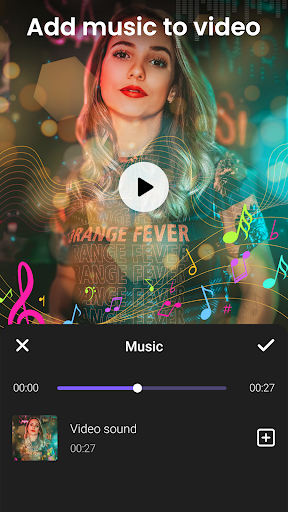
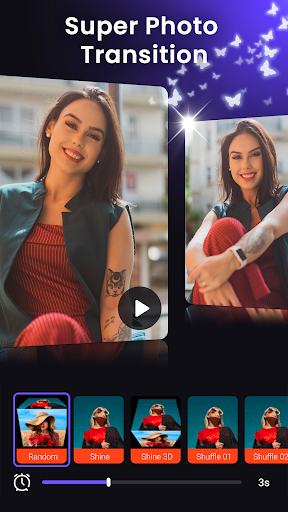
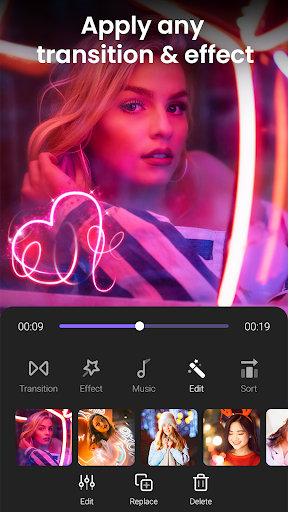
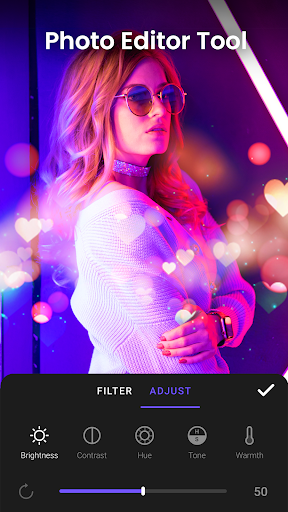
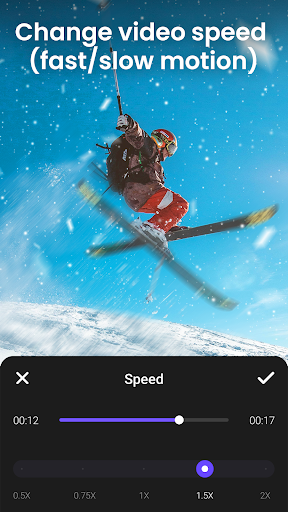
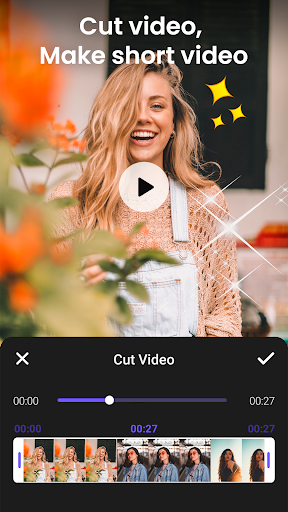
A beginner-friendly slideshow and video editor that turns photos into music-backed videos. Core tools include adding audio to video, trimming and cutting clips, adjusting speed (0.5x–2x), choosing transition timings, applying frames/overlays/stickers, basic photo adjustments, and exporting up to 1080p with no watermark.
Verdict
Verdict: A simple, no-watermark slideshow maker that’s great for quick, music-backed photo videos, but limited for fine-grained editing and robust audio libraries.
Who is it for
Best for:
- Beginners who want fast photo-to-video slideshows with music
- Users who value no-watermark 1080p exports and easy sharing
- Anyone needing quick edits like trim, speed change, and transitions
Not ideal for:
- Editors needing precise per-slide timing, sub-second controls, or advanced timelines
- Users who want a large, searchable music library or trending tracks
- Those sensitive to frequent ads or potential paywalls for repeated editing
Real-world User Experience
Users like it:
Consistently praised for being easy to use, quick to learn, and effective at assembling many photos (50–80+) into attractive slideshows with smooth transitions. Users like the ability to add their own music, create 1080p videos without watermarks, rearrange photos easily, and apply simple edits and effects.
Users complain about:
Frequent ads are a common complaint. Several users want finer control over slide duration (e.g., sub-second timing) and the ability to apply text consistently across all photos. Music selection is viewed as basic, with requests for a searchable, broader catalog. A few report unexpected video cuts or friction that suggests pay prompts after limited use.
Is it Worth Paying For?
The free version is fully usable and exports without a watermark, which is excellent value. If the IAP removes ads and unlocks more assets, it’s worth it for frequent users who want fewer interruptions and extra content. Casual users can comfortably stick with the free tier.
How it Compares to Alternatives
Compared to InShot, CapCut, VN, or Adobe Express, this app is simpler and more focused on photo slideshows than multi-track video editing. It beats many free slideshow tools by offering 1080p and no watermark, but trails top editors on precision controls, advanced timelines, effects depth, and music library breadth. Versus Google Photos’ movie maker, it offers more transitions/effects but less polish and smart automation.
Summary
Photo video maker with music delivers an easy, fast way to turn photos into clean, music-backed slideshows with no watermark and 1080p export, a standout for a free app. Its toolset covers the essentials—trim, speed control, transitions, frames, overlays, stickers, and basic photo edits—making it ideal for birthday compilations, memory reels, and social posts. User feedback highlights smooth creation with dozens of photos and the convenience of adding personal tracks, while also pointing out frequent ads, a modest music library, limited text automation across slides, and a lack of fine-grained timing. If you want quick, attractive slideshow videos with minimal learning curve, it’s an excellent pick; power editors or those needing robust audio search and precision timing should consider more advanced alternatives or the app’s paid offerings if they reduce friction.
Ratings
Trending APP












Alternative to this app









