
Copyright 2026 © swekartor. All Rights Reserved.



Information about Vieka: Music Video Editor, Effect and Filter
App Feature
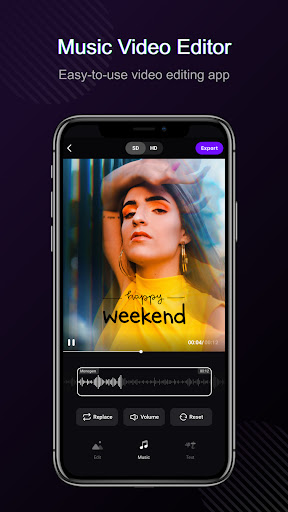
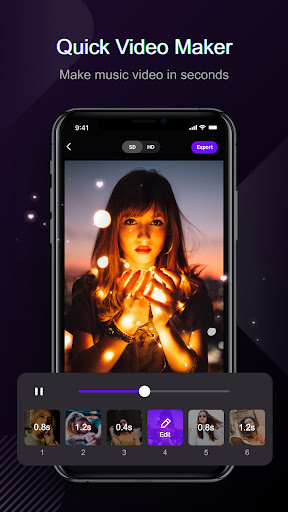
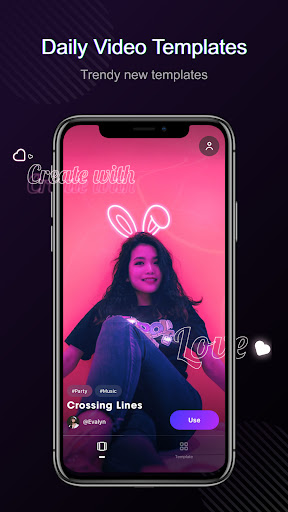
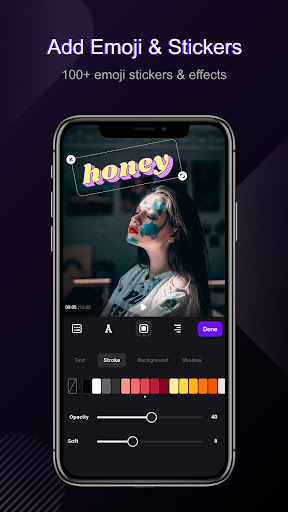
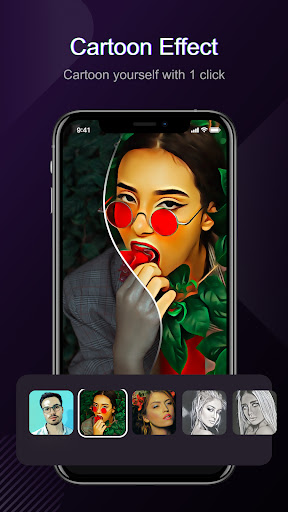
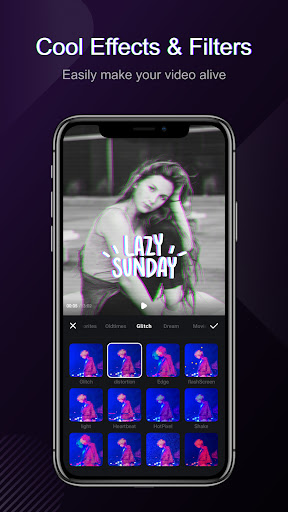
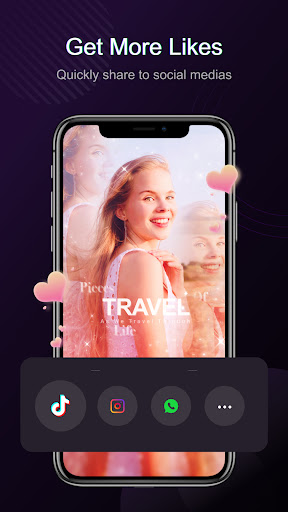
Vieka is a template-driven music video editor for quick social-ready clips. It offers one-tap slideshow/video creation with synced music beats, transitions, effects, filters, text/stickers, and HD export, plus optional Pro to remove watermark and unlock all templates.
Verdict
Verdict: A fast, template-first video editor great for effortless social edits, but less suited to deep manual control or advanced precision editing.
Who is it for
Best for:
- Creators who want quick, stylish edits with minimal effort
- Beginners or casual users making TikTok/IG Reels with trendy templates
- Users fine with watching ads to remove watermarks
Not ideal for:
- Editors needing granular timeline control and advanced audio tools
- Users who dislike ads or higher-priced subscriptions
- Those sensitive to occasional lag or glitches on some devices
Real-world User Experience
Users like it:
Plenty of attractive, frequently updated templates; extremely easy workflow—just pick a template and add photos/videos; ad-based watermark removal; fast export; good for YouTube/Instagram; some users can import their own sounds.
Users complain about:
Some templates locked behind Pro and price feels high; occasional lag, glitches, and audio choppiness after multiple edits; limited customization at start, text styling options feel basic; ads can be frequent or slow to load for watermark removal; mixed reports on custom music flexibility.
Is it Worth Paying For?
The free tier is generous thanks to ad-based watermark removal and many usable templates, making it sufficient for most casual creators. Pro is worthwhile only if you rely on premium templates regularly and want an ad-free, watermark-free workflow—otherwise the value may feel pricey compared to competitors.
How it Compares to Alternatives
Compared to CapCut, Vieka is simpler and more template-centric but lacks CapCut’s robust timeline editing, effects depth, and free no-watermark exports. InShot offers stronger manual controls for trimming, canvases, and overlays, while Vieka wins on speed-to-share with one-tap templates. Tempo/Vinkle are closest peers; Vieka’s ad-to-remove-watermark is a user-friendly perk, though its premium pricing and occasional stability issues may trail CapCut’s polish.
Summary
Vieka excels at turning a handful of photos or clips into polished, beat-synced videos in minutes. Its strength is trendy templates, quick exports, and a low-friction path to social sharing—especially since you can remove watermarks by watching an ad. However, advanced editors may find customization, text controls, and timeline precision limited, and some users report lag or audio glitches across sessions. If you value speed and style over fine control, the free tier is compelling; upgrade only if you frequently use premium templates and want to skip ads.

Ratings
Trending APP












Alternative to this app









