
Copyright 2026 © swekartor. All Rights Reserved.



Information about HD Video Player All Formats
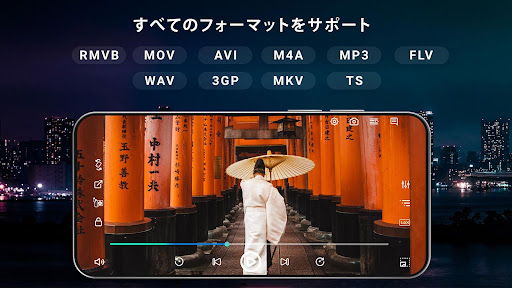
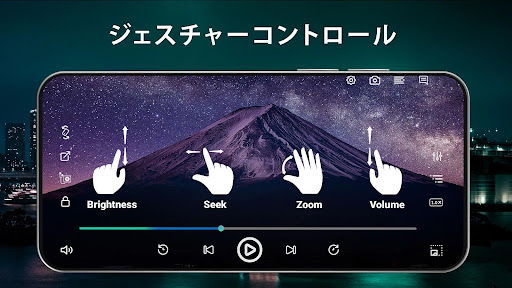
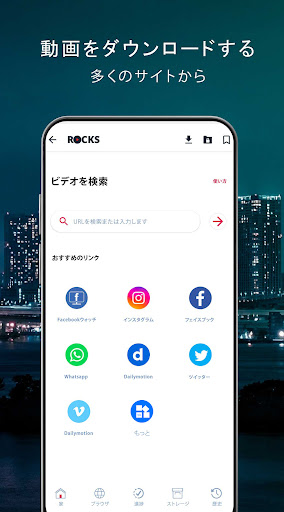
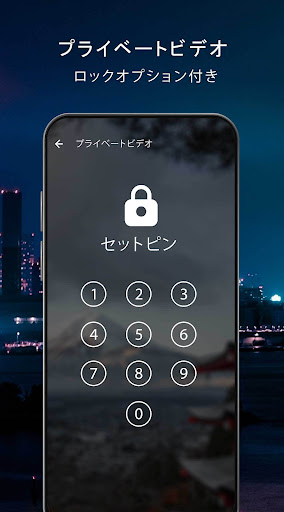
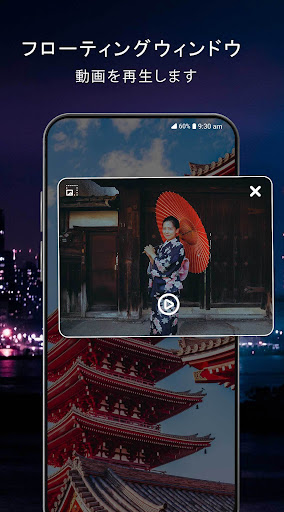
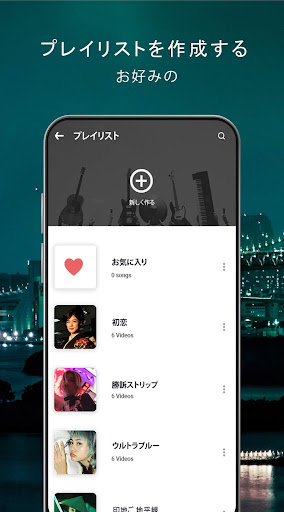
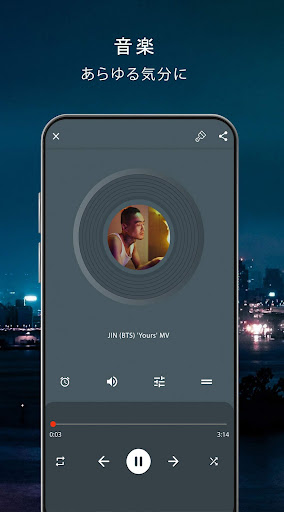
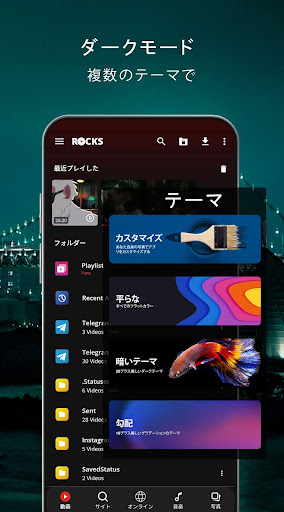
App Feature
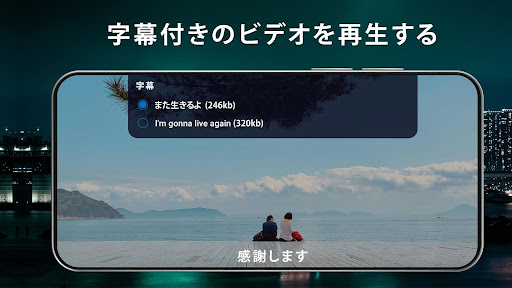
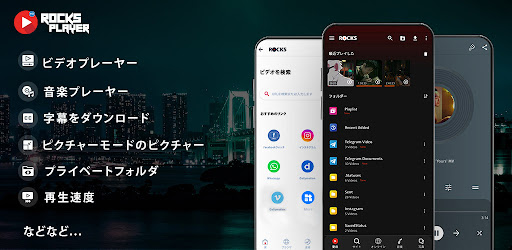
A three‑in‑one media hub that plays virtually all video/audio formats (including HD/Full HD/4K), with background and floating playback, TV casting, powerful gesture controls, equalizer, subtitle support, file manager (cleanup, duplicate finder), private vault/locker, themes, and a built‑in video downloader.
Verdict
Verdict: A capable, all‑in‑one Android media player with power‑user extras, best if you want more than simple playback but can tolerate ads and a few quirks.
Who is it for
Best for:
- Users needing wide format support, 1080p/4K playback, and smooth performance
- Power users who want floating/background play, file management, and a private vault
- Viewers who cast to TV and customize gestures, themes, and subtitles
Not ideal for:
- Anyone who wants a completely ad‑free experience without paying
- Users who need flawless subtitle auto‑detection and SD card subtitle browsing
- People who prioritize rock‑solid casting and perfect Bluetooth auto‑pause behavior
Real-world User Experience
Users like it:
Smooth HD/4K playback, fast loading, intuitive gesture controls, excellent floating window and background/screen‑off audio playback, simple UI with strong file organization, and customizable subtitles/themes; many report it reliably handles virtually any format.
Users complain about:
Subtitle files aren’t always auto‑detected, and browsing SD storage for subtitles can be limited; casting can be inconsistent; music may continue after Bluetooth disconnect without an obvious auto‑pause option; ad interruptions exist in the free tier.
Is it Worth Paying For?
The app is free with ads and offers IAP (likely to remove ads and/or unlock extras). If you rely on floating/background playback, the vault, and integrated management tools, paying to remove ads is good value. If you mainly want clean, ad‑free playback, a free alternative like VLC may be a better fit.
How it Compares to Alternatives
Compared to VLC, this app adds a downloader, vault, duplicate cleaner, and richer theming, but VLC is ad‑free, open‑source, and very stable with subtitles/casting. Versus MX Player, feature sets overlap (HW acceleration, gestures), but MX often has more polished subtitle handling and casting; this app counters with integrated file tools and a vault. Against XPlayer/Video Player All Format or KMPlayer, it’s competitive on formats and background play while offering broader device‑cleanup utilities; however, casting reliability and subtitle auto‑pick seem slightly behind top rivals.
Summary
HD Video Player All Formats is a versatile media player that goes beyond playback with background/floating modes, TV casting, robust gesture controls, an equalizer, and extensive file utilities (manager, duplicate finder, vault). It handles most formats up to 4K smoothly and is easy to use, which explains its strong rating and massive install base. Downsides include ad presence in the free tier, occasional casting hiccups, and inconsistent subtitle auto‑detection/SD browsing, plus minor Bluetooth auto‑pause gaps. If you want an all‑in‑one media toolkit on Android and can live with (or pay to remove) ads, it’s a compelling pick; if you prioritize a minimal, ad‑free player with bulletproof subtitle/casting behavior, consider VLC or MX Player.
Ratings
Trending APP












Alternative to this app









