
Copyright 2026 © swekartor. All Rights Reserved.



Information about Streamlabs: Live Streaming
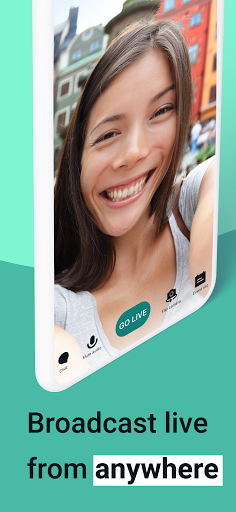
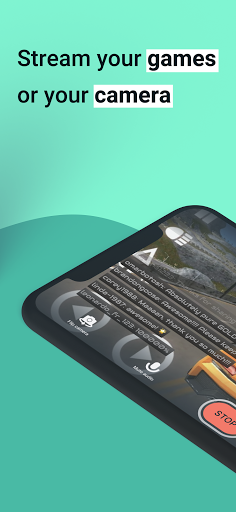
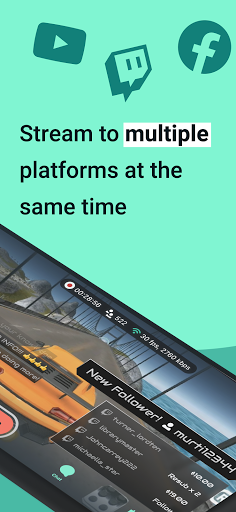
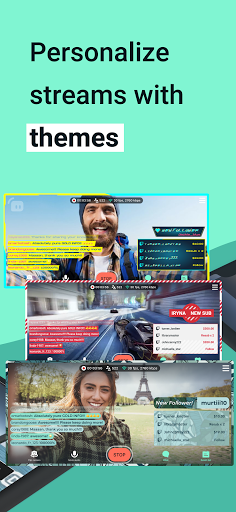
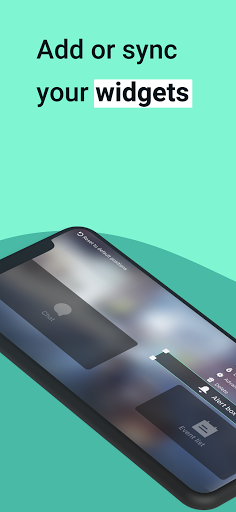
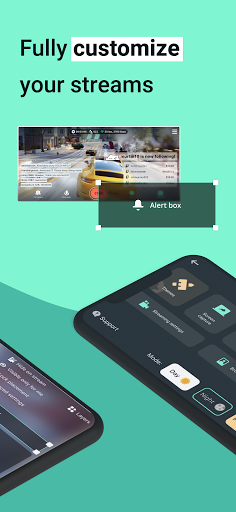
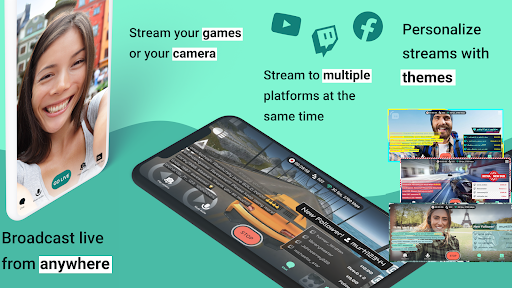
App Feature
Mobile live-streaming toolkit to broadcast games or IRL from your phone to Twitch, YouTube, Facebook, Kick, Instagram, or custom RTMP. Offers customizable overlays/themes, alerts and chat widgets, tipping integration, scene/element control (including remote control for desktop setups), and optional Ultra features like multistreaming and disconnect protection.
Verdict
Verdict: A powerful, mobile-first streaming app with pro widgets and multistreaming, but quirks and stability issues mean it suits patient tinkerers more than plug‑and‑play users.
Who is it for
Best for:
- Creators who want to stream mobile games or IRL to multiple platforms
- Streamers who value overlays, alerts, chat, and tipping on the go
- Existing Streamlabs/OBS users who will use the remote control features
Not ideal for:
- Competitive mobile gamers needing in-game voice chat alongside stream audio
- Users expecting flawless stability or perfect orientation handling out of the box
- Chromebook or older device owners seeking guaranteed performance
Real-world User Experience
Users like it:
Easy first-time setup for going live; reliable IRL/game streams even on challenging connections; strong remote control to start/stop streams and switch scenes; customizable overlays and alerts; solid audio/video quality when configured correctly; effective tipping integration.
Users complain about:
Occasional freezes/glitches and dropouts; orientation/resolution quirks (e.g., horizontal view appearing vertical, 720p60 instability); lag when multiple widgets are added; conflicts between app microphone capture and in‑game voice chat; some platform/menu cruft and learning curve; mixed Chromebook compatibility.
Is it Worth Paying For?
Core streaming, overlays, alerts, and tipping work free. The Ultra subscription adds multistreaming and disconnect protection—worth it if you actively grow audiences across platforms or stream in variable network conditions. Casual or single‑platform streamers can likely skip Ultra.
How it Compares to Alternatives
Compared to Prism Live Studio and Omlet Arcade, Streamlabs offers deeper widget/alert and tipping ecosystems and tight integration with Streamlabs services. Prism emphasizes creative effects and multicam; Omlet leans into gaming communities and tournaments. The native Twitch/YouTube apps are simpler but lack pro overlays/alerts. Desktop OBS remains more flexible, but Streamlabs stands out for mobile convenience plus remote control for desktop scenes.
Summary
Streamlabs: Live Streaming brings much of a desktop streaming stack to mobile, combining one-tap go-live with overlays, alerts, chat, and tipping, plus optional multistreaming and disconnect protection via Ultra. Reviews highlight successful IRL and gaming streams, strong remote controls, and good A/V quality; they also surface stability hiccups, orientation and 60fps quirks, and audio conflicts with in-game chat. If you’re willing to tweak settings and can live with occasional rough edges, it’s a capable, growth-oriented choice—especially for creators invested in the Streamlabs ecosystem or aiming to broadcast to several platforms at once.
Ratings
Trending APP












Alternative to this app









