
Copyright 2026 © swekartor. All Rights Reserved.



Information about Screen Recorder Video Recorder
App Feature
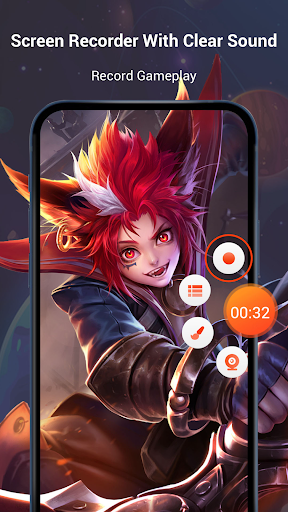
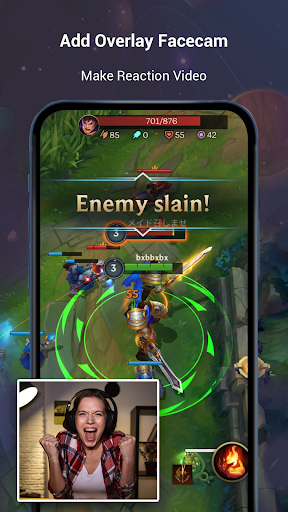
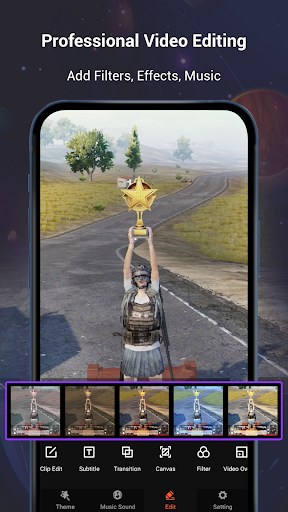
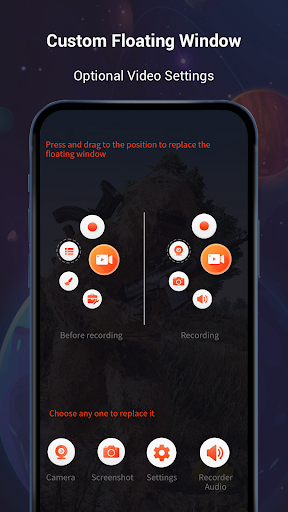
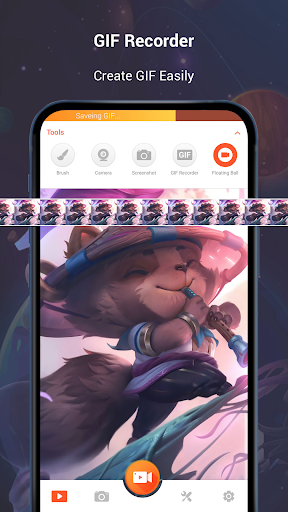
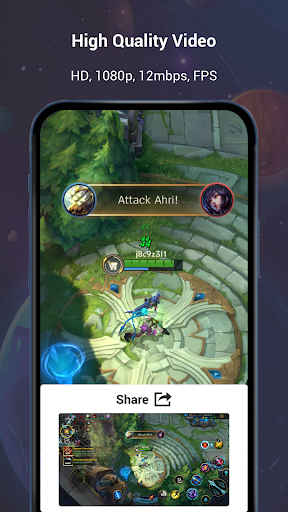
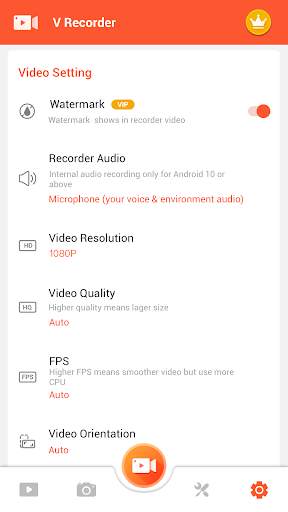
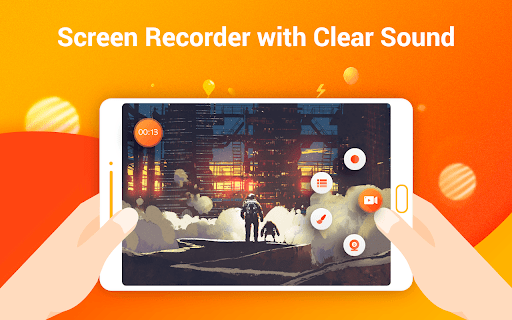
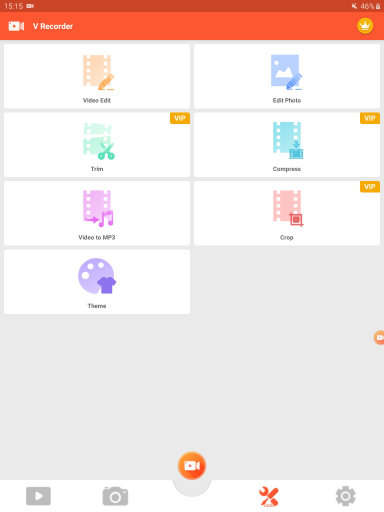
All-in-one Android screen recorder and editor (V Recorder) that captures high-quality screen video with internal/external audio, offers facecam overlays, GIF capture, AI assistant and noise reduction, floating controls, and a built‑in video/photo editor with filters, music, stickers, speed control, trim/rotate/crop, and drawing tools—no root and no time limits.
Verdict
Verdict: A powerful, beginner-friendly screen recorder with robust editing, but paywalled extras and occasional audio/device quirks may frustrate power users.
Who is it for
Best for:
- Creators who want quick screen captures with built‑in editing and music
- Gamers, teachers, and students needing internal audio and facecam
- Users who value easy controls (floating button, shake to stop) and HD output
Not ideal for:
- Users who need guaranteed internal audio on every device/OS version
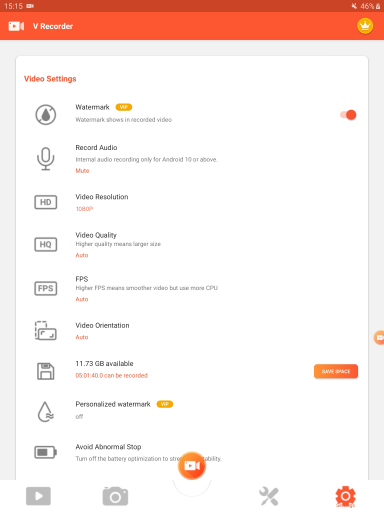
- Those who want a fully watermark‑free, ad‑free experience without paying
Real-world User Experience
Users like it:
Smooth, intuitive recording with reliable HD quality; rare free internal audio support on many devices; floating controls can be hidden; simple, effective editing (trim, music, stickers, speed); good for clipping podcasts, tutorials, and resizing for social media; works well even on older phones; handy features like shake‑to‑stop and GIF making.
Users complain about:
Free version watermark/app stamp; premium tools locked behind a relatively pricey subscription; internal audio not supported on all devices (mic capture only in some cases); occasional glitches with facecam overlay or slight audio quality drop; desire for a quick settings tile toggle; sporadic reports of inadvertent long recordings due to unclear status.
Is it Worth Paying For?
The free tier is strong for basic recording and quick edits, making it sufficient for many users. Paying removes watermarks/ads and unlocks advanced editing and assets, but the subscription price (reported around $19.99/month or $89.99/year) feels high unless you regularly produce content and need the full editor, licensed music, and pro features.
How it Compares to Alternatives
Compared to built‑in Android recorders, it offers richer editing, facecam, GIFs, and AI tools. Versus AZ Screen Recorder, Mobizen, or XRecorder, it’s competitive on quality and ease, with standout integrated editing and internal audio on many devices; however, pricing for premium and occasional device‑dependent audio limitations are trade‑offs. If you only need basic clips, built‑in tools or lighter apps may suffice; for all‑in‑one workflow, this is among the best.
Summary
Screen Recorder Video Recorder (V Recorder) blends dependable HD screen capture with a surprisingly capable editor, facecam, GIF tools, and AI enhancements, making it a versatile choice for tutorials, gameplay, and social content. Users praise its ease, hidden floating controls, internal audio on many devices, and effective basic edits, while noting a watermark in the free tier, premium upsells, and device‑specific audio or facecam quirks. If you want an all‑in‑one mobile workflow, the free version is an excellent starting point; consider the premium plan only if you regularly create content and need watermark removal, advanced editing, and assets.

Ratings
Trending APP











Alternative to this app









