Copyright 2026 © swekartor. All Rights Reserved.


Information about Video Maker
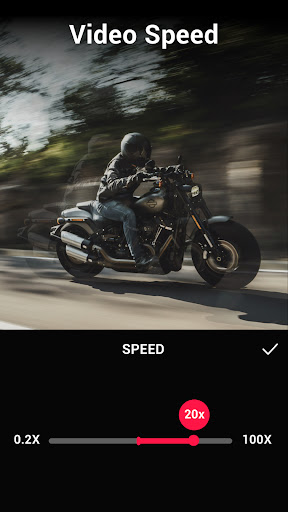
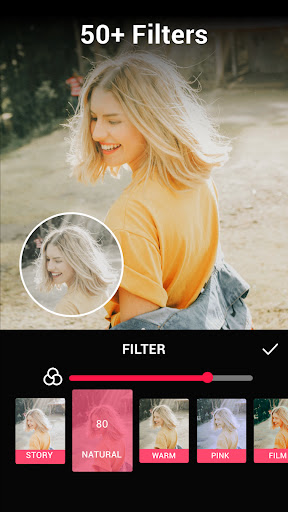
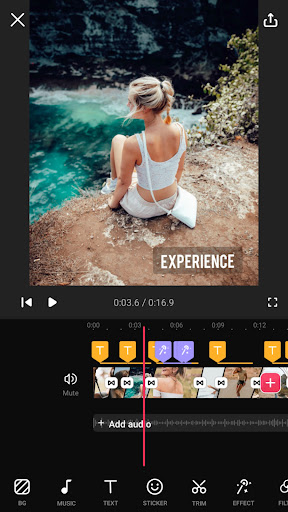
App Feature
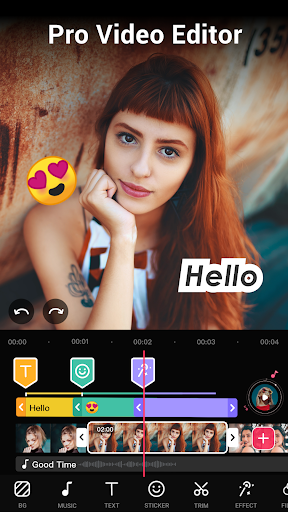
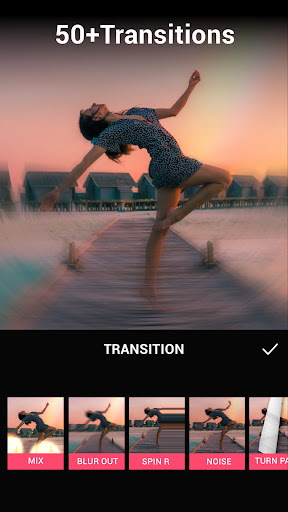
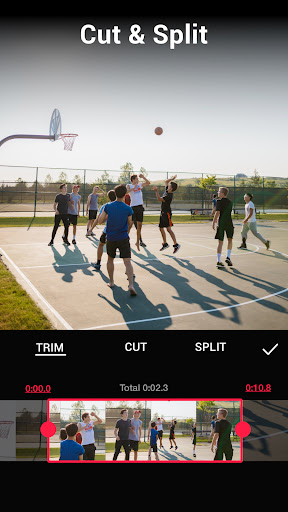
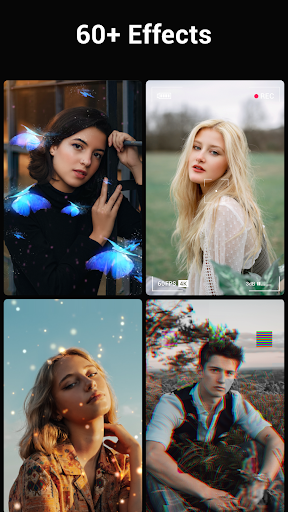
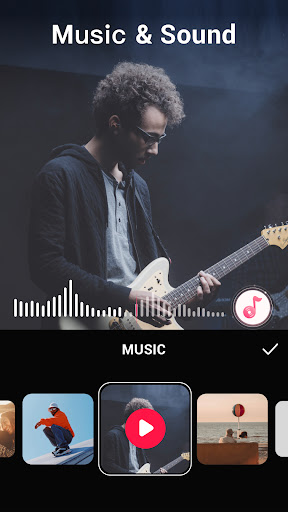
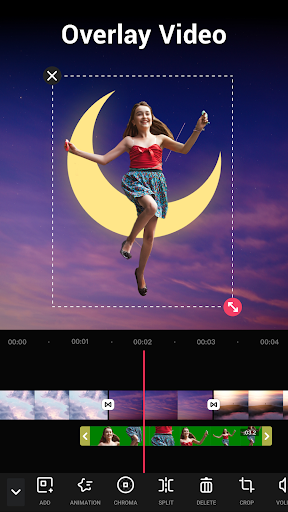
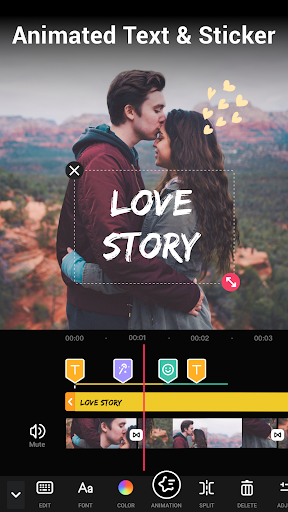
A mobile all‑in‑one video editor focused on fast, social‑ready creation: multi‑layer timelines, 50+ transitions, filters/FX, text/stickers, music and voice‑over, speed control (fast/slow motion), background blur/canvas, PIP/overlays, compressor/converter, audio extraction, and watermark‑free exports up to 4K with emerging AI tools.
Verdict
Verdict: A top‑tier, beginner‑friendly mobile editor with generous free features and rock‑solid exports, best for quick social videos rather than complex, pro‑grade compositions.
Who is it for
Best for:
- Creators who need fast, reliable edits for YouTube/Instagram/TikTok without a watermark
- Beginners and casual editors who value an intuitive UI and minimal ads
- Mobile-first vloggers needing dependable export quality and easy sharing
Not ideal for:
- Power users needing granular keyframing, effect stacking/overlaps, and advanced audio tooling
- Editors requiring precise trim tools for long clips, GIF workflows, or niche effects like reverse
Real-world User Experience
Users like it:
Smooth performance with minimal lag or crashes, reliable high‑quality exports, generous free toolset (no watermark), intuitive learning curve with quick tutorials, frequent feature updates, and practical tools like PIP and easy social sharing.
Users complain about:
Limits like no overlapping effects, occasional GIF import freezing on first frame, requests for sub‑second clip lengths and higher speed ranges per‑clip, coarse trim controls on long clips, limited transition timing/fade options, and desires for features like reverse, side‑by‑side layouts, better music selection, Ken Burns/pan‑and‑zoom, and clearer screen rotation controls.
Is it Worth Paying For?
Yes for frequent creators: the free tier already delivers watermark‑free exports, while the paid plan/IAPs remove ads and unlock more effects, assets, and AI enhancements at a relatively low price. Casual users can comfortably stay free; upgrade is worthwhile if you rely on premium assets or advanced export/customization regularly.
How it Compares to Alternatives
Versus VivaCut, users report fewer glitches and no harsh free‑tier limits (e.g., 5‑minute caps). Compared to KineMaster/PowerDirector, Video Maker is simpler and faster for social edits but offers less granular control and effect stacking. Against CapCut/VN, it trades template‑heavy, network‑tied ecosystems for a stable, watermark‑free workflow with straightforward sharing and dependable exports. Adobe Premiere Rush remains stronger for cross‑device pro pipelines but is heavier and pricier.
Summary
Video Maker (Video.Guru) delivers one of the most compelling mobile editing experiences for social video: a clean, beginner‑friendly interface, multi‑layer timelines, abundant transitions and effects, audio tools, background/canvas controls, and dependable, watermark‑free 4K exports. Reviews consistently highlight speed, stability, and value—rare at this price point—making it ideal for quick vlogs, reels, and YouTube edits on the go. Its limitations show up in advanced scenarios: overlapping effects, precise trim on long clips, and missing conveniences like reverse, finer transition timing, and pan‑and‑zoom. If you’re a casual or mobile‑first creator, the free tier may be all you need; if you publish frequently or want extra assets and AI boosts, the paid plan is an easy upgrade. Overall, it’s a reliable, high‑value choice that prioritizes speed and simplicity without sacrificing output quality.
Ratings
Trending APP












Alternative to this app