
Copyright 2026 © swekartor. All Rights Reserved.



Information about Screen Recorder - Vidma Record
App Feature
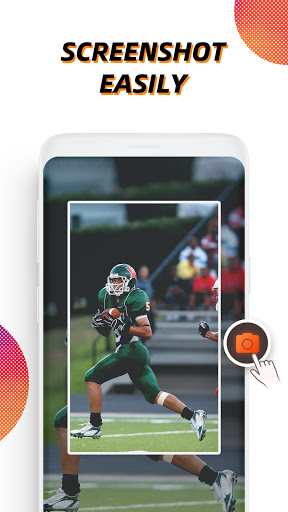
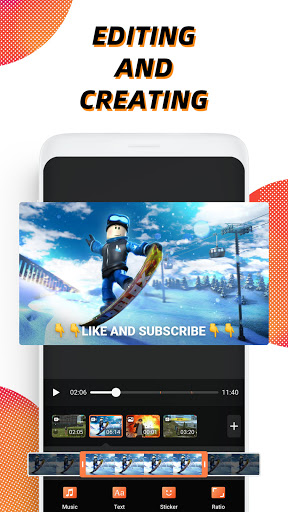
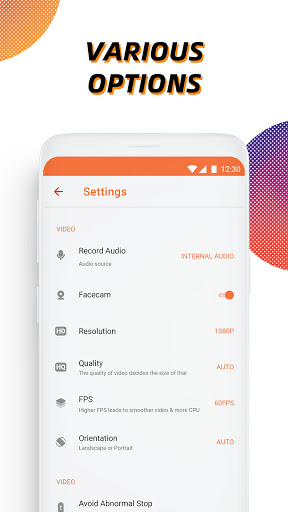
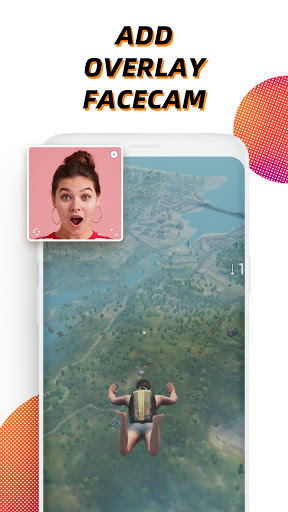
Screen Recorder - Vidma Record is a free, time‑limitless Android screen recorder with internal audio (Android 10+), face cam, floating shortcut, shake‑to‑stop, and built‑in video editing (trim, crop, rotate, speed, add music, stickers/text). It supports high‑quality capture up to 2K/60fps and offers a brush tool for on‑screen annotations.
Verdict
Verdict: A smooth, beginner‑friendly screen recorder with strong internal audio and handy tools, held back slightly by ads and occasional stability quirks.
Who is it for
Best for:
- Mobile gamers and creators needing internal audio and long, stable recordings
- Users who want quick edits (trim/crop/rotate) without extra apps
- Anyone who prefers a simple floating control with face-cam and shake-to-stop
Not ideal for:
- Power editors who need advanced, mid‑clip edits and annotations without paying
- Users who require zero ads or guaranteed rock‑solid stability
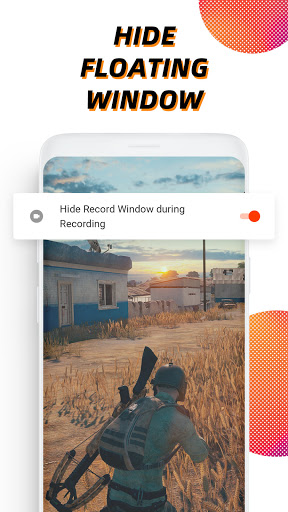
- Creators who need to hide all on‑screen controls/icons in recordings by default
Real-world User Experience
Users like it:
Easy setup and operation; clean UI with floating button and timer; high-quality video and clear internal audio; minimal or tasteful watermark; long recordings without major glitches; built‑in editor covers basics; ads are generally short and skippable; reliable for games, tutorials, and quick captures.
Users complain about:
Ads often appear after each recording; occasional force closes or overlay freezes; sometimes returns to the app when stopping; sporadic audio not captured; mid‑clip trimming/advanced edits gated behind premium; persistent rate prompts; floating icon can appear in recordings.
Is it Worth Paying For?
The free version covers most recording needs well, with high quality, internal audio, and core editing. Paying is worthwhile if you want an ad‑free workflow and advanced editing (e.g., mid‑clip trims, richer tools). If you only need basic trims/crops and can tolerate short ads, free is enough.
How it Compares to Alternatives
Compared to AZ Screen Recorder, Vidma’s internal audio and shake‑to‑stop are excellent and the watermark is less intrusive; AZ offers a mature toolkit and extras like live streaming. Versus Mobizen, users report fewer watermark annoyances and smoother internal audio, though Mobizen has broad device support. ADV Screen Recorder is lighter but less feature‑rich. Vidma strikes a strong balance of quality, simplicity, and free features.
Summary
Vidma is a polished, no‑time‑limit screen recorder that nails the essentials: crisp video up to 2K/60fps, reliable internal audio on Android 10+, face cam, handy floating controls, and practical built‑in editing. Real‑world feedback highlights how easy it is for gaming, tutorials, and quick captures, with short, mostly unobtrusive ads. Downsides include occasional stability hiccups, post‑recording ads, and some editing features locked behind premium. If you want a straightforward, high‑quality recorder with enough tools to publish quickly, the free tier is excellent; step up to premium only if you need an ad‑free experience and deeper edits.

Ratings
Trending APP












Alternative to this app









