
Copyright 2026 © swekartor. All Rights Reserved.



Information about Beat.ly: music video maker
App Feature
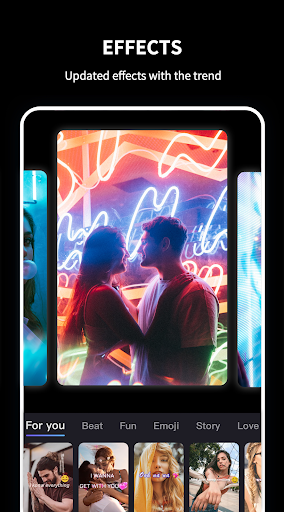
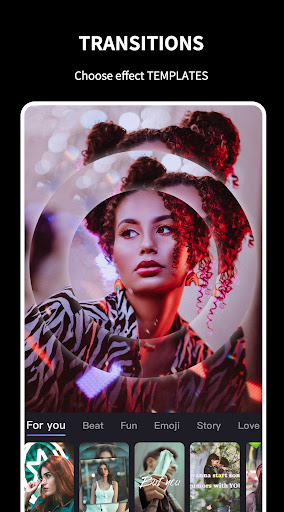
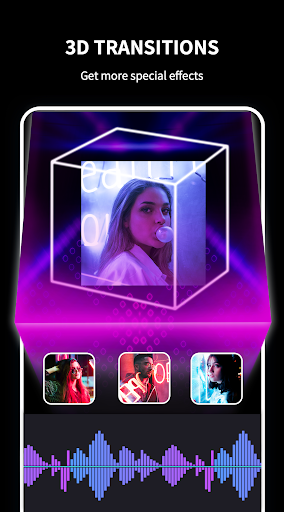
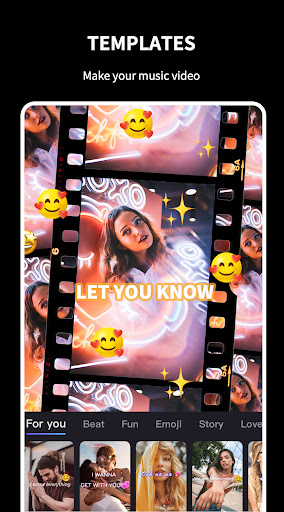
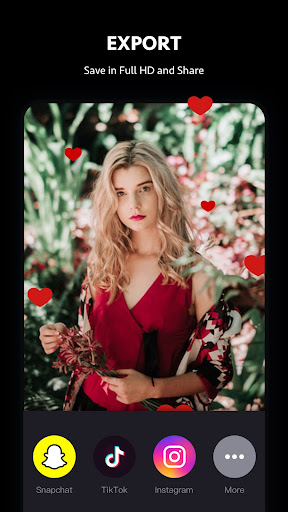
Beat.ly is an AI-powered music video editor focused on fast, template-driven creation. It turns photos and short clips into dynamic videos with music, 3D transitions, face swap/AI effects, and daily-updated templates, with one-tap export and social sharing.
Verdict
Verdict: A fun, template-first AI video maker for quick, flashy edits, but heavy ads and limits make it less ideal for serious, long-form editing.
Who is it for
Best for:
- Creators who want fast, trendy, template-based edits for TikTok/Reels/Shorts
- Beginners seeking one-tap results with music, transitions, and AI face effects
- Casual users making short slideshows for events, holidays, or memes
Not ideal for:
- Editors needing granular timeline control, multi-track audio, or long-form videos
- Users who dislike frequent ads, watermarks, or template photo limits
- Those requiring fully copyright-cleared music libraries for commercial use
Real-world User Experience
Users like it:
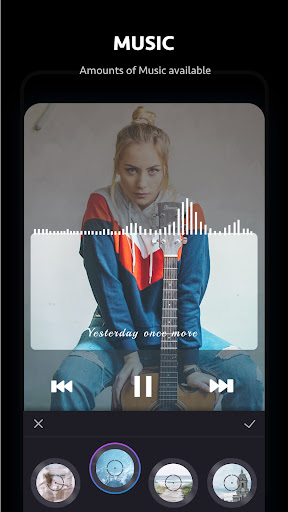
Clean transitions and eye-catching templates; easy, beginner-friendly workflow; wide music selection; AI features (face swap, transformations) and 3D effects; quick way to produce shareable videos; decent free options despite premium tier.
Users complain about:
Frequent ads interrupt creation; watermark removal requires payment; some templates limit photo count and video length; occasional bugs (download timeouts, loops, crashes) and saving failures; desire for more non-copyright music.
Is it Worth Paying For?
If you plan to use Beat.ly frequently and want to remove the watermark, unlock more templates/music, and reduce friction from ads, the subscription can be worthwhile. Casual users can get good results for free but should expect ads, watermarks, and occasional feature limits.
How it Compares to Alternatives
Compared to CapCut, VN, or InShot, Beat.ly leans harder into AI/face-swap and one-tap templates, trading depth of manual editing for speed and style. It’s similar to Tempo/Mivo/Vinkle in template-centric creation, with a large, frequently updated library. Power users needing precise control, multi-layer timelines, or robust audio tools may prefer CapCut or VN; those wanting quick viral-style edits with minimal effort will find Beat.ly competitive.
Summary
Beat.ly: AI Music Video Maker prioritizes speed and style with a vast, frequently updated template library, AI face effects, and striking 3D transitions that turn photos into polished, shareable clips in seconds. It’s highly approachable for beginners and delivers impressive results with minimal effort, making it great for social content and celebratory slideshows. Downsides include heavy advertising, watermarks on free exports, template/photo-count limits, and sporadic reliability issues like timeouts and crashes. The paid tier meaningfully improves the experience by removing the watermark and expanding options. If you value quick, trendy edits and AI-driven effects over granular control, Beat.ly is an excellent pick; if you need deeper manual editing, consider more advanced editors.
Ratings
Trending APP












Alternative to this app









