
Copyright 2026 © swekartor. All Rights Reserved.



App Feature
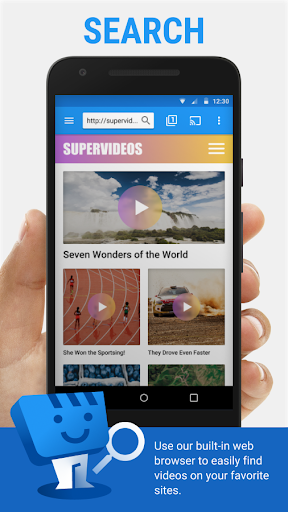
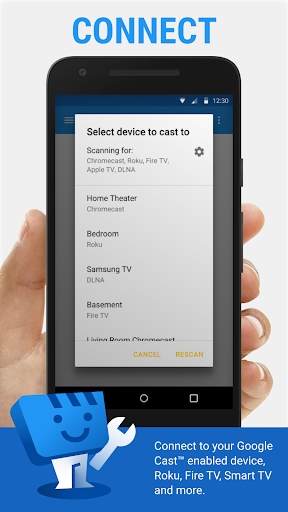
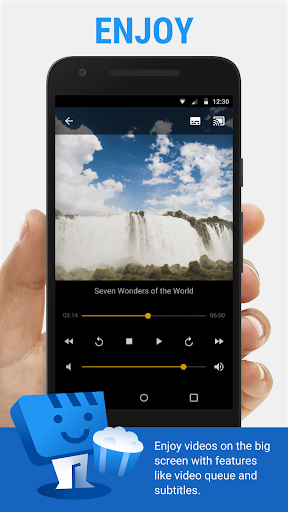
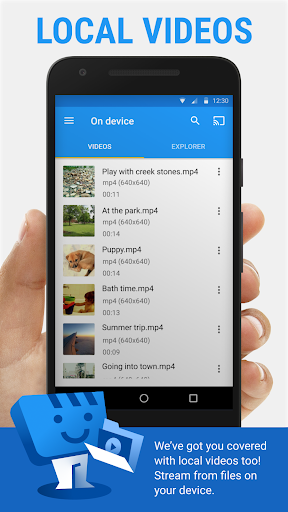
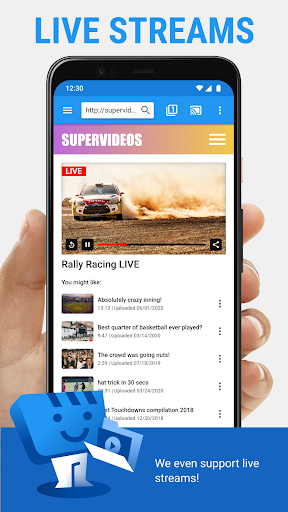
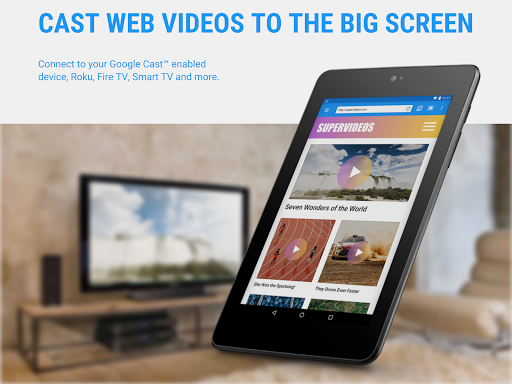
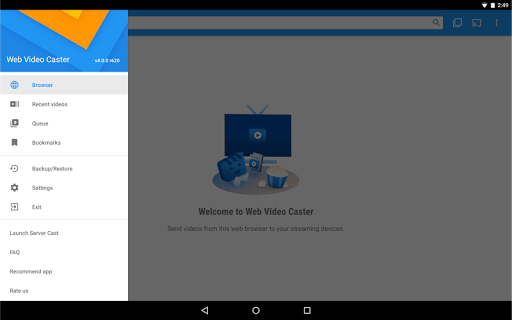
Web Video Cast lets you find videos on the web or on your phone and cast them directly to TVs and streaming devices (Chromecast, Roku, Fire TV, DLNA, many Smart TVs, and browsers). It supports HTML5/MP4/HLS streams, local photos/audio, subtitle detection and search, and offers a built-in browser with queue, bookmarks, and history (premium).
Verdict
Verdict: A versatile, reliable web-to-TV caster with great device support, best for users comfortable sourcing content from the web.
Who is it for
Best for:
- People who stream web videos (movies, TV, live sports/news) to Chromecast/Roku/Fire TV/Smart TVs
- Users who want to cast local media (videos, photos, audio) with subtitle support
- Value seekers who prefer a one-time premium to remove ads and add conveniences
Not ideal for:
- Anyone expecting full tab/screen mirroring from the mobile browser
- Users needing transcoding for unsupported formats or codecs on their device
- Those who want guaranteed playback from every site regardless of server issues or heavy ads
Real-world User Experience
Users like it:
Consistently works across many devices (Chromecast, Roku, Apple TV, Samsung/LG TVs), finds playable streams on a wide range of websites, offers manual quality selection to avoid buffering, remembers playback position, includes a capable downloader, and provides responsive, helpful support. Many report long-term reliability and easy setup.
Users complain about:
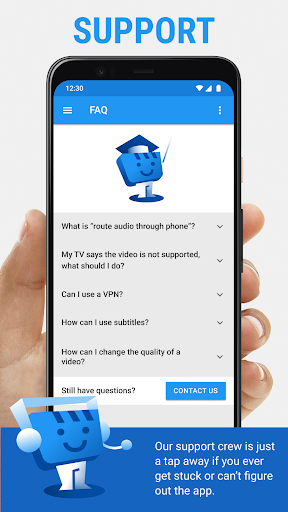
Free version shows ads; occasional resume position may be forgotten; initial setup or less intuitive steps can challenge non-technical users; some sites with heavy ads or server issues can still cause buffering or failures, which the app cannot fix; no true tab mirroring.
Is it Worth Paying For?
Yes. The inexpensive, one-time premium removes ads and unlocks quality-of-life features (bookmarks, queue, history, custom home, shortcuts). Given the strong core casting, subtitle support, and broad device compatibility, the upgrade offers good value if you use the app regularly.
How it Compares to Alternatives
Compared with generic casters (e.g., LocalCast, AllCast, Cast to TV), Web Video Cast excels at parsing web pages to extract playable streams and subtitles, not just casting local files. Versus Google Home or native casting, it doesn’t mirror tabs but offers deeper link extraction and media controls. Against Plex or Jellyfin, it’s lighter and faster to start (no server setup) but lacks library management and transcoding. BubbleUPnP/VLC can cast well, yet WVC stands out for its integrated browser, subtitle handling, and wide device coverage.
Summary
Web Video Cast | Browser to TV is a polished, high-rated (4.6) web-to-TV casting app with massive device support and an integrated browser that reliably extracts and casts videos, live streams, and local media. It doesn’t transcode or mirror tabs, so compatibility depends on your target device and the source website. Still, user feedback highlights dependable performance, manual quality controls to reduce buffering, solid subtitle options, and responsive support. The ad-free premium is a low-cost upgrade that adds helpful conveniences, making this a strong pick for anyone who frequently streams web content to their TV.
Ratings
Trending APP












Alternative to this app









