
Copyright 2026 © swekartor. All Rights Reserved.




App Feature
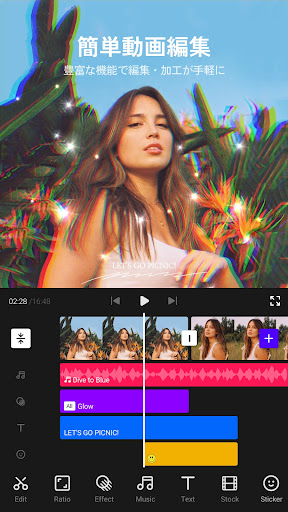
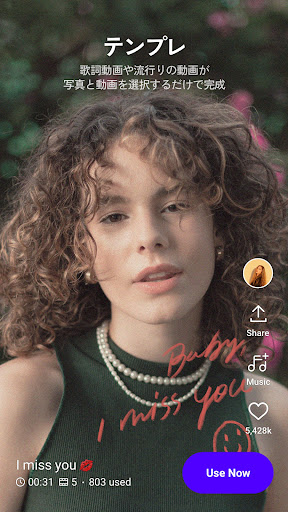
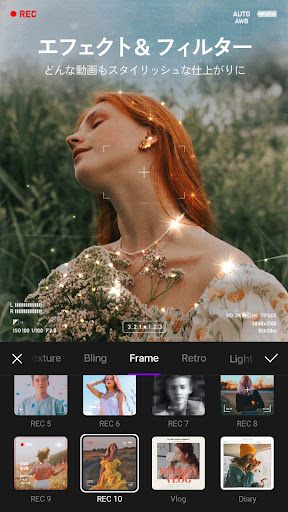
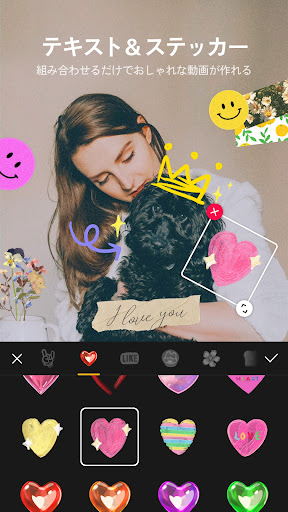
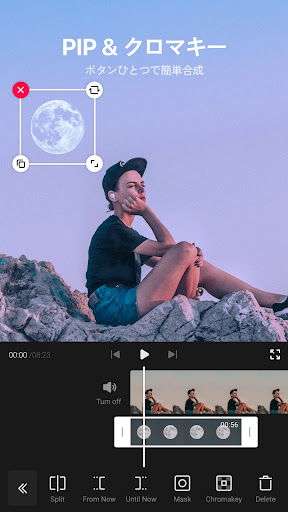
VITA - Video Editor & Maker is a free, beginner-friendly mobile editor for creating short, stylish videos. It offers HD export, speed controls (slow/fast motion), transitions, filters and color grading, PIP/overlays, text/animated titles with customizable fonts, and a large set of templates and effects for quick social-ready videos.
Verdict
Verdict: A standout free editor for quick, trendy social videos, but not ideal for long-form or advanced workflows.
Who is it for
Best for:
- Beginners and casual creators making short social clips
- Users who want watermark-free exporting and ready-made templates
Not ideal for:
- Long-form editors (YouTube-length projects) needing stability and precision
- Power users seeking pro-grade effects, audio tools, and fine control
Real-world User Experience
Users like it:
Free with no forced watermark (toggle off in settings), easy to learn, lots of templates, transitions, filters, animations, PIP, and text options; good HD export; autosave; reliable for short edits; minimal friction to produce stylish content.
Users complain about:
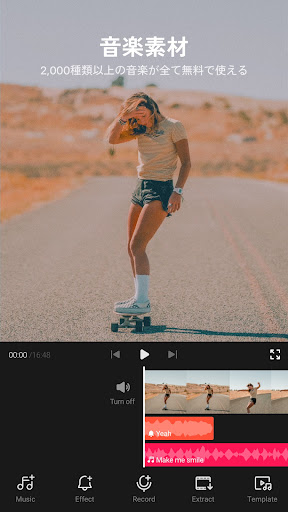
Long projects can stutter, hang, or export with glitches (speed jumps, stuck frames); occasional blur when changing aspect ratio; limited built-in music and no trending-music/online search; some transitions feel basic vs competitors; a few users can’t find the watermark toggle.
Is it Worth Paying For?
There’s no paid plan or IAP; it’s fully usable for free with watermark removal available at no cost—excellent value if you don’t need pro features.
How it Compares to Alternatives
Compared to CapCut, InShot, VN, KineMaster, or Adobe Premiere Rush, VITA is one of the most generous free options (no watermark, rich templates). CapCut and VN generally handle longer timelines, have broader music/effect ecosystems, and offer more advanced tools. KineMaster/FilmoraGo provide deeper controls but push subscriptions/watermarks. If you prioritize quick, trendy edits without paying, VITA excels; for long, complex projects and robust audio libraries, alternatives may suit better.
Summary
VITA delivers a polished, zero-cost path to eye-catching short videos with templates, filters, transitions, text animations, PIP, and HD export—all approachable for beginners. Users consistently praise its ease of use and watermark-free output, making it great for Instagram, TikTok, and quick YouTube shorts. The trade-offs show up on longer or heavier projects, where exports may glitch and performance can dip, and the built-in music library and search feel limited. If your focus is fast, stylish edits without a subscription, VITA is an excellent pick; if you need pro-level control, longer timelines, or a robust music ecosystem, consider pairing it with or moving to a more advanced editor.
Ratings
Trending APP












Alternative to this app









