
Copyright 2026 © swekartor. All Rights Reserved.




App Feature
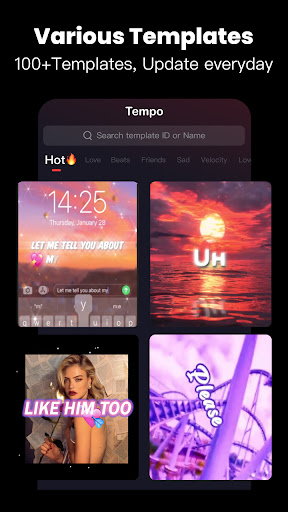
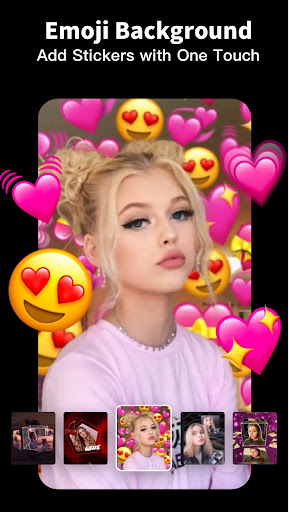
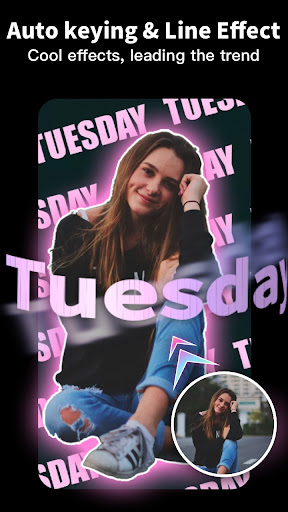
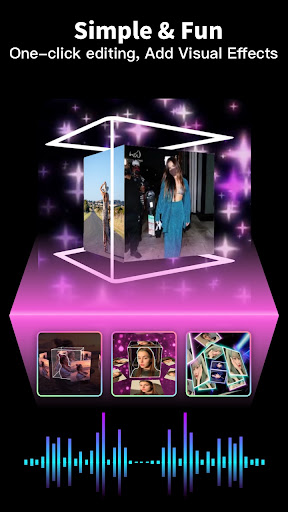
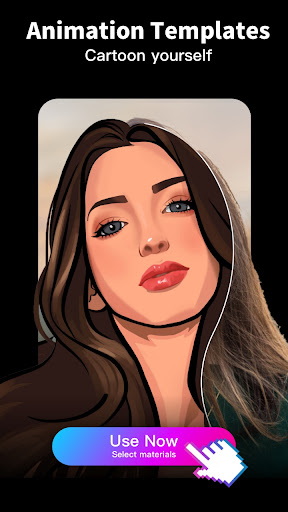
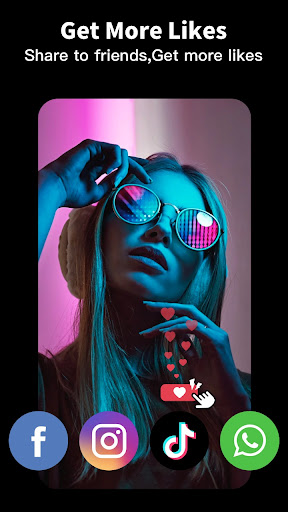
Tempo - Music Video Maker is a beginner-friendly video editor focused on quick, template-driven music videos for social media. It offers 1000+ themed templates, a built-in music library (including trending tracks), filters, stickers, transitions, slow/fast motion, text styles, and 720p/1080p export. You can import photos/clips, auto-sync to beats, and share directly to Instagram, YouTube Shorts, and TikTok.
Verdict
Verdict: A fast, template-first editor perfect for eye-catching social clips, but limited for advanced, manual timeline editing.
Who is it for
Best for:
- Beginners who want polished edits in minutes using templates
- Social creators (TikTok/Reels/Shorts) needing trendy music and effects
- Users who prefer auto-sync and minimal manual editing
Not ideal for:
- Advanced editors needing multi-track timelines, keyframes, and granular control
- Users who want everything free (no watermark, all templates without IAP)
- Long-form creators prioritizing detailed color grading and audio mixing
Real-world User Experience
Users like it:
Simplicity and speed: pick a template, add photos/videos, and get a pro-looking edit with on-beat transitions. Large variety of themes (love, anime, friends, sad, trending), solid effects/filters, and an easy workflow that makes beginners feel like pros. Music selection aligns with popular social trends. Sharing/export is straightforward and stable for many users.
Users complain about:
Premium gates popular templates and watermark removal; free users face limited choices. Occasional UX annoyances (e.g., default placeholder text to delete) and requests for more fonts/options. Some users want ad-based unlocking instead of subscriptions. A few perceived quality/preset limitations without paying.
Is it Worth Paying For?
If you frequently create short social videos and want full template access, watermark removal, and higher flexibility, the subscription is reasonably worthwhile. Casual users can stay on the free tier to test templates and export, but expect a watermark and fewer premium effects. Look for trials or promos to gauge value before committing.
How it Compares to Alternatives
Compared to CapCut and VN, Tempo is more template- and music-driven with faster, one-tap results but offers less granular, pro-level control (keyframes, masking, multi-track). Versus InShot or VivaVideo, it leans harder into themed, beat-synced templates and trending music, making it great for quick viral-style edits. Power editors may prefer CapCut/VN; creators wanting instant, stylish results may prefer Tempo.
Summary
Tempo focuses on one-tap, music-synced templates that turn your photos and clips into stylish short videos fast. Its wide variety of themes, trending music, and beginner-friendly tools make it an excellent pick for TikTok, Reels, and Shorts. Downsides include a paywall for many popular presets and watermark removal, and fewer pro controls than timeline-centric editors. If you want quick, polished results with minimal effort, Tempo delivers. If you need deep manual editing and full control, consider more advanced alternatives. For many casual and semi-regular creators, starting free and upgrading if you love the workflow is a sensible path.
Ratings
Trending APP












Alternative to this app









