
Copyright 2026 © swekartor. All Rights Reserved.



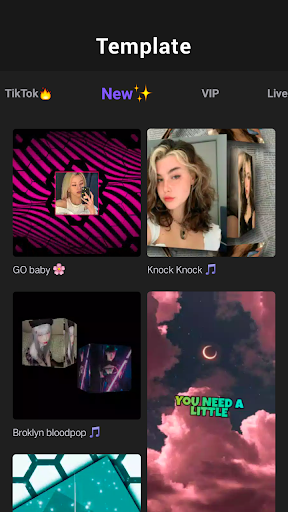
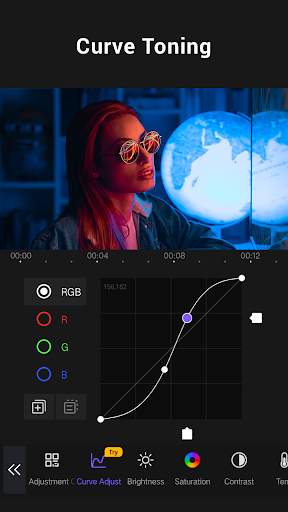
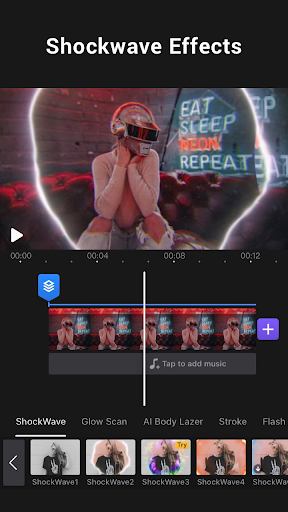
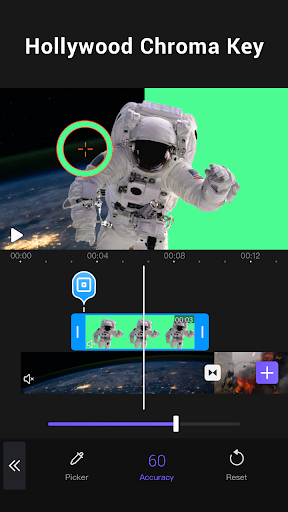
App Feature
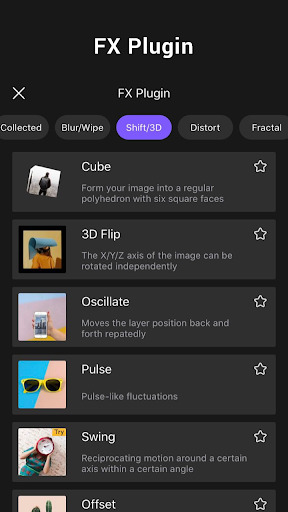
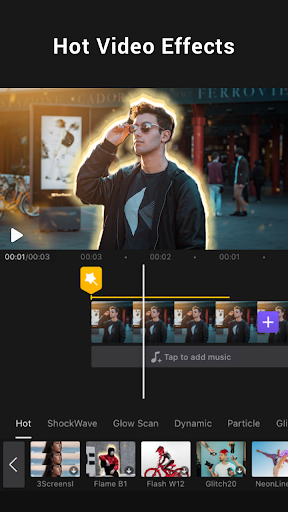
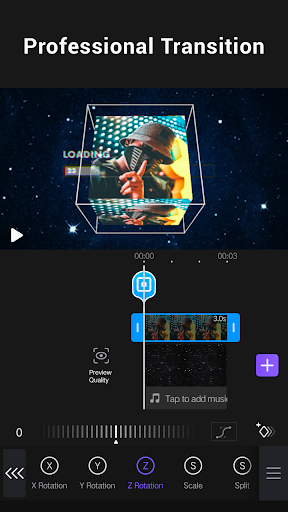
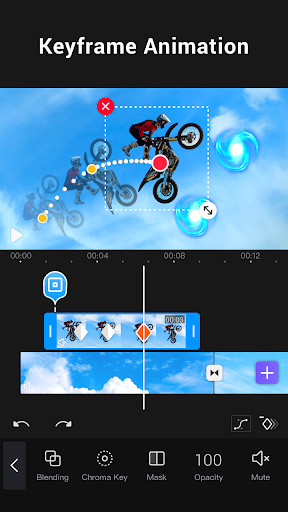
AI-powered mobile video editor with multi-layer timelines, keyframe animation, chroma key/green screen, masking, picture-in-picture, overlays, blend modes, rich effects/filters/transitions, music tools (markers, extraction), templates, and export up to 4K.
Verdict
Verdict: A powerful, near-desktop mobile editor great for social videos, but crashes, limits, and occasional watermark/paywall friction can frustrate heavy projects.
Who is it for
Best for:
- Creators needing multi-layer editing, keyframes, and green screen on mobile
- Short-form social video makers using templates, effects, and music syncing
- Beginners who want an intuitive interface with room to grow
Not ideal for:
- Long-form editors unwilling to subscribe (free tier time limits)
- Users with complex, layer-heavy projects on lower-end devices
- Anyone who needs guaranteed stability for professional deadlines
Real-world User Experience
Users like it:
Intuitive UI with desktop-like tools; strong transitions, filters, and keyframes; easy audio import/extraction and music-sync markers; 720p–4K exports; templates for one-tap edits; good free features with ad-unlock options.
Users complain about:
Crashes/freezes on some Android devices and heavy projects; lag when many layers are used; free tier constraints (e.g., ~5‑minute limit) and watermark reappearing for some; ad frequency; occasional billing/subscription confusion.
Is it Worth Paying For?
Yes for regular editors: the subscription unlocks longer exports, higher resolutions, more effects/tools (e.g., stabilizer), and removes watermarks—useful if you publish often or do client work. Casual users can stay free, using ads to unlock select features and exporting at 720p, but should expect time limits and branding.
How it Compares to Alternatives
Compared to CapCut, VivaCut offers robust multi-layer/keyframe control and strong chroma key, often feeling more "pro" than template-first. InShot is simpler and quicker for casual edits but less advanced. KineMaster provides similar pro features and stability, though UI preference varies. VN is a strong free alternative with multi-track timelines but fewer advanced masking/blend options. VivaCut stands out for green screen, blending modes, and music-sync tools, but trails top rivals on stability for very complex timelines.
Summary
Video Editor APP – VivaCut brings near-desktop power to mobile with multi-layer timelines, chroma key, keyframes, masks, and polished effects, making it excellent for TikTok/YouTube/Instagram creators who want cinematic control and quick template-driven results. The free tier is generous (with ads and a time limit), while paid removes watermarks, expands export options, and unlocks pro tools. User feedback praises its capability and ease of use, but notes crashes on heavy projects, lag with many layers, ad load, and occasional subscription/watermark hiccups. If you prioritize advanced features and can handle a subscription—or you’re fine with the free tier’s constraints—VivaCut is one of the strongest mobile editors available.
Ratings
Trending APP










Alternative to this app









