
Copyright 2026 © swekartor. All Rights Reserved.




App Feature
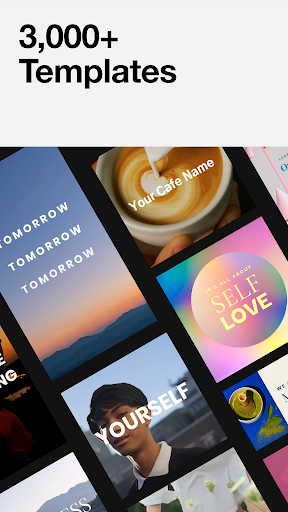
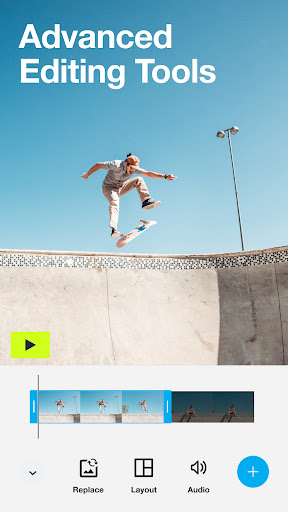
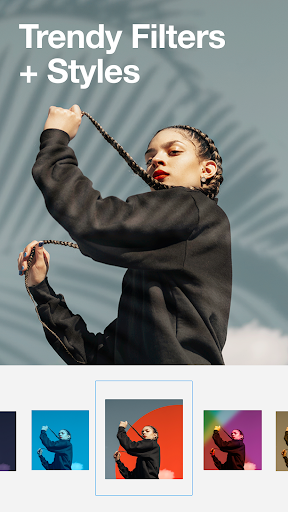
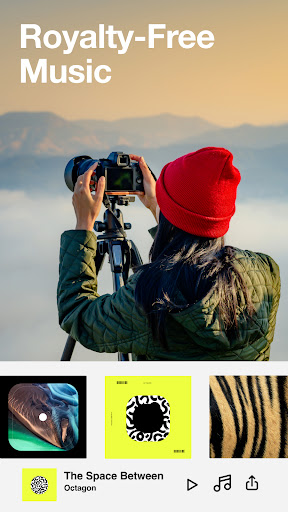
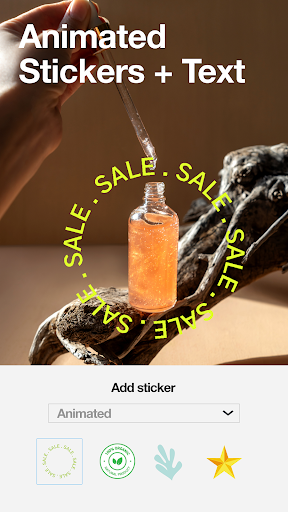
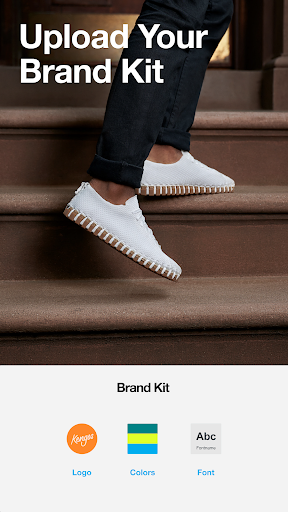
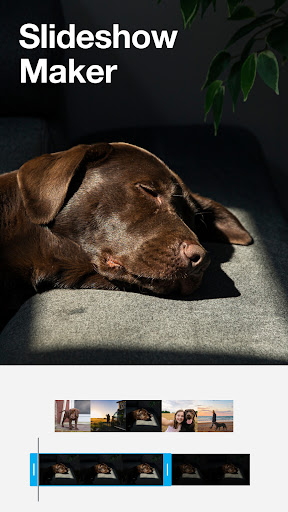
Vimeo Create - Video Editor is an AI-assisted video maker focused on fast, template-driven creation for social media and events. It offers precision timeline editing, text/sticker/animation tools, filters, licensed music, and easy social sharing. Over 3,000 professionally designed templates and brand customization (logos, colors) help produce consistent, polished videos across devices.
Verdict
Verdict: An excellent, template-first video maker for quick, polished social videos, but not ideal for deep, traditional editing workflows.
Who is it for
Best for:
- Small businesses, creators, and marketers who want fast, branded social videos
- Beginners seeking an easy, guided editor with quality templates and music
- Vimeo users who want streamlined creation before uploading
Not ideal for:
- Editors needing granular, traditional NLE controls (e.g., batch speed changes, rotation fixes)
- Long-form video projects beyond a few minutes
- Users requiring strict photo order automation without manual adjustment
Real-world User Experience
Users like it:
Clean, simple interface that’s beginner-friendly; strong results with minimal effort; good music library organized by mood; solid transitions and templates; premium features feel optional rather than pushy; output quality is high.
Users complain about:
Occasional photo ordering issues and limited batch controls (e.g., must adjust duration per image, cannot globally change speed); some report a practical video length cap (~4:59); lacks common utility edits like rotating a misrecorded clip; desire for broader template/music diversity.
Is it Worth Paying For?
Yes, if you need brand consistency and extensive assets. The free version is capable and not overly aggressive about upgrades, but Vimeo Plus/Pro tiers unlock millions of stock clips, more templates, and advanced branding tools. For frequent social content or small-business marketing, the subscription can pay off; for casual users or those needing granular controls rather than assets/templates, stick with free or consider a different editor.
How it Compares to Alternatives
Compared to Canva and Adobe Premiere Rush, Vimeo Create leans more heavily into quick, AI-guided templates and Vimeo ecosystem integration, making it faster for social-first output. CapCut and InShot offer more traditional clip-level control, effects, and utility edits (often better for rotating, trimming, or granular timing), but may involve ads or watermarks. Vimeo Create’s strengths are polish, templates, and brand kits; alternatives may be better for complex edits or long-form projects.
Summary
Vimeo Create - Video Editor focuses on speedy, professional-looking social video through AI-guided workflows, thousands of templates, licensed music, and simple editing tools. Users praise its ease of use, clean UI, and quality results, though some hit friction with photo ordering, limited batch adjustments, and a short practical video length. It’s ideal for marketers and beginners who want to produce branded content quickly across Instagram, TikTok, YouTube, and more. The free tier is generous, while paid Vimeo Plus/Pro tiers significantly expand stock assets and branding features. If you prioritize fast, polished output over deep manual control, it’s one of the better choices in its category.
Ratings
Trending APP












Alternative to this app









