
Copyright 2026 © swekartor. All Rights Reserved.



App Feature
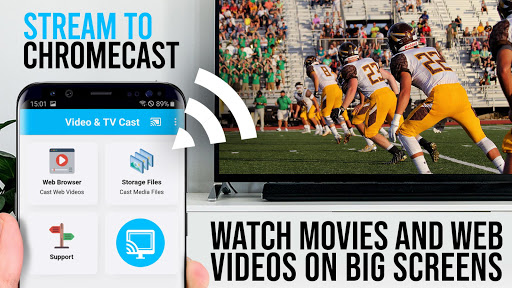
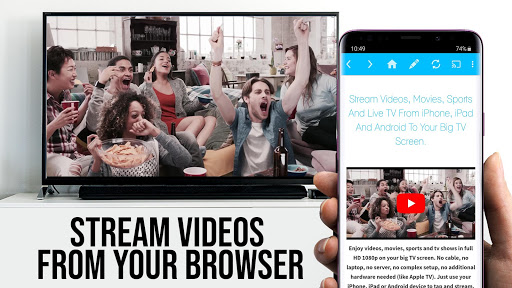
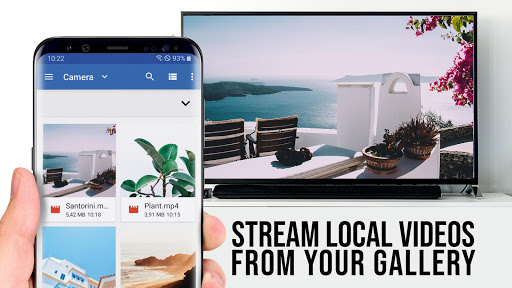
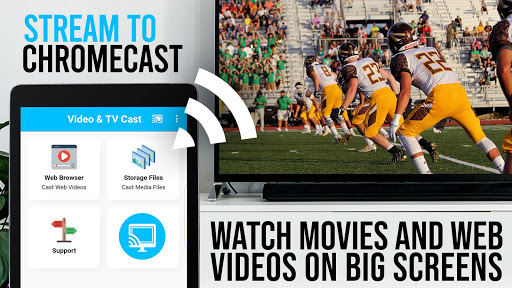
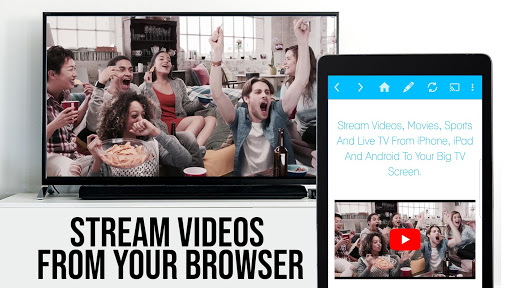
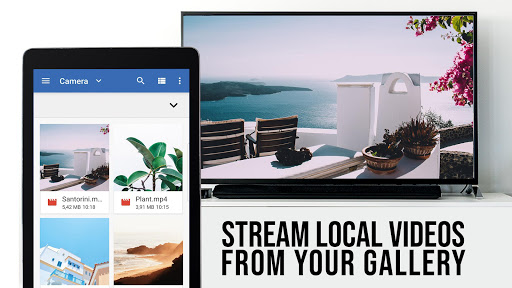
TV Cast for Chromecast lets you browse the web on your phone and cast compatible web videos (MP4, M3U8, HLS, HTTPS) to any Chromecast or Google Cast/Android TV device. It focuses on link-based casting (not full-screen mirroring), includes basic remote-style controls (play/pause, seek, volume), and offers a simple browser to detect and send embedded videos to the TV.
Verdict
Verdict: A capable web-video caster for Chromecast power users, but not a fit if you expect DRM content or full device mirroring.
Who is it for
Best for:
- Chromecast owners who often watch web-hosted videos or IPTV streams
- Users comfortable with link-based casting and supported formats (MP4/M3U8/HLS)
Not ideal for:
- Viewers wanting Netflix, Amazon, HBO, or other DRM-protected streaming
- People expecting full screen mirroring or a plug‑and‑play YouTube/Prime-style experience
Real-world User Experience
Users like it:
Reliable casting of compatible web videos; can even alleviate stutter issues on older Chromecasts; simple interface; runs stably across Android and iOS; good value for users who understand its purpose.
Users complain about:
Confusion when used as a mirroring or DRM-streaming solution; some frustration paying for features across different platform variants; occasional need to play videos locally first or troubleshoot connections; upgrades don’t fix unsupported sites.
Is it Worth Paying For?
The app is free with ads and offers IAP for premium features. It’s worth paying if you frequently cast web videos and want convenience upgrades (e.g., fewer ads, quality-of-life tools). Test thoroughly with the free version first—premium won’t enable DRM services or fix unsupported sites. Refunds are limited to 24 hours with a purchase ID.
How it Compares to Alternatives
Compared to native Chromecast-enabled apps (e.g., YouTube, Netflix), this excels at casting videos from the open web but cannot handle DRM. Versus Google Home’s basic casting or full-screen mirroring workarounds, it’s more efficient and higher quality for supported links. Against web-caster alternatives (e.g., Web Video Caster), it’s competitive in format support and simplicity; choice often comes down to UI preference, specific site compatibility, and premium pricing.
Summary
TV Cast for Chromecast specializes in sending compatible web videos from your phone to Chromecast/Google Cast devices, offering a straightforward browser, playback controls, and strong support for MP4/M3U8/HLS streams. It’s not a mirroring app and won’t play DRM services like Netflix or HBO, so expectations matter. Users who understand link-based casting report smooth performance—even on older Chromecast hardware—and appreciate its no‑frills UI. Try the free version to confirm your sites work; consider the paid features only if you regularly cast web content and want to streamline the experience.
Ratings
Trending APP












Alternative to this app









