
Copyright 2026 © swekartor. All Rights Reserved.



App Feature
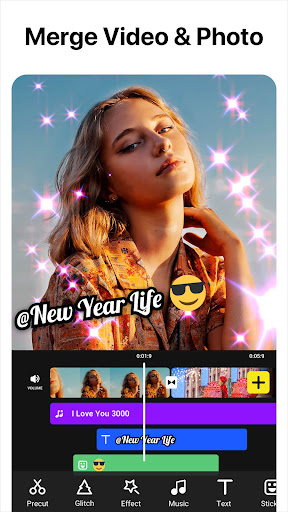
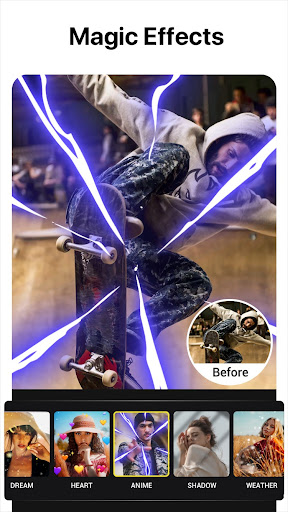
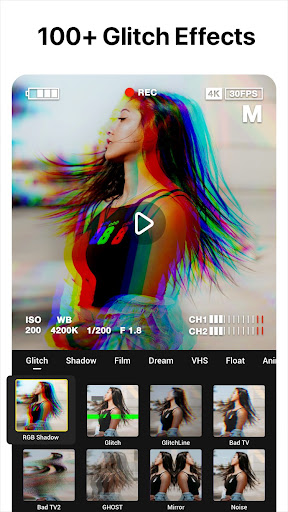
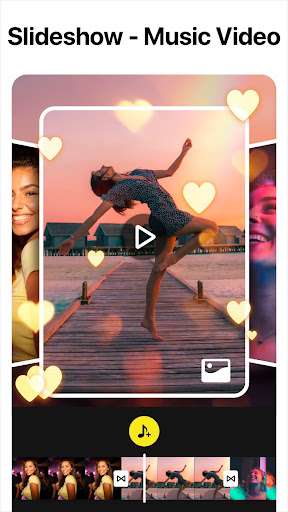
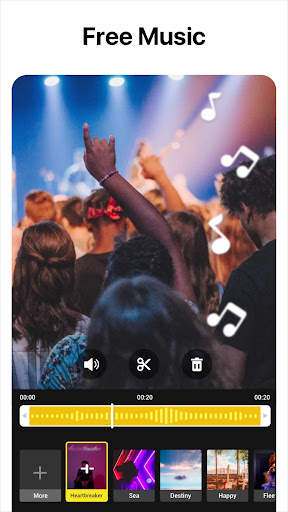
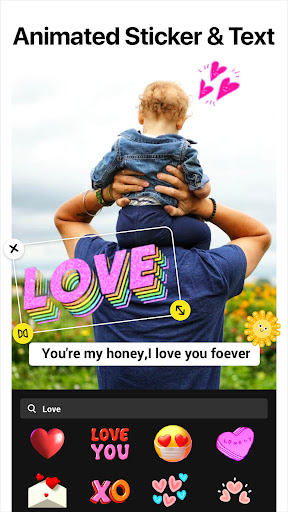
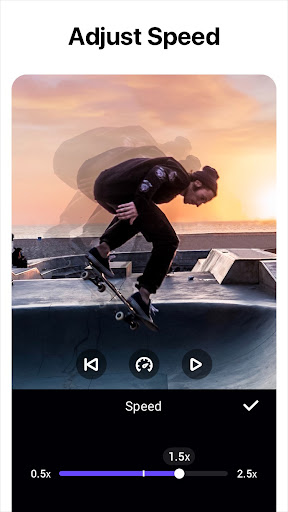
A mobile video editor focused on quick, creative edits with AI tools (auto-captions, background removal, smart tracking, slow-mo), multi-layer timelines (PIP, keyframes, chroma key), rich effects library (glitch, VHS, filters, transitions), audio tools (music import, SFX, voiceover), and high‑quality exports up to 4K for social sharing.
Verdict
Verdict: A powerful, beginner‑friendly editor with standout glitch/AI effects and a generous free tier, best for fast social-ready videos.
Who is it for
Best for:
- Creators making TikTok/Reels/Shorts who want fast, stylized edits
- Beginners seeking an easy timeline with powerful effects and templates
- Mobile-first editors needing 4K export, captions, and quick sharing
Not ideal for:
- Professionals needing desktop-grade color grading or complex compositing
- Users who want zero ads or always-on watermark removal without paying
- Projects requiring precise audio editing across multiple tracks
Real-world User Experience
Users like it:
Simple, intuitive workflow that feels familiar; rich glitch/VHS/effect catalog; ability to temporarily unlock premium effects and remove watermark by watching an ad; stable exporting (even 720p free, higher with paid); fast results compared to heavier desktop tools; suitable for full-song photo/video slideshows; frequent feature additions.
Users complain about:
Occasional export hiccups (stuck at 0% reported by a few); some desirable effects/features locked behind downloads or paywall; ad-based unlocks and watermark removal can be inconvenient; file sizes can be large without a built-in size/bitrate optimizer; a few UX gaps like setting precise audio start/end points.
Is it Worth Paying For?
Yes for frequent creators. The free tier is unusually generous (ad-based unlocks, many free effects, watermark removal via ad), but paying removes friction, unlocks all effects/assets, and enables higher resolutions and convenience. If you post often or need 1080p/4K consistently, the subscription offers good value; casual users can stay free comfortably.
How it Compares to Alternatives
Compared to CapCut and VN, it’s similarly easy and social-first but distinguishes itself with a deep glitch/VHS library and smooth ad-to-unlock options. Versus KineMaster, it’s simpler to learn and faster for stylized edits, though KineMaster may edge it on granular timeline/audio controls. Against Adobe Premiere Rush, it’s more playful and effect-heavy, while Rush favors cross-device workflows and brand consistency. InShot (the developer’s flagship) is more all-purpose; this app leans harder into effects and AI conveniences.
Summary
Video Editor - Video Effects (by InShot) delivers a friendly, capable mobile editor that shines for short-form, stylized content. AI tools speed up captions, background removal, and tracking, while multi-layer editing, keyframes, chroma key, and a standout glitch/VHS effects set enable eye-catching results in minutes. Reviews highlight its ease of use, generous free access, and quick exports, with minor complaints about occasional export stalls, ad-based unlock friction, and large file sizes. If you edit regularly or need consistent high-res, the paid tier removes friction and broadens capabilities; otherwise, the free experience is one of the best in its class for fast, creative social videos.
Ratings
Trending APP












Alternative to this app









