
Copyright 2026 © swekartor. All Rights Reserved.




App Feature
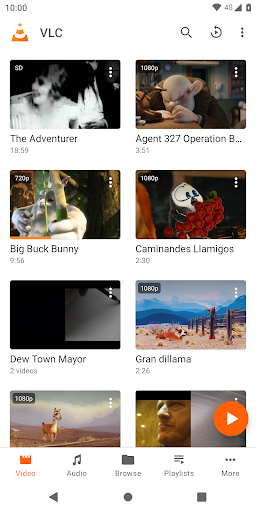
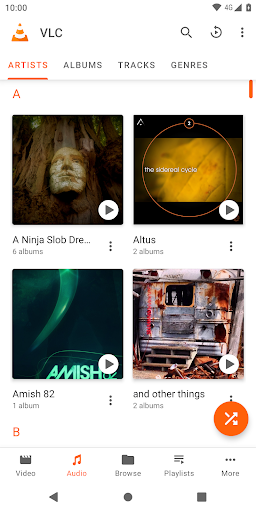
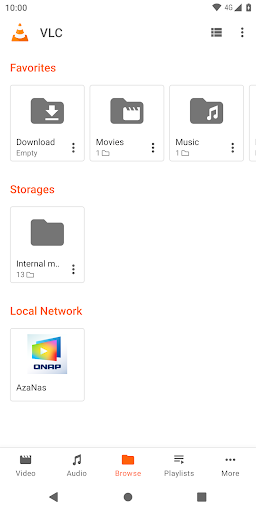
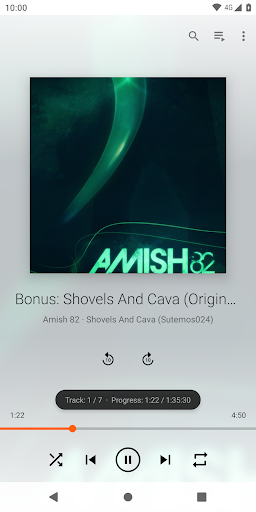
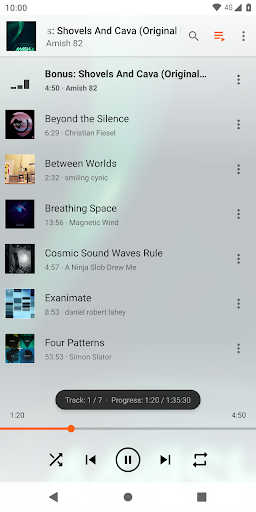
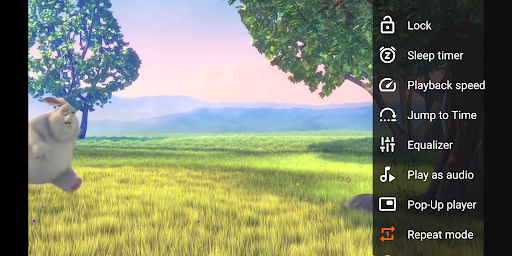
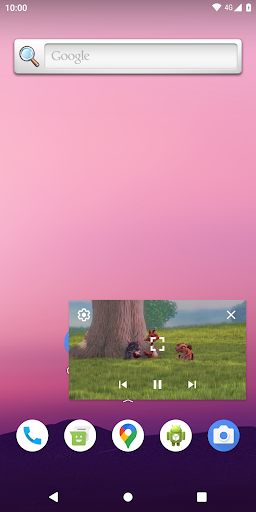
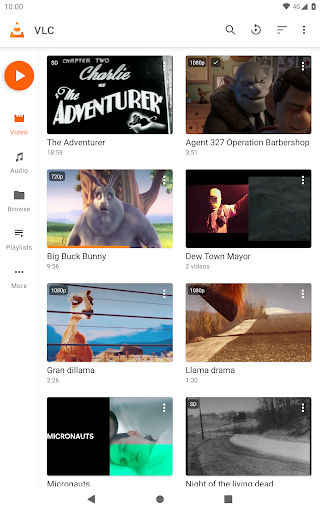
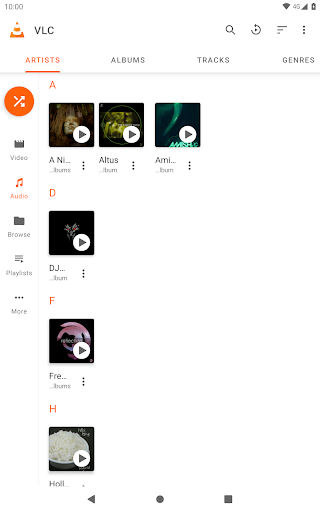
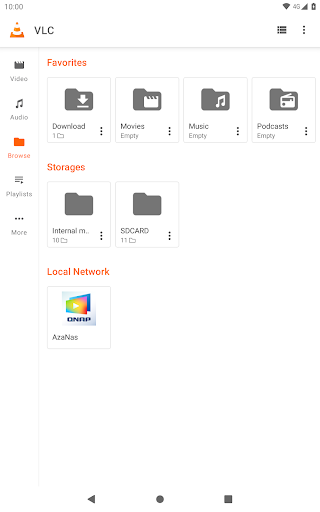
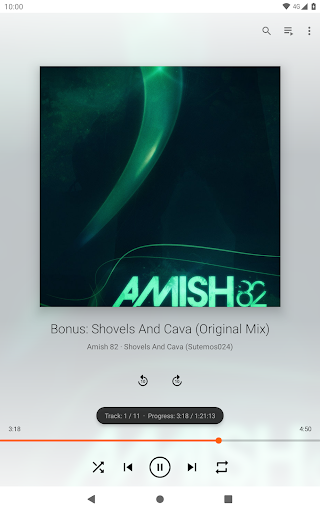
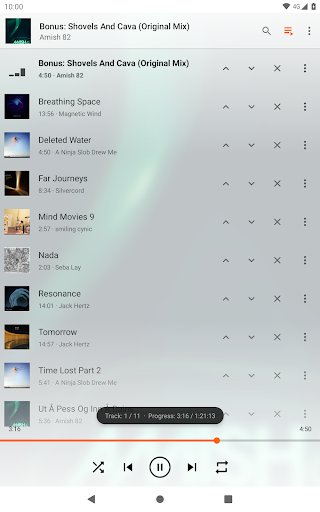
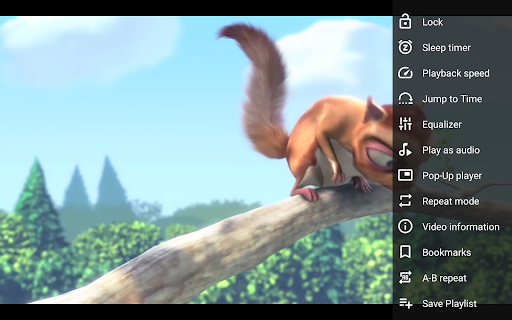
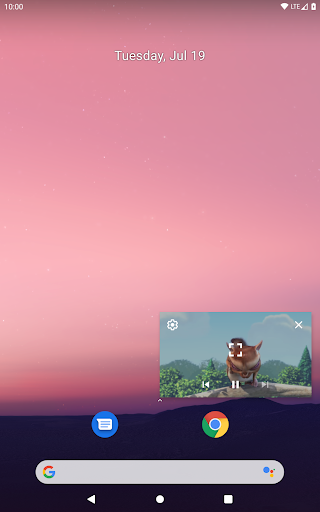
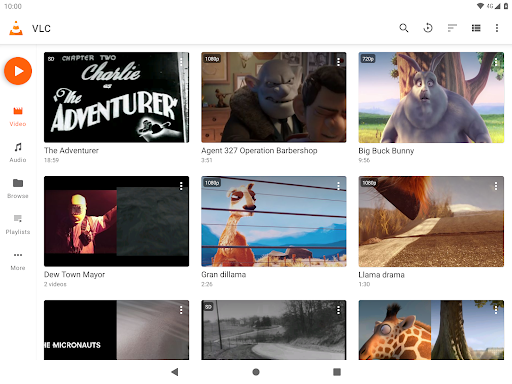
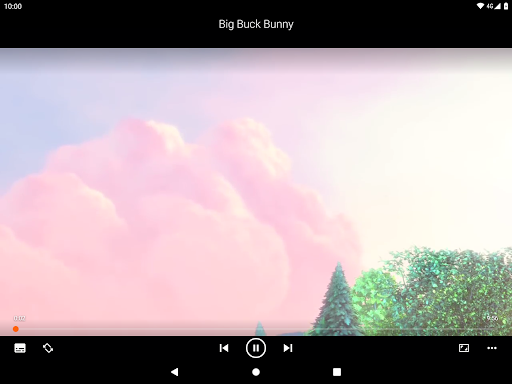
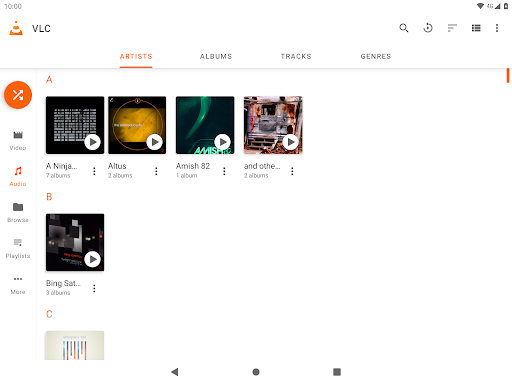
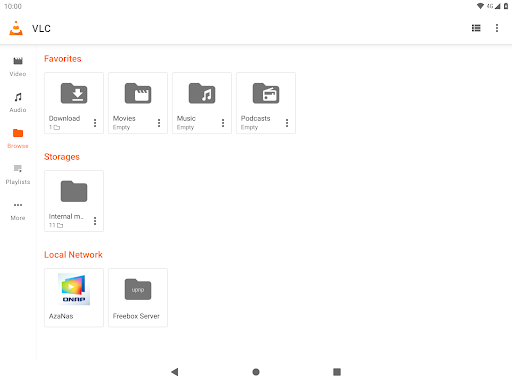
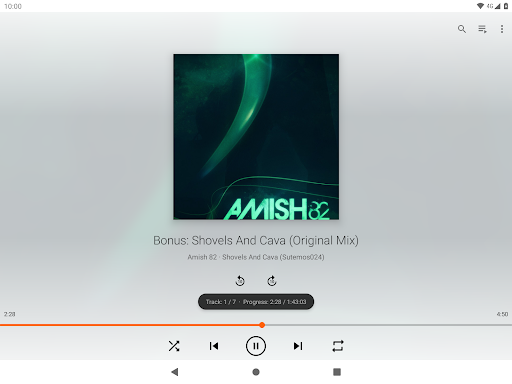
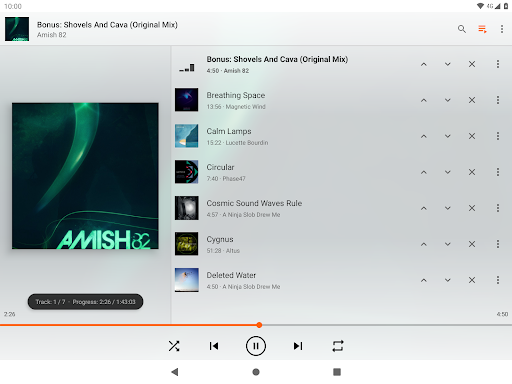
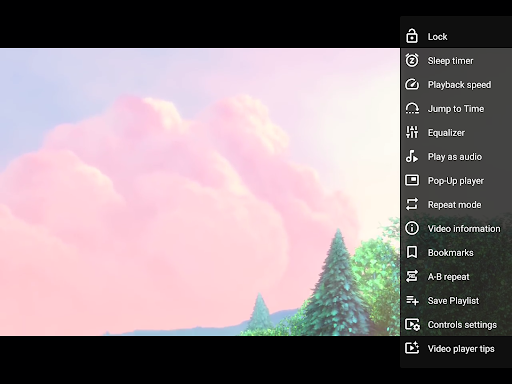
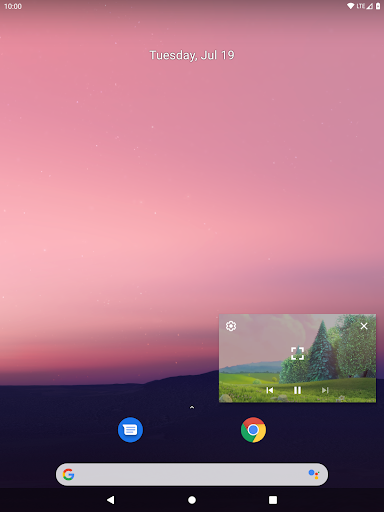
VLC for Android is a free, open‑source media player that handles virtually all audio/video formats, supports network streaming (SMB/FTP/URL) and DVD ISOs, offers a full audio library with equalizer and filters, and provides advanced controls like gestures, playback speed, subtitles, and multi‑track audio.
Verdict
Verdict: A powerhouse, ad‑free media player for most files and streams, with a few rough edges around subtitles, shuffle logic, and niche playback cases.
Who is it for
Best for:
- Users needing a universal player for mixed local files and network streams
- Privacy‑minded users who want no ads, no IAP, and open source
- Audiophiles who want EQ/filters and robust library views
Not ideal for:
- People who rely on flawless online subtitle downloads or streaming via pasted URLs (e.g., YouTube)
- Users wanting ultra‑polished, hand‑held UX with labeled icons and simple playlist management
- Those needing guaranteed hi‑res FLAC performance on all devices
Real-world User Experience
Users like it:
Plays nearly every format reliably; clean, ad‑free interface; strong audio library with album art, artist/album/year organization; network streaming and SMB support; handy gestures and playback speed control; low battery impact; consistent performance across devices; open‑source ethos.
Users complain about:
Subtitle downloads can freeze; shuffle/randomizer repeats the same tracks; occasional stutter with hi‑res FLAC on some devices; playlist naming/management quirks; some icons lack text labels, causing confusion; stream‑by‑URL/YouTube often fails; repeat + speed resets on loop; default‑player assignment limited on some phones.
Is it Worth Paying For?
There are no ads or in‑app purchases—everything is free. No paid plan is required, and many users voluntarily donate due to its value.
How it Compares to Alternatives
Compared to MX Player, VLC matches or exceeds format support without ads or paid codecs, though MX can feel more polished and subtitle‑friendly. Versus Plex or Kodi, VLC is simpler for local/network playback without server setup, while Plex/Kodi excel at rich library management and multi‑device syncing. For pure music playback, Poweramp or Musicolet may offer more refined playlist/shuffle behavior and audio tweaks, but VLC wins on all‑in‑one versatility and video support.
Summary
VLC for Android is a trusted, open‑source staple that plays almost anything you throw at it—locally or over the network—without ads, fees, or hassles. Its gesture controls, subtitle and multi‑track support, and capable audio library make it a one‑stop media hub. While some users report unreliable subtitle downloads, repetitive shuffle behavior, and occasional hiccups with hi‑res audio or URL streaming, the overall package is remarkably powerful and lightweight. If you want a free, privacy‑friendly player that handles both video and audio with minimal setup, VLC remains one of the best choices on Android.
Ratings
Trending APP











Alternative to this app









