
Copyright 2026 © swekartor. All Rights Reserved.




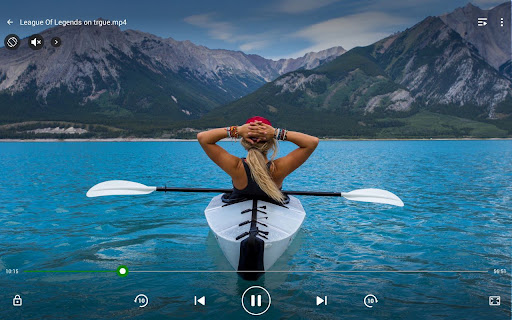
App Feature
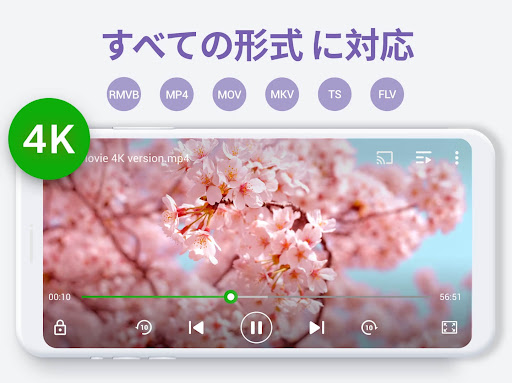
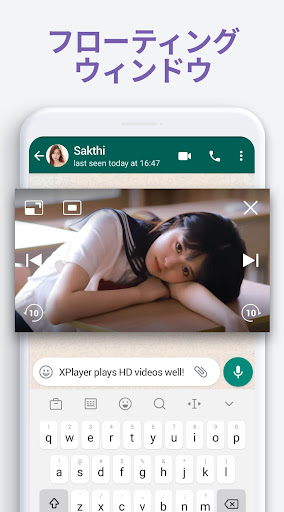
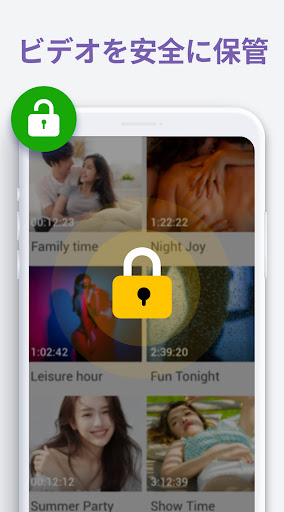
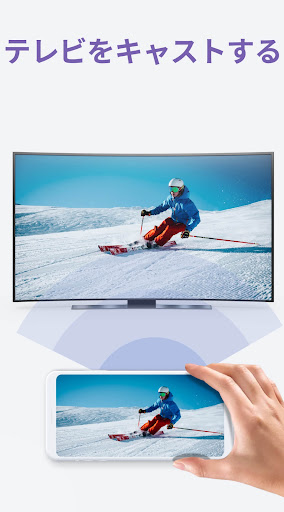
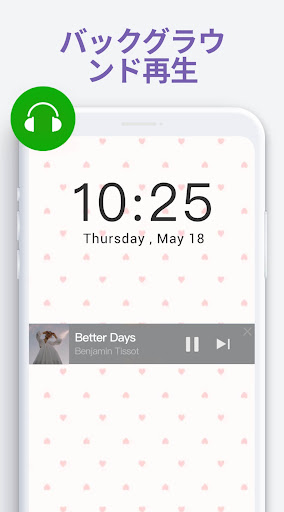
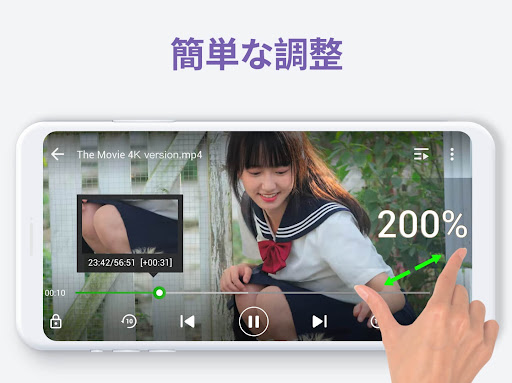
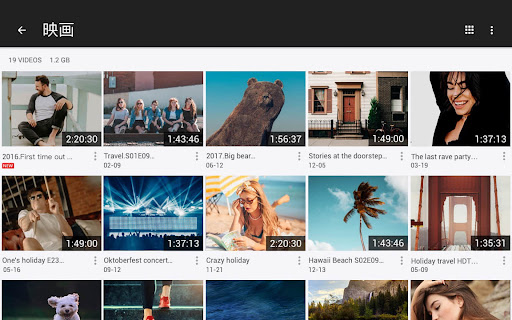
A versatile Android media player that handles nearly all video/audio formats up to 4K with hardware acceleration, private folder protection, subtitle search/downloader, Chromecast casting, floating pop-up and background playback, speed control, basic music player, built-in video downloader, and automatic device/SD scan with simple file management.
Verdict
Verdict: A powerful, all-in-one offline video player and downloader with great casting and PiP, but ad-heavy for some and light on advanced audio/playlist tools.
Who is it for
Best for:
- Users who need reliable playback of many formats (including MKV/4K) with subtitles and casting
- People who want pop-up/background play, speed control, and a built-in downloader
- Anyone seeking a simple, customizable UI that remembers playback position
Not ideal for:
- Ad-averse users who refuse to pay to remove ads
- Audiophiles needing deep EQ controls or advanced audio tuning
- Power users who require robust playlist management and cloud/bookmark sync
Real-world User Experience
Users like it:
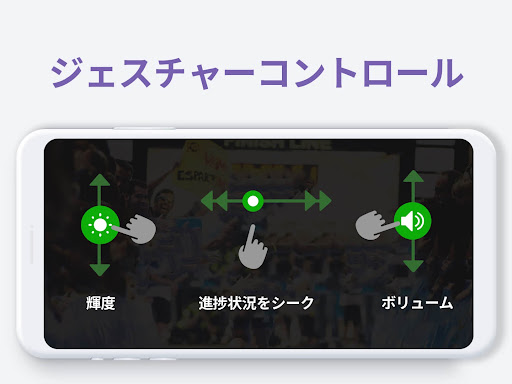
Consistently plays files that stock players or some rivals fail to open; smooth 4K/HD playback with convenient gestures for brightness/volume/seek; flexible speed control and PiP; reliable Chromecast; handy subtitle downloader; background playback and resume position; responsive, intuitive UI; built-in downloader works well across many sites; stable performance over years.
Users complain about:
Ads range from tolerable to intrusive for some, with occasional noisy ads interrupting playlists; media scan/deny list quirks (e.g., WhatsApp voice notes reappearing); limited equalizer (5 bands) and reduced bass when enabled; playlist reordering friction (no bulk moves) and wishlist features like auto album art; bookmarks don’t sync across devices; occasional missed file indexing.
Is it Worth Paying For?
Yes for frequent viewers: the lifetime/paid option removes ads and supports ongoing development, improving an already excellent experience. If the current ads don’t bother you, the free version is fully functional; if they disrupt playlists or you use it daily, paying is good value.
How it Compares to Alternatives
Compared to VLC, this app offers a friendlier UI, built-in downloader, and smoother PiP/casting for many users, while VLC is ad-free, open-source, and stronger for network streams and advanced options. Versus MX Player, it’s similarly capable with gestures and hardware acceleration, but stands out with the downloader and private folder; MX may offer broader decoder tweaks and ecosystem features. Stock/OEM players are lighter but far less compatible. Overall, it rivals VLC/MX on playback while adding downloader/privacy perks—ads are the main trade-off.
Summary
Video Player All Format (XPlayer) delivers a robust, daily‑driver media experience: it plays virtually any file you throw at it in crisp HD/4K with hardware acceleration, offers PiP and true background play, casts reliably to TV, and simplifies life with gesture controls, speed tweaks, subtitle search, and a surprisingly capable built‑in downloader. Longtime users praise its stability, compatibility, and clean interface, though some report increasing or noisy ads, limited EQ, and playlist/bookmark shortcomings. If you value broad format support, casting, and multitasking, it’s one of the best on Android; the paid option meaningfully improves the experience by removing ads, making it especially worthwhile for heavy use.
Ratings
Trending APP











Alternative to this app









