
Copyright 2026 © swekartor. All Rights Reserved.



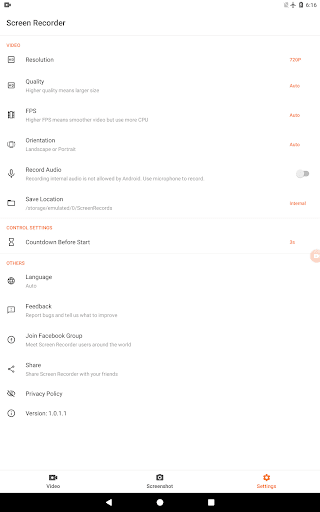
App Feature
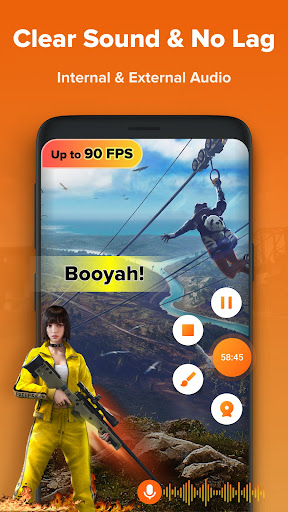
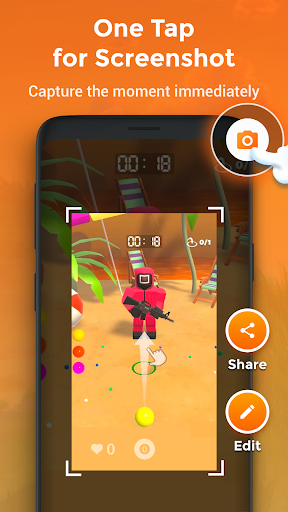
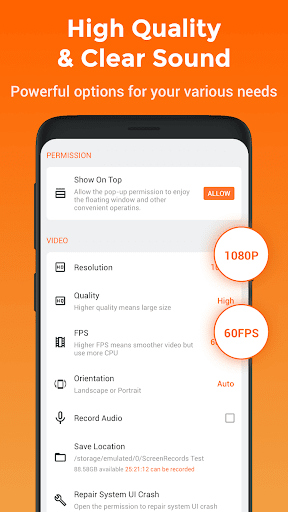
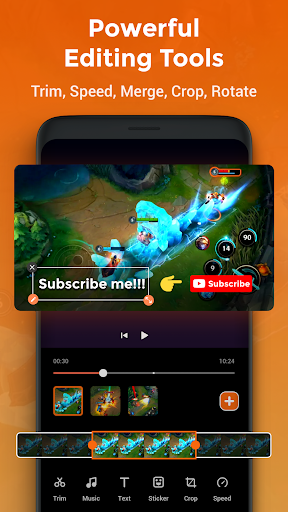
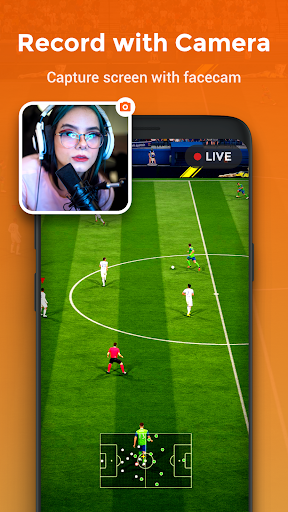
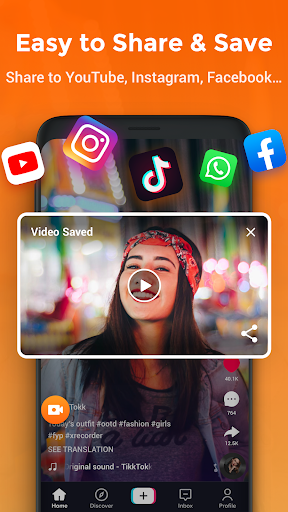
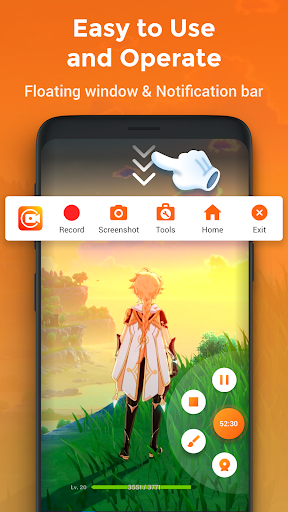
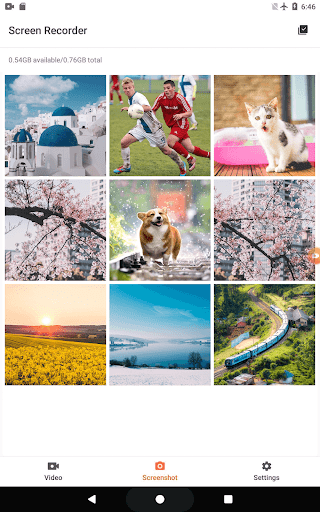
Screen Recorder - XRecorder is a free Android tool for capturing your screen, recording gameplay or app walkthroughs, and making quick edits in-app. It supports high-definition video capture, instant screenshots, and essential editing like trimming, changing speed, and adding music.
Verdict
Verdict: A polished, high-quality screen recorder with handy built-in editing and no time limits, ideal for gamers and tutorial makers.
Who is it for
Best for:
- Mobile gamers who want smooth, HD gameplay recordings.
- Creators making app tutorials or walkthroughs with quick in-app edits.
- Users needing unlimited-length captures without watermarks or timers.
Not ideal for:
- Users needing studio-grade multi-track audio mixing or advanced timelines.
- Those recording apps with strict DRM/copyright restrictions.
- People who prefer desktop-level post-production over on-device edits.
Real-world User Experience
Users like it:
Consistently clear HD video quality, smooth performance during long recordings, easy screenshot capture, and convenient built-in editing (trim/speed/music) that speeds up sharing.
Users complain about:
Occasional audio sync issues if the audio source or the recorded app restricts capture; may require tweaking audio settings and depends on device/app permissions.
Is it Worth Paying For?
The app is free and provides full-featured recording and basic editing at no cost. There’s no stated need for a paid plan, so for most users, the free version offers strong value.
How it Compares to Alternatives
Against popular Android recorders (e.g., AZ Screen Recorder, Mobizen), XRecorder holds its own with HD capture, no time limit, and built-in editing that covers common needs. Alternatives may offer different UIs or niche extras, but XRecorder’s simplicity and reliability make it a strong default choice for gameplay and tutorials.
Summary
Screen Recorder - XRecorder delivers reliable, high-definition screen capture and straightforward editing in a single free app. It’s especially strong for long-form gameplay or tutorial recordings thanks to its no-time-limit approach and quick tools for trimming, speeding clips, and adding music. While some users may need to adjust audio settings or face app-specific capture limits that can cause sync issues, the overall experience is smooth and beginner-friendly. If you want a dependable recorder with practical editing built in, XRecorder is an easy recommendation.
Ratings
Trending APP












Alternative to this app









