
Copyright 2026 © swekartor. All Rights Reserved.


App Feature
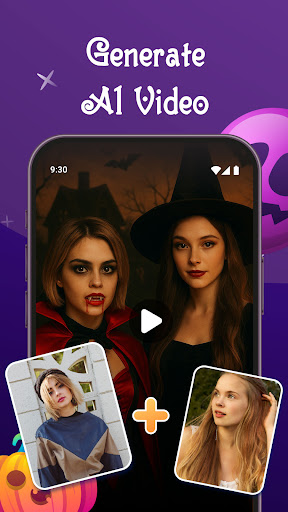
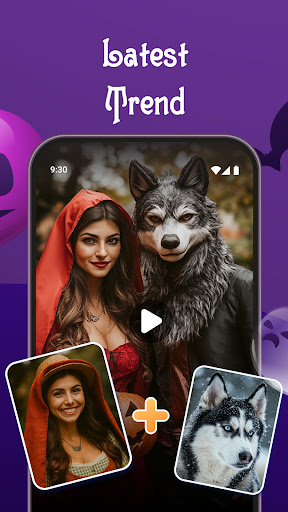
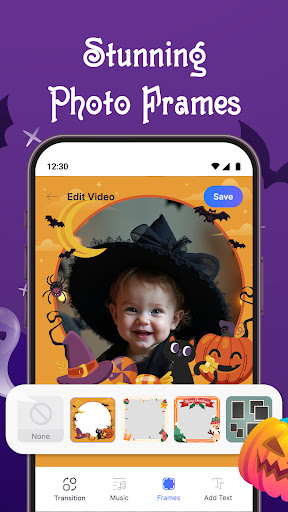
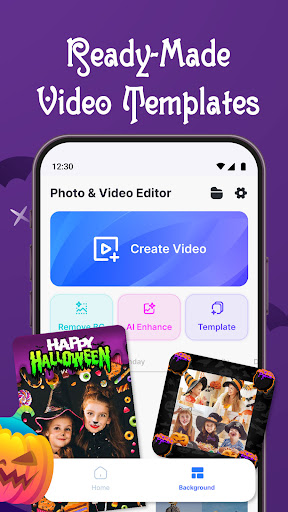
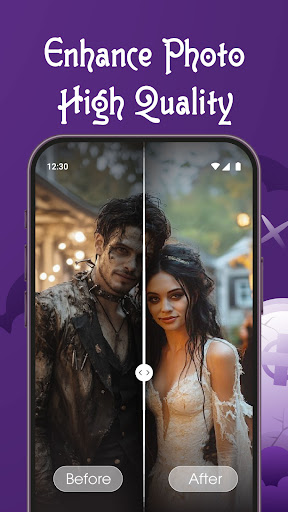
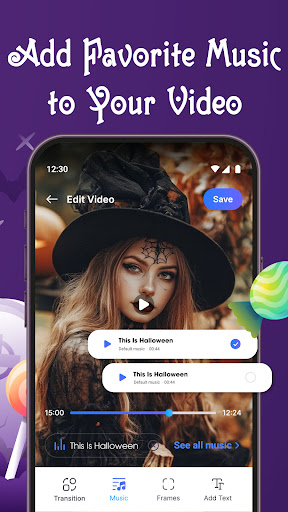
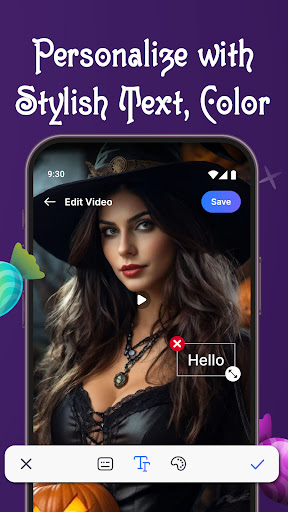
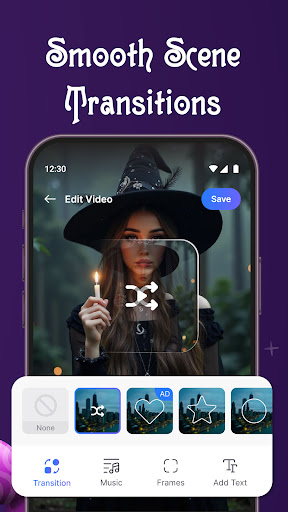
All-in-one photo editor and photo-to-video slideshow maker with music, AI-driven video templates (e.g., AI Hug/Kiss), background remover, photo enhancer, filters, text/frames, transitions, and export/sharing to social platforms.
Verdict
Verdict: A friendly, AI-forward photo-to-video maker ideal for quick, emotional edits, but less suited to deep timeline control or pro-level workflows.
Who is it for
Best for:
- Beginners wanting fast photo slideshows with music and effects
- Social media users chasing trendy AI templates and share-ready edits
- Anyone needing one-tap enhancements and simple adjustments
Not ideal for:
- Power editors who need multi-track timelines and granular keyframing
- Users who dislike ads or have little patience for slower exports
- Creators needing advanced color grading or pro audio mixing
Real-world User Experience
Users like it:
Very easy to use, delivers results that match expectations, produces polished slideshows with AI effects and music; many users call it professional and recommendable.
Users complain about:
Exporting/creation can feel slow on some devices, and frequent ads annoy some users.
Is it Worth Paying For?
The app is free with ads and offers in‑app purchases. The free tier covers core editing, slideshows, and many effects. Paying is worthwhile if you frequently use AI templates/effects or want fewer interruptions and potentially more assets/quality options; casual users can stay free.
How it Compares to Alternatives
Compared to CapCut, InShot, or VN, this app prioritizes photo-to-video simplicity and trendy AI templates over advanced timeline editing. It’s easier for quick, emotional reels and slideshows, but offers fewer pro tools and may export slower. Versus Picsart or Canva, it’s more streamlined for music slideshows, with less breadth in design/layout features but faster from photo set to shareable video.
Summary
Photo Editor Video Maker Music focuses on turning photos into engaging videos with music and trendy AI effects. It combines straightforward photo editing, background removal, filters, and text/frames with an AI Video Generator and ready-made templates for Reels/Shorts. Reviews highlight ease of use and satisfying results, with the main drawbacks being ads and occasional slowness during video creation or export. With a strong 4.6 rating and 10M+ installs, it’s a solid pick for beginners and social creators wanting quick, emotional edits. Power users may miss deeper timeline controls and pro-level tuning, but for simple, stylish slideshows and AI-driven effects, it delivers good value—especially on the free tier, with paid options enhancing convenience and content variety.
Ratings
Trending APP












Alternative to this app









