Copyright 2026 © swekartor. All Rights Reserved.



Information about Auto Clicker: Auto Tapper
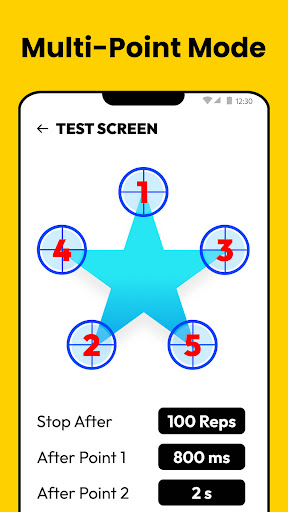
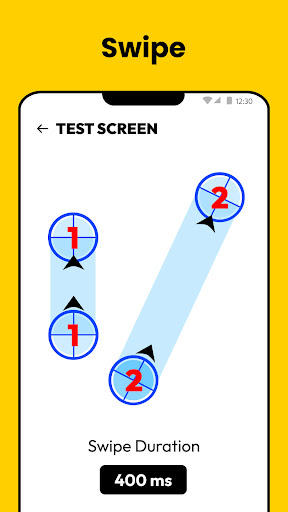
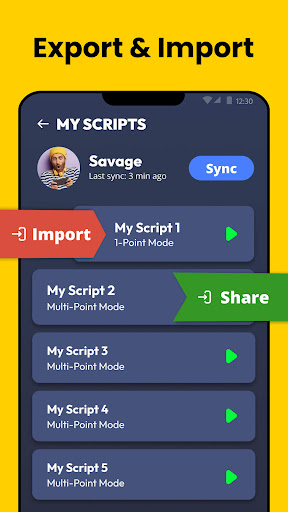
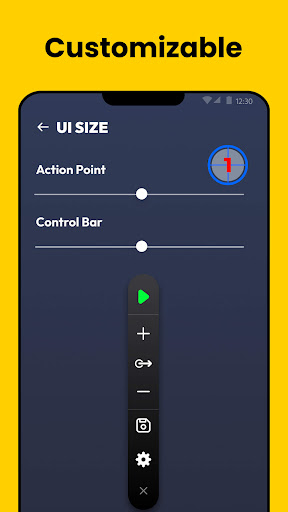
App Feature
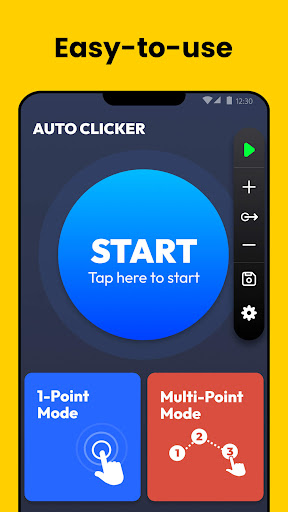
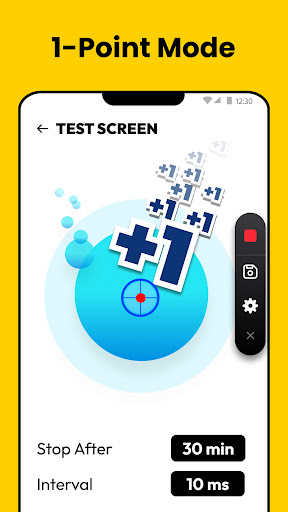
Auto Clicker: Auto Tapper automates repeated taps and swipes without root, lets you build and run multi-point/gesture scripts, and syncs them via cloud storage. A floating control panel, import/export, and script presets streamline setup across apps and games.
Verdict
Verdict: A powerful, user-friendly auto tapper with robust scripting and light ads, ideal for automating repetitive tasks across apps and games.
Who is it for
Best for:
- Idle/clicker gamers who need reliable multi-tap and swipe macros
- Users automating repetitive app workflows (forms, schedules, reading/browsing)
- Anyone wanting portable scripts with cloud sync and import/export
Not ideal for:
- Users needing strict app-scoped activation to avoid notification clicks
- Heavy screen-reader users until accessibility/UI indicators are refined
- Those who want zero ads without paying to remove them
Real-world User Experience
Users like it:
Consistently praised for being the best among auto clickers: clean UI, stable performance, genuine pause/play, strong macro editor (multi-tap/swipe/single tap combined), script saving/sharing, and low ad frequency. Runs for long sessions (even 12+ hours) and usually doesn’t require re-enabling accessibility each launch.
Users complain about:
Occasional startup ad or rare ad loops for some; intermittent functionality after recent Android updates; occasional need to re-confirm permissions; limited accessibility with screen readers due to on-screen indicators; finer controls desired (perfectly straight swipes, grid overlay, moving entire swipe paths), and a request for app-focus-only mode to avoid clicking notifications.
Is it Worth Paying For?
Yes for frequent users. The free version is very usable with typically light ads, but paying to remove ads and support development is worthwhile if you run long or frequent scripts. Given its stability and features (cloud sync, robust macros), the value proposition is strong compared to many ad-heavy competitors.
How it Compares to Alternatives
Compared to other auto clickers, it stands out for stability during long runs, a better macro editor, cloud sync, and fewer intrusive ads. Many alternatives nag for accessibility or crash under complex scripts; this one generally doesn’t. It lacks some niche features (e.g., strict app focus filter, advanced grid/straight-line tools) found in a few power-user tools, but overall delivers the best balance of ease, reliability, and features for most users.
Summary
Auto Clicker: Auto Tapper is a polished, high-reliability automation tool for taps and swipes that works across apps without root. Its floating controls, script saving/sharing, and cloud sync make building and reusing complex macros straightforward, and users report long, stable runs with minimal interruptions. While a few edge cases exist—occasional ad annoyances, accessibility refinements for screen readers, and more precise swipe tooling—the app’s overall execution, light ad load, and strong feature set earn it top marks. If you frequently automate taps for games or repetitive tasks, this is an easy recommendation, and paying to remove ads adds extra convenience for heavy use.
Ratings
Trending APP












Alternative to this app