
Copyright 2026 © swekartor. All Rights Reserved.


Information about Google Go
App Feature
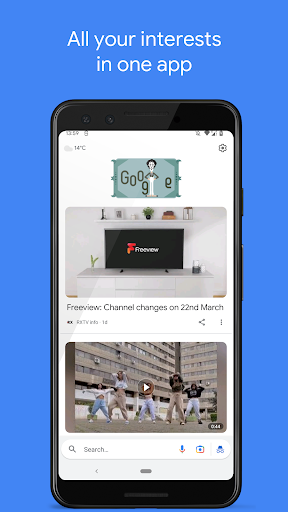
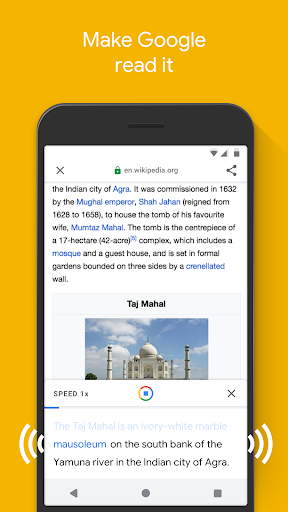
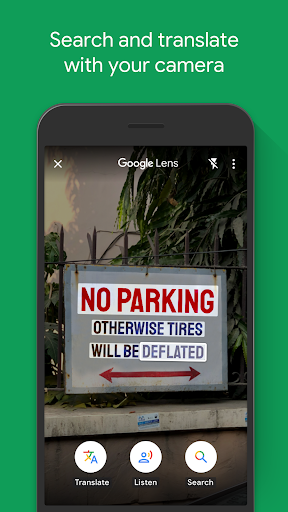
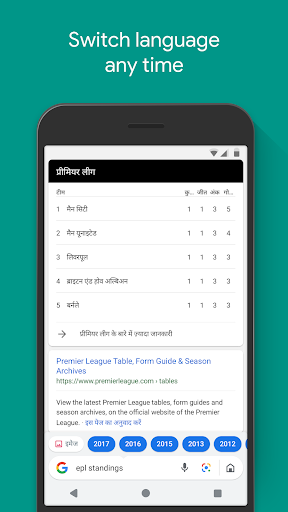
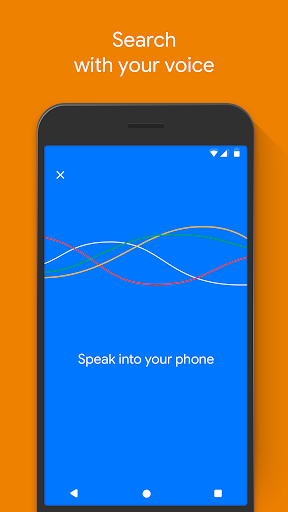
Google Go is a lightweight, fast search app optimized for low data usage and low-end devices. It delivers streamlined web search with data compression, voice search, Google Lens camera-based search/translate, read-aloud for pages, quick access to sites/apps, and easy language switching.
Verdict
Verdict: A speedy, data-efficient search companion ideal for lightweight browsing, but limited for power users who need full-featured browsing and customization.
Who is it for
Best for:
- Users on slow networks or with limited data/storage
- People who want quick, basic searches and image/GIF discovery
- Accessibility-minded users who benefit from read-aloud and voice search
Not ideal for:
- Power users needing advanced search operators and deep browser features
- Those who want robust customization (dark mode, landscape tablet layout)
- Users expecting a complete browser replacement for heavy research sessions
Real-world User Experience
Users like it:
Consistently praised for being fast, light, and reliable even on older devices; noticeably fewer ads compared to some browsers; helpful features like read-aloud, Google Lens, and relevant suggestions; convenient home screen shortcuts and quick access to apps/sites; saves significant storage versus the full Google app.
Users complain about:
Requests for missing quality-of-life features such as dark mode and landscape mode on tablets; occasional functionality hiccups or instability on certain devices; lacks some advanced search options; a few users report input/keyboard or voice features not meeting expectations.
Is it Worth Paying For?
It’s free with no ads and no in‑app purchases, so there’s nothing to pay for—excellent value if you need fast, lightweight search.
How it Compares to Alternatives
Compared to the standard Google app, Google Go uses less storage and data while launching faster, but sacrifices some advanced features and richer UI. Versus Chrome or Firefox, it’s quicker for simple lookups and lighter on resources, but not a full browser replacement for complex tasks. Against data-saving browsers like Opera Mini, Google Go excels at core search, Lens, and read‑aloud, while Opera Mini offers more traditional browsing controls and compression for full-site navigation.
Summary
Google Go distills Google’s search experience into a compact, low‑data package that feels snappy on budget and older phones. It combines fast search, voice input, read‑aloud, and Google Lens with a minimal, tap‑friendly interface and shortcuts to frequently used sites and apps. Reviews highlight impressive speed, reliability, and storage savings, though users miss conveniences like dark mode, landscape support on tablets, and some advanced search/browsing features. If you primarily need quick answers and a lightweight way to browse on constrained networks or devices, Google Go is a standout choice; for deep research or extensive customization, a full browser or the main Google app may be better.
Ratings
Trending APP












Alternative to this app























